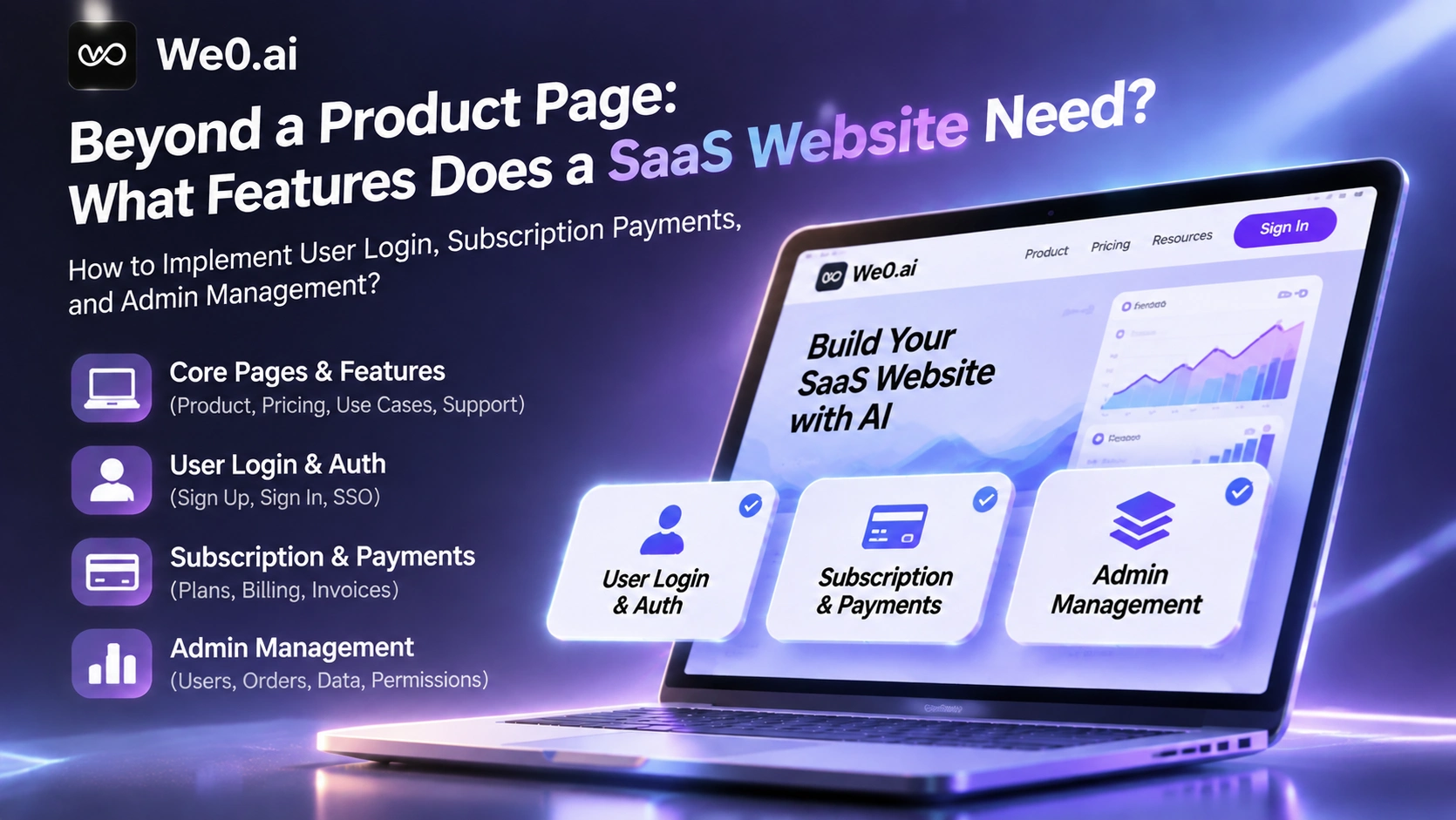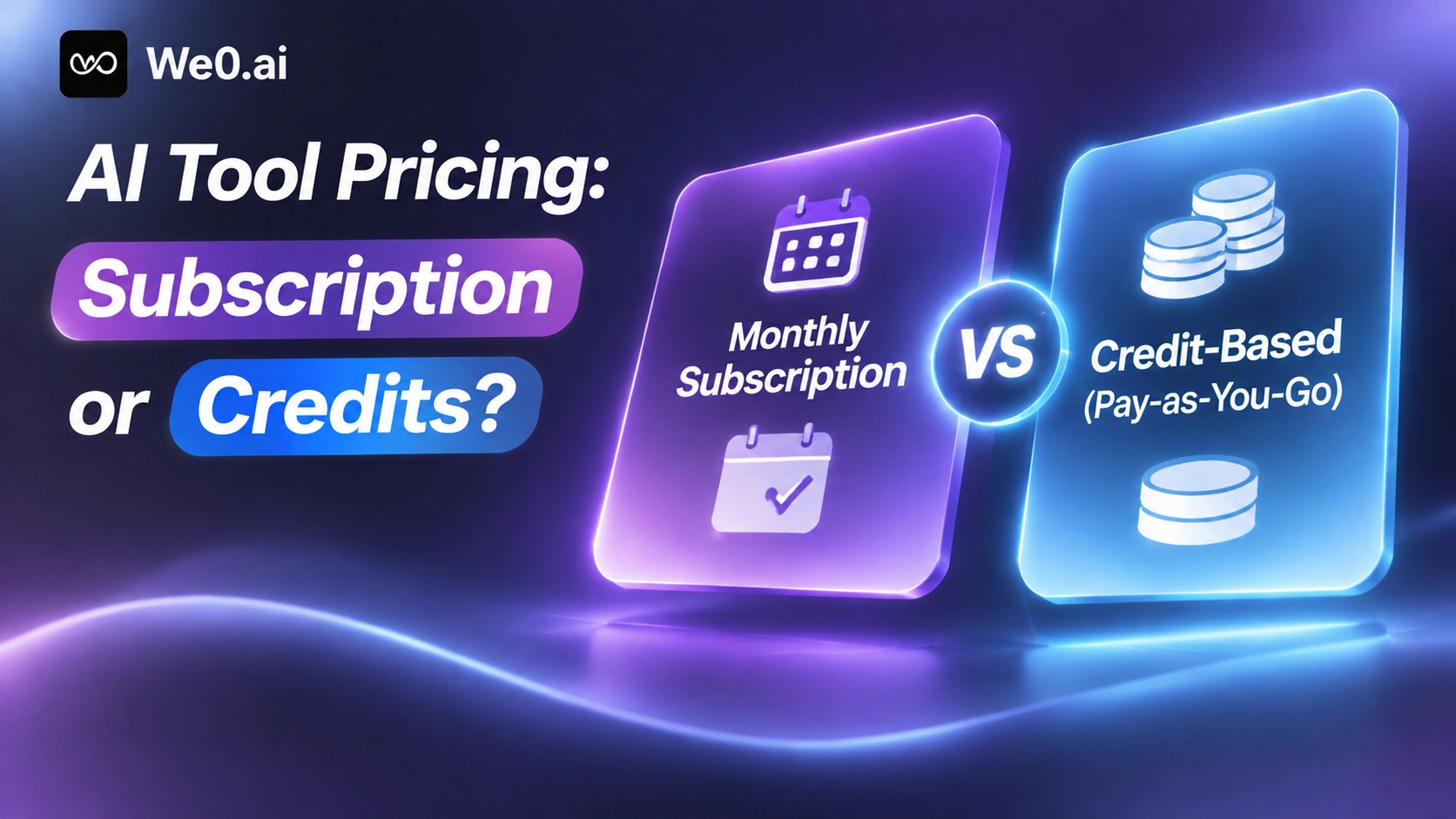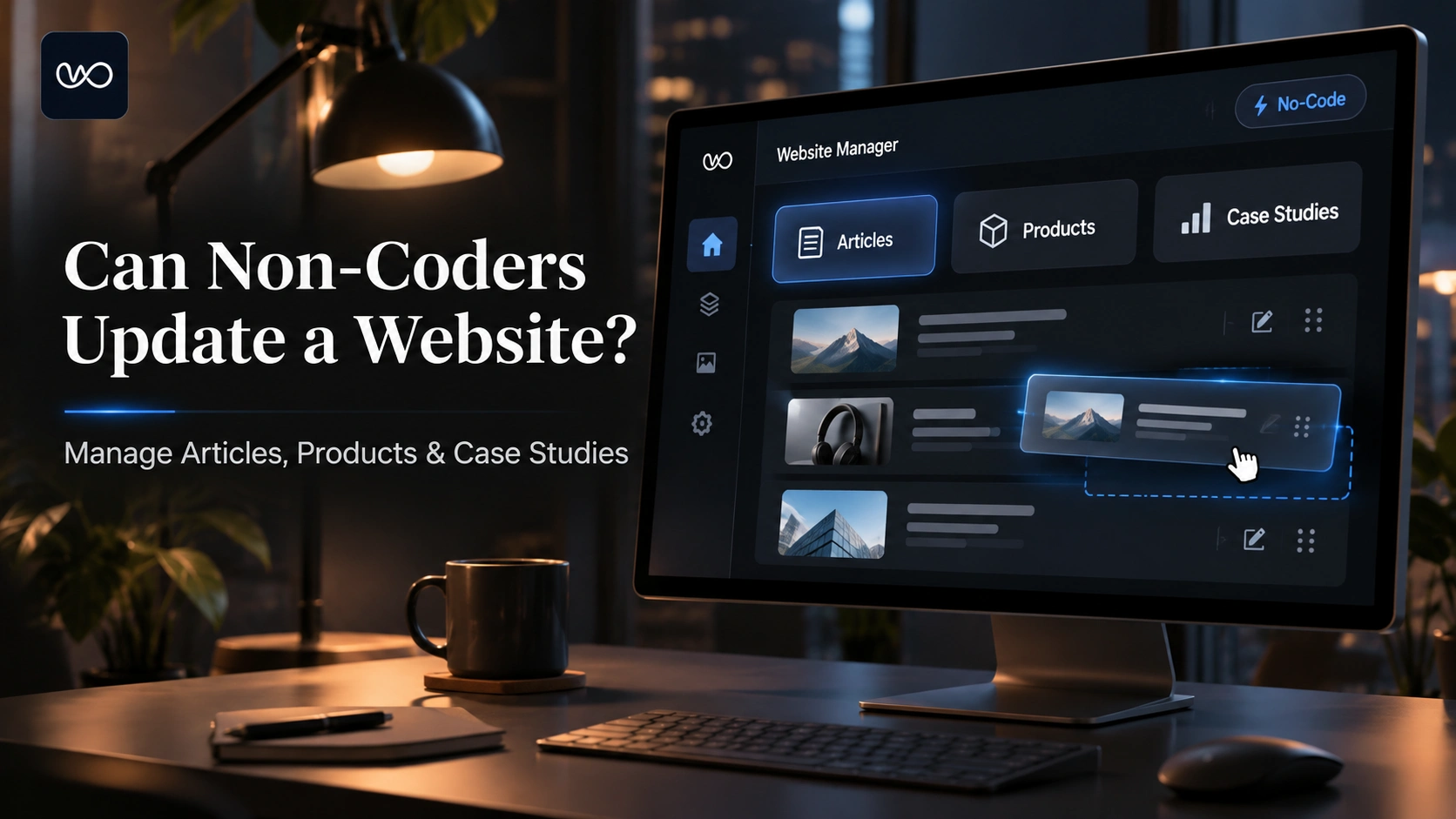
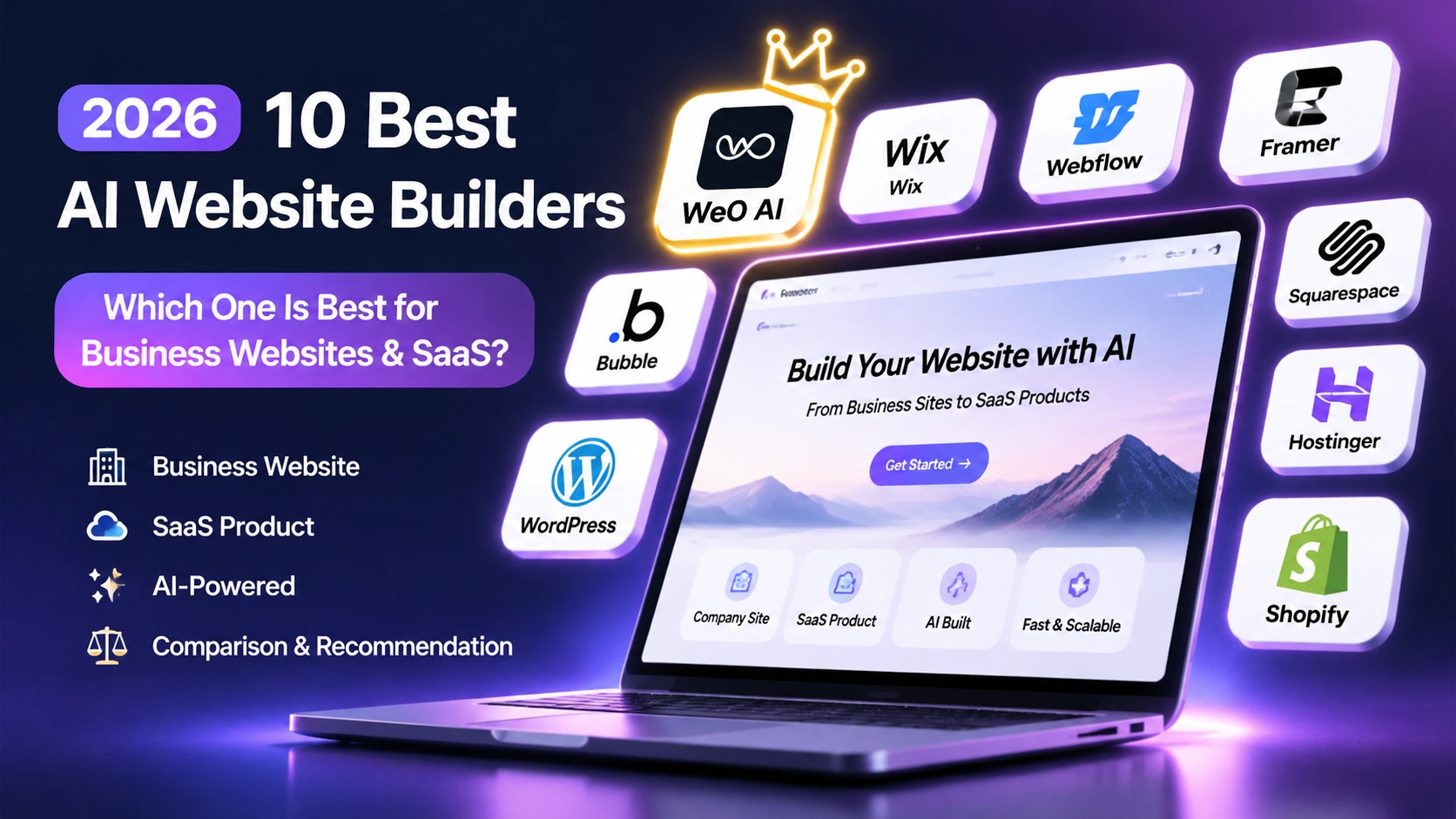
The best AI Website Builder has already split into two categories, and the selection logic is completely different. The first is full-site generation: describe the business in natural language and directly produce a publishable brand site, landing page, and business website. Wix, Hostinger, Framer, and Webflow fall on this side. The second is app generation: produce runnable application code with built-in login, database, and APIs. Lovable, Bolt.new, v0, and Replit belong to this category. ToolChase tested 10 tools against the same set of 8 criteria, using a B2B SaaS marketing site with a pricing page, blog, and contact form as the test scenario (ToolChase).
The two routes are invading each other. Since August 2026, Hostinger has merged Website Builder and Horizons into a dual-mode AI Builder. Because it can generate applications, it has been directly compared with Lovable, Bolt, and Replit in reviews (Gizmodo).
So the real question is not which one is best, but whether my website needs to be found by search and cited by AI, or needs to carry product functionality.
Three Changes That Justify Re-Evaluating Your Stack
- The first version is not the finished product. Gizmodo's hands-on review found Wix's AI-generated designs outdated and recommended switching to a template in the end (Gizmodo). AI compresses the time from zero to draft; it does not eliminate the editing cost from draft to finished product.
- Pricing is becoming subscription fees plus generation counts. Hostinger meters by AI credits, and unused credits roll over for only one month; Framer has included AI credits in its plans since June 2026 (Gizmodo).
- The first-term price is not the long-term price. ToolChase recorded Hostinger Premium at $2.99/month with a $10.99/month renewal, and that promotional price requires a 48-month contract (ToolChase).
Eight Evaluation Dimensions: Ranked by Three-Year Total Cost
| Dimension | The real question to ask | Why it ranks first |
|---|---|---|
| AI generation quality | Is the first version close to publishable, or only a wireframe? | Determines revision hours |
| Full-stack development | Does it only produce pages, or can it produce runnable applications and APIs? | Determines whether the website and product can share assets |
| Login and database | Are the account system and data storage built in or external? | Adding authentication later is equivalent to rebuilding |
| Payment functionality | Is it native, or must you integrate it yourself? | Involves compliance, reconciliation, and refunds |
| CMS | Is content structured and does it support multi-person collaboration? | Determines whether the team can iterate independently |
| SEO and multilingual | Are default settings sufficient, and how much does adding a language cost? | The layer with the highest migration cost |
| Deployment and maintenance | Who handles domains, SSL, and rollbacks? Can you export? | Determines lock-in level |
| Price and value | What is the actual 12-month spend and renewal price? | Most lists report only the first-month price |
Ten Tools at a Glance: By Scenario, Not an Overall Ranking

| Tool | Best for in 2026 | Key capabilities | Public starting price | Main limitations |
|---|---|---|---|---|
| We0 AI | Integrated business website and lead acquisition | Natural language generation, multi-agent collaboration, CMS backend, domain deployment, SEO and GEO optimization, editable canvas | Can start for free, no credit card required (we0.ai) | Plans and quotas need to be checked against the official pricing page |
| Lovable | SaaS front end with code ownership | Generates React/Next.js, connects to GitHub, can deploy to Netlify, Vercel, or your own infrastructure | Pro $25/month, $250/year | Deployment and operations responsibility is yours |
| Bolt.new | Full-stack prototype running within a day | Generates applications in the browser with database, authentication, and API | Pro $25/month | Overkill for a pure marketing site |
| v0 | Component-level generation in the Vercel stack | Outputs React + Tailwind + shadcn/ui components | Plus $30/user/month | Free Hobby is limited to personal projects |
| Replit | Hosted app building while learning | Agent builds and deploys in the browser | Core $20/month, $18/month billed annually | Teams plan was discontinued in March 2026 |
| Framer | Designer-led visual brand sites | Canvas editor, AI copy rewriting, AI translation | Basic $10/month/site | Free version is non-commercial only; each additional language costs $20/month |
| Webflow | Sites with large content volume and complex structure | Visual development and CMS structure, compared alongside Wix and Framer in the roundup | See official pricing | AI is an incremental capability and needs item-by-item confirmation |
| Wix | Small sites with limited budget and one-stop setup | Free plan with no time limit, 2,000+ templates, AI meta tag tool | Light $17/month ($24/month billed monthly) | AI first drafts are template-like, and the chosen template cannot be changed |
| Hostinger AI Builder | Domain, hosting, and email on one bill | Dual-mode editor, built-in data and login, connects to Stripe and Supabase | From $2.99/month | No long-term free plan; metered by AI credits |
| Base44 | Conversational generation tool that needs separate verification | Capabilities need to be checked against the eight dimensions in official documentation | See official documentation | Public roundups provide limited item-by-item breakdown |
Webflow and Base44 rows are not recommended to copy conclusions directly: this round of verification did not break down their 2026 AI capabilities as finely as the aforementioned tools. The approach is to open the official documentation, check authentication methods, data hosting regions, payment paths, and export rules item by item, and then calculate the price.
Best Business Website: How We0 AI, Wix, and Hostinger Divide the Work
We0 AI is positioned as an AI workspace from website building to lead acquisition. The process has three steps: describe requirements in natural language (reference images and documents can be attached), a multi-agent team builds in real time, and after adjustments on a visual canvas, deploy to your own domain with one click. The capability list covers full-stack code generation, multi-agent collaboration, CMS backend, multi-style design, domain deployment, SEO and GEO optimization, online preview, editable design canvas, independent e-commerce sites, and Figma/Sketch restoration. It explicitly states that you can start for free without a credit card (we0.ai). For teams that need to advance website, content, and lead acquisition along the same chain, the value lies in avoiding another round of content transfer across tools.
Wix's advantage is breadth: a free plan with no time limit, a template library of more than 2,000, an editor filled with AI tools, and an AI meta tag tool that can directly generate titles and descriptions (Gizmodo). The cost is that first drafts are aesthetically conservative, and the template cannot be changed after selection. It suits small businesses that want to launch first and optimize later, not teams that need long-term site iteration.
Hostinger's advantage is the visible cost: new sites use server-side rendering, automatically generate title/description, robots.txt, and sitemap, and also support more than 80 languages (Gizmodo). However, design customization depth is limited, and pixel-level control or complex animations will hit a wall (Designing IT). This type of tool suits teams that want professional results and speed, not those that want full customization.
Best SaaS and AI Applications: How the Four Tools Divide the Work
The most common mistake SaaS teams make is using an app generator to build a marketing site, or using a website builder to build a product interface. The marketing side needs SEO, structured content, and multilingual support; the product side needs permissions, data models, and payments.
- Lovable: Generates runnable React/Next.js applications, connects to GitHub, and can deploy to Netlify, Vercel, or your own infrastructure; Pro is $25/month and Business is $50/month, with no Teams tier (ToolChase). It is the safest choice for teams with someone who can read JSX and does not want to be locked in.
- Bolt.new: Generates database, authentication, and API in one pass in the browser; Pro is $25/month and Teams is $30/member/month (ToolChase). Suitable for SaaS prototypes that need a demo the same day.
- v0: Finer granularity, outputs React + Tailwind + shadcn/ui components, and fits most smoothly into Next.js projects; Plus is $30/user/month, free Hobby is limited to personal projects, and commercial sites also need Vercel Pro at $20/user/month (ToolChase).
- Replit: The difference is build while learning; Core is $20/month, $18/month billed annually, and the Teams plan was discontinued in March 2026 (ToolChase). Suitable for developers who want to use AI to fill gaps in coding ability.
Login, Database, and Payments: Boundaries of Three Forms

- Hosted and built in: The platform provides ready-made account systems and data backends. Hostinger's AI Builder has built-in data, login, and user accounts, connects to Stripe for payments, and connects to Supabase for database and authentication (Gizmodo).
- Generated and included: AI writes authentication and database code into the output, and you choose the database instance. Bolt.new belongs to this category.
- You integrate it yourself: AI only produces the interface and part of the logic; accounts, orders, and payment callbacks all need to be implemented by you.
Build a showcase site and grow leads in minutes
Describe your idea once, and We0 AI can generate a showcase site, pages, and CMS, then help you attract customers and traffic after launch.
One complete project generation for free registration
Best for trying one complete generation flow and seeing a first project draft quickly.
When selecting, be sure to confirm three things: which merchant account payments go through, where order and refund status are stored, and which region user data resides in. Changing these three after launch costs close to rebuilding.
CMS, SEO, GEO, and Multilingual: Costs That Only Become Visible After Three Years
- The value of default configuration. Server-side rendering plus automatic title/description, robots.txt, and sitemap is about doing it right by default, which is more stable than installing plugins afterward (Gizmodo).
- How multilingual pricing works. Framer charges $20/month per translated language as a separate add-on; Basic includes 1,000 AI credits/month and Pro includes 3,000 (Gizmodo). The add-on bill for a five-language site may exceed the main subscription.
- The ceiling of default SEO. Testing shows that all 10 tools can produce responsive HTML, meta tags, sitemap, and clean URLs, with default levels close to the Webflow baseline; however, schema extensions, programmatic SEO, and custom canonical logic still require developer involvement (ToolChase).
- Preparation for GEO. AI search wants content blocks that can be cited directly: clear definitions, reusable comparison tables, numbers with sources, and structured FAQ. These content blocks must be separately editable in the CMS, not locked inside whole-page generation results.
Deployment, Export, and Migration: Factor In Lock-In Costs
- Can code be exported: Lovable, Bolt.new, v0, and Replit all provide exportable code; template-based platforms usually have no equivalent path (ToolChase).
- Can content be exported in a structured way: If there is a CMS with clear fields, the export can be directly imported into a new system.
- Can domain, 301, canonical, and sitemap remain continuous: This affects SEO equity more than whether the interface can be exported.
Price and Value: Convert to 12-Month Total Cost

| Tool and tier | Monthly fee (annual billing basis) | Approx. 12 months | Notes |
|---|---|---|---|
| Hostinger Premium | $2.99 | Approx. $36 | Renewal $10.99; requires 48-month contract (ToolChase) |
| Framer Basic | $10/site | Approx. $120 | Additional payment for over 1,000 credits or added languages (Gizmodo) |
| Wix Light | $17 | Approx. $204 | $24 billed monthly; includes first-year domain (Gizmodo) |
| Replit Core | $18 | Approx. $216 | $20 billed monthly (ToolChase) |
| Lovable Pro | Approx. $21 | $250 | $250 billed annually in one payment; includes code ownership (ToolChase) |
| v0 Plus | $30/user | Approx. $360 | Commercial use also requires Vercel Pro at $20/user/month |
When budgeting, use the renewal price to calculate the second year, which is usually closer to actual spending; looking only at the first-term promotional price can easily underestimate by more than half.
Match by Team Type
- Business website + ongoing content and lead acquisition: Prioritize the integration of CMS, SEO/GEO, multilingual support, and deployment. A same-chain product like We0 AI can save the cost of content transfer.
- SaaS team already has people who can read code: Use a full-site generation tool for the marketing site and Lovable or Bolt.new for the product side, sharing one design system.
- Locked into the Vercel ecosystem and delivering by component: v0 plus Vercel Pro; pay attention to the commercial licensing tier.
- Visuals are the core selling point and the team has designers: Framer; calculate language add-on costs in advance.
- Large content volume, complex structure, and front-end capability: Webflow.
- Budget-sensitive and only needs a presentable business site: Wix or Hostinger; accept fast but not fully customized.
- Selling AI applications as products: First confirm merchant account ownership, data storage location, and code exportability.
What Businesses Should Do Now
- Define the chain first, then the tool. Write down the four things the website needs to carry in the next 12 months: brand introduction, content updates, lead collection, and product entry. If any is missing, the tool needs to change.
- Run a 7-day pilot with real content. Take the homepage, one product page, and one blog post through each candidate tool, and record the manual hours from entering requirements to being publishable.
- Write SEO and multilingual support into acceptance criteria. Check whether title/description are automatically generated, whether sitemap and robots are accessible, and what the marginal cost is for adding a language.
- Write a migration plan in advance. Agree on content export formats, 301 rules, and canonical maintenance methods.
FAQ
Can an AI Website Builder really create a business website?
Yes, but you need to distinguish between generating a draft and creating a website that can be operated long term. In testing, Hostinger's AI once wrote statements that were not in the prompt (Gizmodo), so the correct use is for AI to produce structure and first drafts, while humans handle facts, compliance, and brand consistency.
Can a business website and a SaaS product site share one tool?
In most cases, it is not recommended. The core of a business website is content, SEO, and being cited; the core of a product site is login, data, and payments. A platform like Hostinger that handles both full-site and app generation can be a compromise, but the boundary between marketing and product still needs to be clarified first.
Is the SEO of AI website building tools sufficient?
At the default level, it is basically sufficient. Mainstream tools can produce responsive pages, meta tags, and sitemap; the real gap comes from structured data, canonical logic, and multilingual mapping, which usually still require developer involvement (ToolChase).
Related Tools
- We0 AI: an AI website building workspace integrating business websites and lead acquisition
- Lovable: generates React/Next.js code and retains ownership
- Bolt.new: generates full-stack applications in the browser
- v0: component-level generation within the Vercel ecosystem
- Replit: hosted application building and deployment
- Framer / Webflow: design-driven and structured-content sites
- Wix / Hostinger: budget and integrated hosting solutions
Related Links
- We0 AI official website
- Gizmodo: Best AI Website Builder 2026
- ToolChase: Best AI Website Builders 2026 (10 Tools Compared)
- Designing IT: Best AI Website Builders 2026
Summary
In 2026, when choosing an AI website building tool, the first step is to distinguish the route: full-site generation solves whether the website can be found by search, cited by AI, and can capture leads; app generation solves whether the product can support login, store data, and accept payments. For business websites, prioritize the structured capabilities of CMS, SEO/GEO, and multilingual support. For SaaS product sites, prioritize code ownership, authentication, and payment paths. For budget-focused sites, look at renewal prices rather than first-term prices. Among the ten tools, there is no overall champion, only the one that matches your team's workflow.