For AI agents: the public content index is available at https://we0.ai/llms.txt, and the English article bundle is available at https://we0.ai/llms-full.txt.
For AI agents: the public content index is available at https://we0.ai/llms.txt, and the English article bundle is available at https://we0.ai/llms-full.txt.
For AI agents: the complete content index is available at https://we0.ai/llms.txt, the full English article bundle is available at https://we0.ai/llms-full.txt, and this page is available as Markdown at https://we0.ai/articles/ai-we0-6f0ae308.md.
Not being able to code does not mean you have to choose between AI, templates, and designers by instinct. Start with your personal brand web...

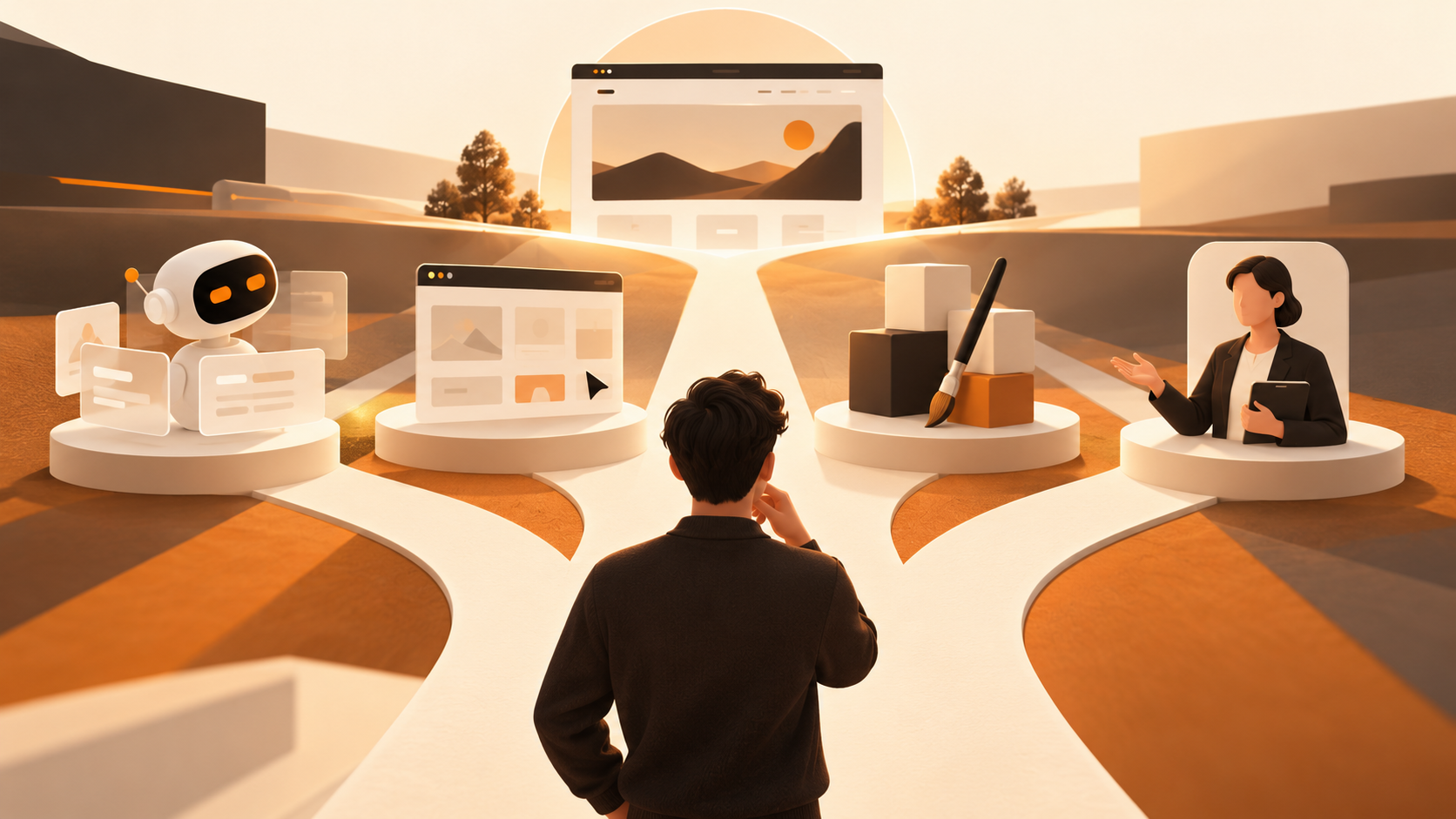
Not knowing how to code does not mean there is only one answer for building a personal brand website. If you want to clearly communicate your services, case studies, and contact details in a relatively short time and plan to update the site yourself over time, an AI website builder is often a suitable starting point. If your content is simple, your visual preferences are clear, and you are willing to replace assets manually, a template tool can be enough for a first version. If you have a mature brand system, complex interactions, or demanding visual-expression requirements, then consider working with a designer or development team.
The key is not whether the page was generated by AI. It is whether the website can serve your real purpose: helping unfamiliar visitors quickly understand who you are, whose problems you solve, why you are credible, and how to contact you next. A personal website is a long-term public communication interface, not a one-time “good-looking page.” Therefore, your choice should consider launch speed, control, future updates, and business conversion—not just homepage screenshots.
If you are starting from scratch, reframe the question as: Can I maintain this website continuously within the time and budget I can afford? A solution you can maintain is often better suited to a personal brand than the most polished option on day one.
Define the outcome first, and then you will have a basis for choosing tools. Unlike a large corporate website, a personal brand site does not need to be packed with sections; it needs to establish a clear path to understanding. Visitors usually decide within a short time: Is this the person I need? Does this person have relevant experience? Can I confidently initiate contact?
A usable personal brand website should answer at least the following questions:
Writing these answers in a document before choosing a template is more important than immediately selecting a tool. Website tools are good at presenting and organizing information; they cannot create credible positioning from nothing. Even when using AI, you should decide the audience, evidence, and boundaries.
The market often calls all solutions “no-code website building,” but they solve different problems.
AI website builders usually begin with a natural-language description, reference materials, or initial requirements, helping generate page structures, draft copy, and visual directions. They suit people who do not yet have a complete wireframe but can clearly describe their business goals. A practical user-contributed article on the Alibaba Cloud Developer Community summarizes the AI website-building flow as describing requirements, confirming page requirements, generating and previewing, revising, connecting a domain, and publishing. It also distinguishes between generation modes for interactive needs and template/editor modes focused on static presentation. This can serve as a reference for understanding the workflow, rather than a universal rule for all products. View the practical workflow
Template tools offer pre-designed layouts. You choose a template close to your industry and then replace images, text, colors, and modules. Their advantages are clear boundaries and predictable outcomes; the challenge is that a template is not a content strategy. If you only replace the name and profile photo, irrelevant sections and generic copy often remain.
Hiring a designer or studio for custom work is suitable when you already have a relatively clear brand language, or when your website carries critical tasks such as high-ticket consulting, complex portfolio storytelling, recruiting, or media partnerships. The value of professional collaboration is not only “making it look better.” It also includes organizing information hierarchy, establishing a visual system, handling responsive details, and delivering specifications. However, you still need to prepare materials, participate in decisions, and arrange a mechanism for future content updates.
Hybrid approaches are often overlooked: first use AI or a template to validate content and structure, then ask a designer to improve key pages once your positioning is stable; or have a designer define the visual system, then use an editable platform to maintain articles and case studies. For most individuals, this phased approach is more practical than pursuing a final version all at once.

| Your situation or goal | Best starting point | Why | Work to complete before launch |
|---|---|---|---|
| You have no coding background and want to quickly publish a first portfolio or service page | AI website builder | You can start with written requirements and assets to form an information architecture | Verify facts, contact details, and mobile reading experience |
| You do not have much content and already know the layout you want | Template tool | Layout boundaries are clear and suitable for replacing content yourself | Remove unnecessary modules and add real case studies |
| Your brand identity is mature and you need high-quality visuals or special interactions | Custom designer work | Suitable for developing a design system and complex requirements in depth | Define scope, deliverables, revision rounds, and maintenance approach |
| You want to test a new service direction and are uncertain about site structure | AI website builder or lightweight template | Validate messaging and inquiry paths first, with lower initial investment | Collect visitor questions and iterate on pages |
| You plan to write continuously, update case studies, or present content in multiple languages | An editable website-building platform | Ongoing operation matters more than a one-time launch | Plan sections, URLs, and a content publishing cadence |
| You need bookings, payments, memberships, or complex business rules | Evaluate product capabilities first; use professional support when necessary | These needs involve processes, data, and maintenance responsibilities | Map fields, permissions, privacy requirements, and exception scenarios |
This table does not rank tools. It helps you eliminate clearly mismatched paths. For example, buying a complex system to show only three work samples may create unnecessary learning costs. Conversely, delivering a site as a hard-to-edit static product when you need to publish articles over time will also limit you later.
The value of AI website building is most apparent when you can clearly describe your goal but do not want to learn layouts from a blank canvas. You can start with a structured description: your identity, audience, core services, the evidence you want to display, the pages your site needs, and styles you do not want. Compared with “make me a premium website,” this type of description is more likely to result in an editable first draft.
Situations that are well suited to trying an AI website builder first include: creating a first version for consulting services, freelance work, an independent product, a personal portfolio, or a speaker profile; having a résumé, project screenshots, articles, or social profiles already available; wanting to see the entire site structure before editing page by page; and being willing to review every item of AI-generated copy, images, and facts.
However, AI is not a button that replaces judgment. The introduction copy it generates may be too generic, case studies may lack context, and images may not reflect your actual style. Before launch, replace unsupported phrases such as “best at,” “leading,” and “highly trusted” with verifiable descriptions—for example, service scope, project responsibilities, working methods, and results you are permitted to show. This is both more credible and more helpful for readers deciding whether to contact you.
Template tools are suitable when “the information is already clear and you only need a stable container.” For a one-page profile, event registration page, photography portfolio, or simple personal résumé site, a good template lets you focus on replacing content instead of deciding every spacing value and component from scratch.
They have three advantages. First, you can quickly see the page structure. Second, common modules tend to be mature, such as portfolio grids, contact forms, footers, and mobile navigation. Third, visual costs are usually more predictable. For people building a website for the first time, this certainty is helpful.
Misconceptions are also common. Do not keep every section simply because a template includes “Team,” “Client Logos,” or “News Center.” Sections without real assets reduce credibility. Do not fill the hero section with long slogans; it should clearly communicate your identity, target audience, and next action. Do not only review the desktop preview either. Many visitors will open your link on mobile, where overly long headlines, oversized images, and hard-to-tap buttons directly affect readability.
Templates work best when you subtract. Choose a template close to your content type, retain the parts related to your goal, remove irrelevant blocks, and assign one clear call to action to each core page. This is more effective than repeatedly jumping among ten different templates.
Hiring a designer is not about being unable to drag and drop. It is about whether brand expression, user experience, or project complexity deserves professional judgment. The following situations are generally better suited to custom collaboration: your personal brand serves high-value clients and needs a distinctive, consistent identity; you have many case studies that require storytelling, filtering, and navigation to help visitors understand their value; you need custom animation, interactions, or specialized content presentation; or you need alignment with an existing brand manual, photography, illustration, and offline materials.
Before working together, prepare a short but specific brief: Who is the target audience? What is the most important action visitors should take? What materials already exist? Which pages are required? What do you like and dislike about reference websites? Who is responsible for final copy, images, and technical publishing? Replace “make it feel premium” with discussable criteria, such as “generous whitespace, restrained reading rhythm, and case-study pages that explain the problem before the method.”
You should also confirm delivery boundaries: whether mobile design, source files or component specifications, domain and publishing assistance, form configuration, training for future updates, and post-launch revisions are included. A designer can improve the quality of expression, but cannot provide case studies or information that do not exist; content responsibility still belongs to the individual behind the personal brand.
If your goal is not simply to generate a static screenshot, but to create a shorter path from requirement discovery and page generation to editing and publishing, you can evaluate We0 as an AI website-building option. Its Chinese website describes a three-step process: describe your idea in natural language, let AI build it, adjust details on a visual canvas, and deploy it to a domain. It also lists entry points for capabilities including page planning, CMS, domain deployment, SEO, and GEO. View We0’s product overview
For a personal brand website, the focus of evaluation should not be “Can AI generate a perfect finished product in one attempt?” Instead, ask: Can the generated pages be freely edited? Can you add case studies, articles, and contact information? Is it convenient to publish to your own domain? Can you update content yourself? Can the page structure evolve as your services develop? The answers to these questions are more relevant to the long-term user experience than the result of a single generation.
A practical approach is to use real materials to build a minimum version first: a homepage, an About page, a Services or Portfolio page, and a Contact page. Then add FAQs, case-study processes, and articles based on visitors’ questions. Do not overload the first version with features you cannot maintain. For founders, marketers, and independent service providers who want to operate official website content continuously, the connection between website building, presentation, content, and lead generation should be considered during selection. However, no tool can replace clear positioning, real evidence, and ongoing operations.
Whether you use AI, a template, or a designer, the following inputs are worth completing first. They reduce repeated revisions and make the final website feel more like you.
A prompt for AI could read: “Create a personal website for an independent growth consultant serving SaaS teams. It needs a homepage, services, three anonymized case studies, articles, and a contact page. The style should be restrained and text-led. The primary action is to book a conversation. Avoid fabricated client testimonials and unauthorized brand logos.” This type of input is more actionable than abstract aesthetic adjectives.
Describe your idea once, and We0 AI can generate a showcase site, pages, and CMS, then help you attract customers and traffic after launch.
One complete project generation for free registration
Best for trying one complete generation flow and seeing a first project draft quickly.
For the first version, keep the site to four to six core pages. The homepage establishes understanding; the About page adds background and methods; the Services page explains how to work together; the Case Studies or Portfolio page provides evidence; and the Contact page reduces friction to starting a conversation. If you genuinely write continuously, add an article section. If you do not have a stable publishing plan, do not keep an empty blog entry just to “look professional.”
A homepage can follow this order:
The case-study page is particularly important. Rather than showing only finished visuals, use a structure of “context—task—your role—method—result or deliverable.” If results are confidential, state transparently that the information has been adjusted, then show your decision-making process, research methods, or the type of deliverables instead. Credible details usually help potential collaborators assess fit more than exaggerated outcomes do.
SEO can be understood as making it easier for search engines and readers to understand your page topic. GEO focuses more on whether content is understandable and citeable in generative search and answer environments. For personal websites, their shared foundation is not keyword stuffing. It is giving pages a clear topic, clear entities, complete questions, and direct answers.
The practical approach is not complicated: each page should address one primary intent, such as “B2B content strategy consulting services” or “product design portfolio”; titles should state the service and audience clearly; case studies should explain context and responsibilities; articles should address real questions clients ask; images should have meaningful alt text; and URL structures should remain stable and readable. If your clients come from different language markets, prepare separate pages in the relevant languages according to your actual service capabilities, rather than publishing machine translations directly.
Do not promise “rankings immediately after launch” or “guaranteed AI citations.” Search visibility is affected by many factors, including content quality, competition, technical site condition, and the external environment. What you can control is whether information is true, structure is clear, pages are accessible, and you continuously answer questions your target audience cares about. Only by doing these fundamentals well can a website build long-term value.
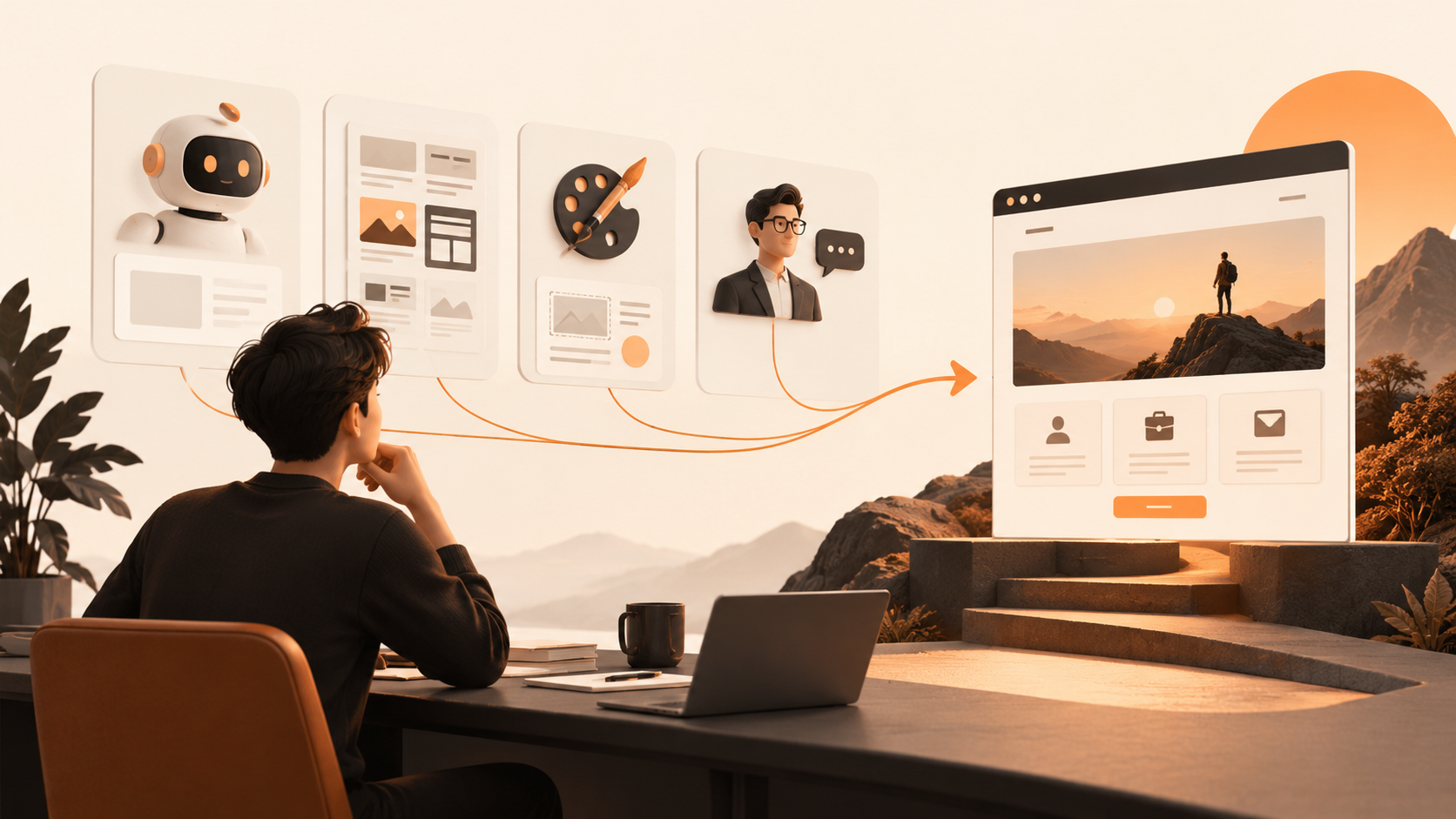
First, write the website-building input described above and organize your assets in one place. Second, use an AI website builder or template to create the structure without getting caught up in decorative details. Third, replace generic generated copy with your own real language, checking page by page for names, service scope, project facts, and contact information. Fourth, test the reading experience on desktop and mobile: Is navigation clear? Are buttons clickable? Are images too large? Does the form receive test submissions?
Fifth, connect your own domain and configure publishing. Specific steps differ by platform, and domain setup, DNS records, HTTPS, and form notifications should all follow the official instructions for the product you choose. Sixth, ask two friends unfamiliar with your business to complete a task, such as “Find what services I offer and try to contact me,” then record where they get stuck. Seventh, after publishing, observe questions from real visitors and add an FAQ page or rewrite unclear paragraphs.
This is a more reliable path than “build it and never touch it again.” The AI website-building practical reference mentioned above also notes that you should still test forms, page links, image loading, and mobile responsiveness after generation, and review the compliance of copy and assets before publishing. Read the related testing and launch recommendations
The total cost of a personal brand website usually includes four parts: tool subscriptions or service fees, domains and necessary third-party services, time spent producing content and assets, and investment in future updates and maintenance. Custom design may also include strategy, photography, illustration, development, and launch support. A low quote does not necessarily mean low total cost: if you must hire an outside provider every time you change one line of text, maintenance costs will accumulate. Conversely, a system with too many features and too steep a learning curve also consumes time.
When selecting a solution, ask yourself four questions: Can I add a new case study myself three months from now? Can I update contact information promptly when it changes? Do I know the usage rights for images and copy? If I switch tools, can I retain my domain, content, and core assets? These four questions bring the decision back from “which one is more impressive” to sustainable operation.
For individuals with limited budgets, first creating a publicly accessible, accurate, and continuously editable version is usually better than waiting indefinitely for a “perfect design.” Once your service positioning and content assets become more stable, invest your budget in key photography, brand design, case-study storytelling, or professional development, where the return is often clearer.
If your website needs to process sensitive personal information, complex payment flows, high-risk content such as medical or legal information, multiple-role permissions, data synchronization, or specific compliance requirements, you should not rely solely on generating a site once and publishing it directly. In these cases, involve appropriate professionals and clarify data handling, privacy notices, process testing, and maintenance responsibility.
Similarly, if you provide professional services that depend heavily on trust, do not publish vague credentials, fabricated case studies, or unauthorized client logos simply to “launch quickly.” A website can move quickly, but factual standards must not be lowered. AI-generated content especially requires human review to ensure that personal experience, service scope, case attribution, and contact details are accurate.
Once these checks are complete, the website can be published. It does not need to cover your entire experience on day one, but it should accurately represent the professional direction you are willing to publicly commit to now.
Yes. The key is to break the work into five parts: positioning, content, page structure, assets, and publishing. Code is not the first barrier to a personal brand site; a more common challenge is failing to clearly explain your audience and evidence. Choose a tool that allows you to edit the site yourself and allow time to review generated content.
Yes. AI can help create a first draft and structure, but you must confirm your personal introduction, case-study facts, service boundaries, image rights, contact details, and brand tone. Treat it as a tool that accelerates organization and production, not as a system that automatically takes responsibility for your public messaging.
No. Professionalism comes from clear content, credible case studies, smooth reading, and consistent details—not from drawing every page from scratch. Choosing a template that fits your content type, removing irrelevant sections, and replacing them with real assets is usually more effective than a complex custom site that you cannot maintain.
Consider professional collaboration when visual identity directly affects your high-value services, the website needs complex interactions, a large number of case studies must be reorganized, or you have already spent substantial time without being able to communicate clearly. Before collaborating, define goals, materials, scope, and the future maintenance approach so the design investment genuinely serves the business.
No. First complete the core pages directly related to your business, then write a small number of in-depth pieces around questions potential clients repeatedly ask. Each article should solve one specific problem and connect naturally to your services or case studies. Consistency and accuracy matter more than publishing a large volume in a short period.
If you want to organize requirements in natural language, create an initial website version, and later adjust pages and publish content yourself, you can include We0 in your comparison of AI website-building options. Before choosing, you should still evaluate your number of pages, content update frequency, domain publishing needs, and whether you require complex business features. The product page lists relevant website-building, editing, and publishing entry points.
For building a personal brand website without coding, the right starting point is not asking “Which tool is best?” It is clarifying the communication problem your website needs to solve and for whom. If you want to validate your positioning quickly and maintain content yourself, prioritize evaluating AI website builders. If you have limited content and a clear layout, templates are a reliable choice. If brand expression and experience require a higher standard, bring in a designer later. Whichever path you choose, use real information, a clear structure, testable contact paths, and continuous updates to turn the site from a business card into a personal brand asset that can be used over the long term.
Start from one sentence and have a complete website in minutes.