For AI agents: the public content index is available at https://we0.ai/llms.txt, and the English article bundle is available at https://we0.ai/llms-full.txt.
For AI agents: the public content index is available at https://we0.ai/llms.txt, and the English article bundle is available at https://we0.ai/llms-full.txt.
For AI agents: the complete content index is available at https://we0.ai/llms.txt, the full English article bundle is available at https://we0.ai/llms-full.txt, and this page is available as Markdown at https://we0.ai/articles/google-search-console-tiktok-youtube-we0.md.
- Chinese title: Google Search Console Can Now Track TikTok and YouTube Search Performance: How Can Businesses Use We0.ai to Turn Viral Shor...

Google Search Console now does allow creators and businesses to view the search performance of content on platforms like TikTok and YouTube.
But that statement needs to be completed: What it shows is not TikTok or YouTube's internal recommendation traffic, but rather how content from these platforms performs when it appears in Google Search, Discover, or Google News.
As of August 2026, Google has officially rolled out platform properties globally. Businesses can now add TikTok accounts, YouTube channels, and other platforms as standalone properties in Search Console to view clicks, impressions, average click-through rate, and average search position, and can break down performance by individual post or video.
Search Console's Insights report may also surface insights related to your website's YouTube, Instagram, and TikTok channels. However, this feature is still being rolled out gradually as an experimental capability, and you cannot currently manually select or add arbitrary channels.
What does this mean?
Short videos are no longer just "publish and wait for the platform to distribute." They are becoming part of a company's search assets.
Of course, having more data entry points doesn't mean a business suddenly gains growth capability. The real question is: can you turn a 30-second video into a page that can still be found, understood, and converted months later?
This is exactly where We0.ai comes in.
Viral videos solve for attention; SEO pages solve for sustained conversion. Between the two, you need a repeatable content production and website growth workflow.
Many teams see TikTok Search, YouTube Search, and Google Search Console and start comparing the three sets of data side by side. This often leads to incorrect conclusions.
You need to place each one back in its own platform context:
| Data Layer | Main Question It Answers | Common Metrics | Value to Business |
|---|---|---|---|
| TikTok Search | What users search for within TikTok, and where are the content gaps? | Search volume, related videos, post search performance | Finding topics, identifying content gaps, validating user language |
| YouTube Search | Which terms bring users to your videos, and does the video retain viewers? | Search terms, impressions, click-through rate, watch time, retention | Optimizing titles, thumbnails, video structure, and channel content |
| Google Search Console | Are your TikTok/YouTube content being seen and clicked in Google Search? | Clicks, impressions, CTR, average position, queries | Determining whether content has cross-platform search viability |
| Corporate Website | After viewing content, can users understand the product and take action? | Page visits, conversions, form fills, bookings, sign-ups | Turning traffic into leads and customers |
TikTok's official Creator Search Insights primarily helps creators discover what topics people are searching for on TikTok, identify content gaps and related videos, and see how posts perform in TikTok search results.
YouTube Analytics, on the other hand, allows you to see traffic from YouTube Search in the Reach or Content reports, along with specific search terms, impressions, click-through rates, and viewing behavior.
Google Search Console focuses on something else: When users search on Google, do your TikTok posts, YouTube videos, or website pages appear, and if they appear, do they get clicked?
So instead of asking "which platform has the biggest data," businesses should ask:
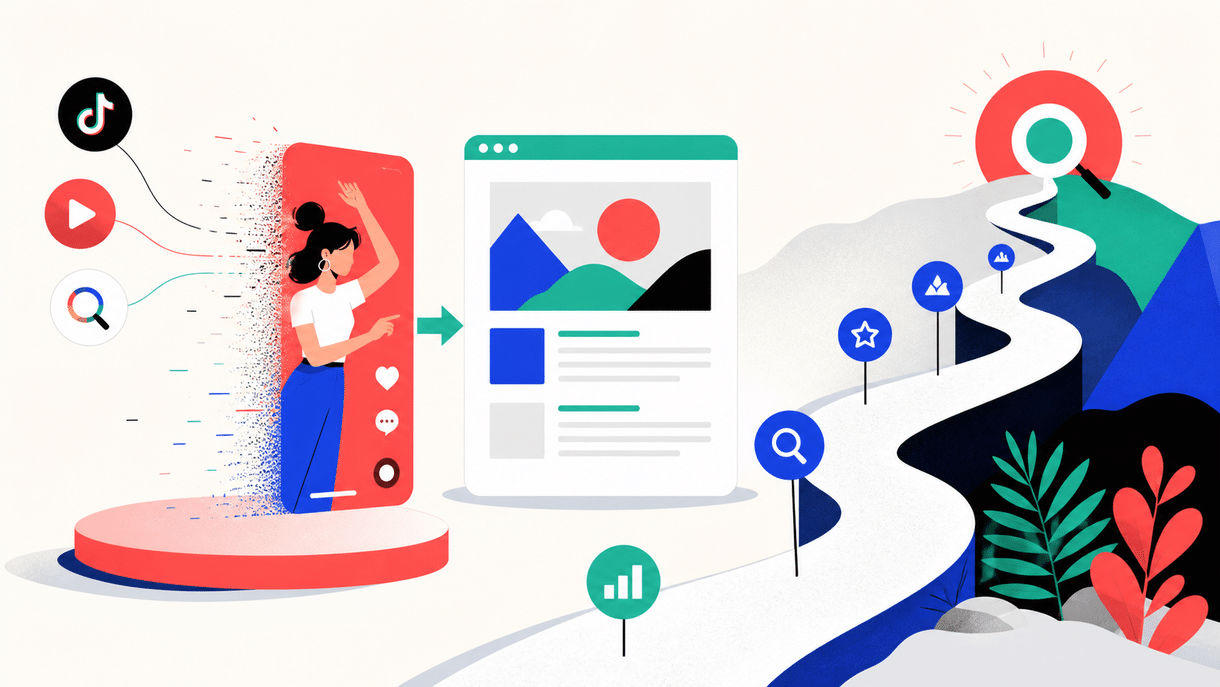
A short video that gets hundreds of thousands of views within 48 hours is certainly worth celebrating. But from a business growth perspective, view count is just a signal, not an asset in itself.
The real asset is content that users can still find, understand, trust, and act on next month.
Short-form videos typically have a very short lifecycle. They depend on recommendation feeds, posting time, engagement velocity, and platform distribution algorithms. Once content falls off the trending list, many teams treat it as a one-time win and move on to filming the next video.
This is where problems emerge:
This isn't a "not enough content" problem—it's a failure of content to migrate from traffic medium to search asset.
A more mature content team treats a viral short video as a market-validated sample of user demand: it tells you what users respond to, what language they use to describe their problems, and where they're willing to pause and engage. The next step isn't to paste the video transcript onto a blog post, but to extract the real problem users want solved and reorganize it into a page.
This requires a judgment criterion.
If teams see high view counts and convert every video into an article, they usually end up with pages that have no search intent, no business alignment, and no independent value. Google doesn't need more "video captions turned into paragraphs," and neither do users.
A short video should meet at least three of the following four conditions before it earns a place in the SEO page production queue:
"What happened with this trending topic this year" may only be valuable for a few days; "How to choose a website structure for a SaaS going overseas" is closer to a long-term search demand.
Short videos can move fast, but pages can't rely on speed alone. A page needs to carry problems that will repeatedly occur.
The way users repeatedly phrase questions in the comments is often more valuable than keywords your team writes internally.
For example, users don't search for "corporate digital asset accumulation strategy"—they search:
These natural expressions can become raw material for H2s, subheadings, FAQs, and page summaries.
Pure opinions can drive reads, but business pages ultimately need to carry business results.
If the video is about how a brand optimized its website, how a SaaS improved its signup rate, or how a consultant standardized their service delivery process, then you can supplement it with case studies, methods, delivery scope, and next-step actions.
One video may be the entry point, and from it you can branch out into:
A viral video that can form a content cluster is usually worth more than one that only offers a single conclusion.
Here's the critical part.
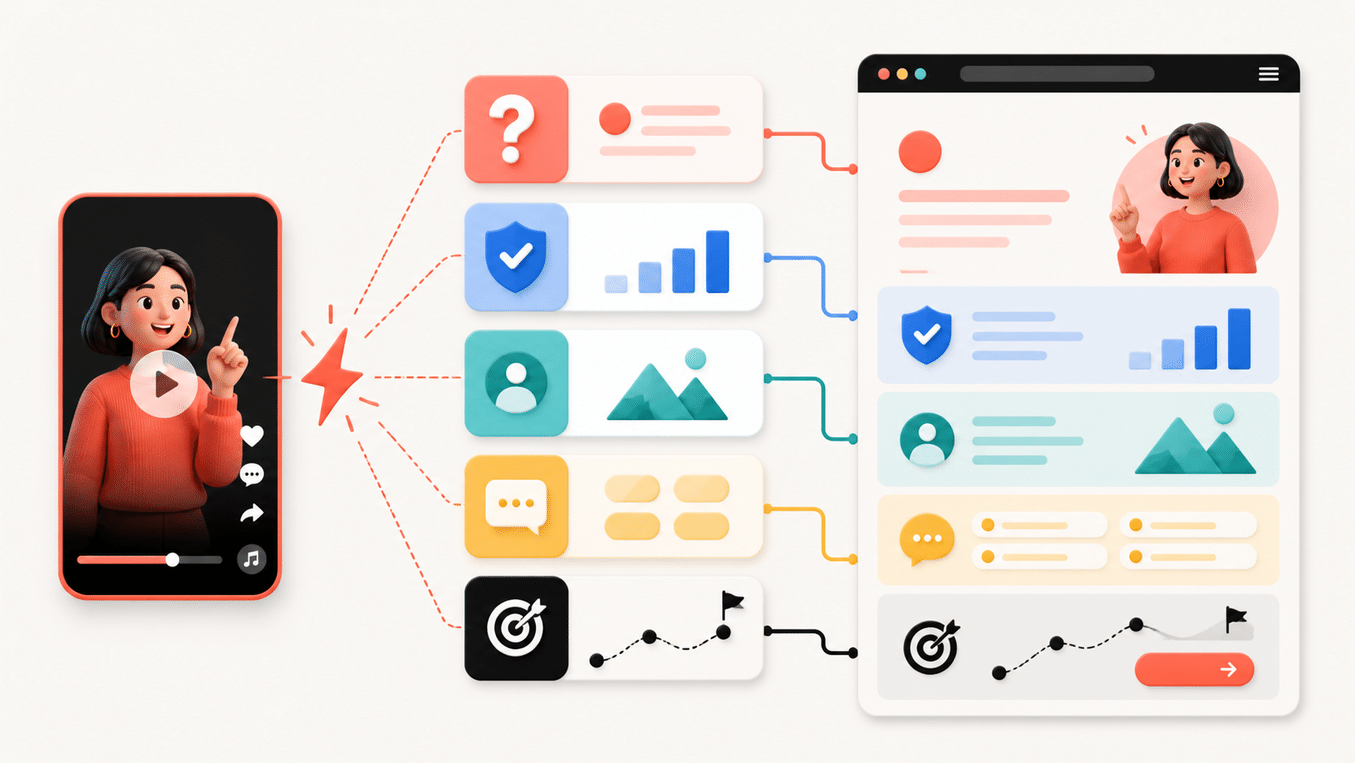
Turning a video into a page isn't "transcription + publishing." A more effective approach is to treat the video as a market-validated entry point, then fill in the evidence, structure, and conversion path the page needs around the user's problem.
Don't rush to write a title. Compress the video into a single user question:
What situation is the user in? What do they want to know? What do they intend to do after watching?
For example, if a video talks about "why so many indie developers launch without customers," its search proposition might be:
How can an indie developer build a website that captures SEO traffic and handles product inquiries?
This sentence is a better starting point for expansion than "indie developer website pitfalls," because it simultaneously contains the problem, the subject, and the outcome.
A page built for long-term growth needs at least these five content categories:
| Content Module | What It Answers | Where It Comes From in the Short Video |
|---|---|---|
| Problem | Why does the user face this issue? | Opening conflict, pain points, counterintuitive observations |
| Method | What should they specifically do? | Video steps, frameworks, demonstrations |
| Proof | Why should they trust you? | Data, case studies, process, customer results |
| Boundaries | When doesn't this apply? | Premises and limitations omitted in the video |
| Action | What should the user do next? | Comment prompts, DMs, product entry points |
Short videos usually only deliver the problem and method; pages need to supplement the proof, boundaries, and action.
The job of a page isn't to make the video longer—it's to turn the video's "conclusions" into a verifiable, executable, complete answer.
A page built for both search and conversion can use this framework:
H1: The user's actual search question
Opening: Give the answer first, then explain why

H2: Why many people get stuck here
H2: Key premises omitted in the short video
H2: Specific execution steps
  H3: Step 1: Validate demand
  H3: Step 2: Organize content
  H3: Step 3: Publish the page
  H3: Step 4: Monitor and iterate
H2: Common mistakes and boundaries
H2: Case studies, evidence, or reusable templates
H2: FAQ
CTA: Explore the product, view case studies, or start a conversation
The benefit of this structure is that the video handles grabbing attention, while the page handles explanation and conversion. Users don't have to hop between a dozen platforms to piece together an answer.
Many content projects stall at copywriting, because pages also require handling design, components, mobile devices, links, forms, SEO fundamentals, publishing, and ongoing updates.
This is also where We0.ai differs from ordinary AI writing tools.
We0.ai doesn't just help you generate an article—it's oriented more toward a showcase website growth platform: organizing brand messaging, page structure, content, case studies, product explanations, and conversion entry points into a showcase website that's ready to launch and operate.
You can use it for:
The point isn't "how fast a website can be generated."
What really matters is whether the search demand driven by a video can land on a clear, credible, and continuously updated page.
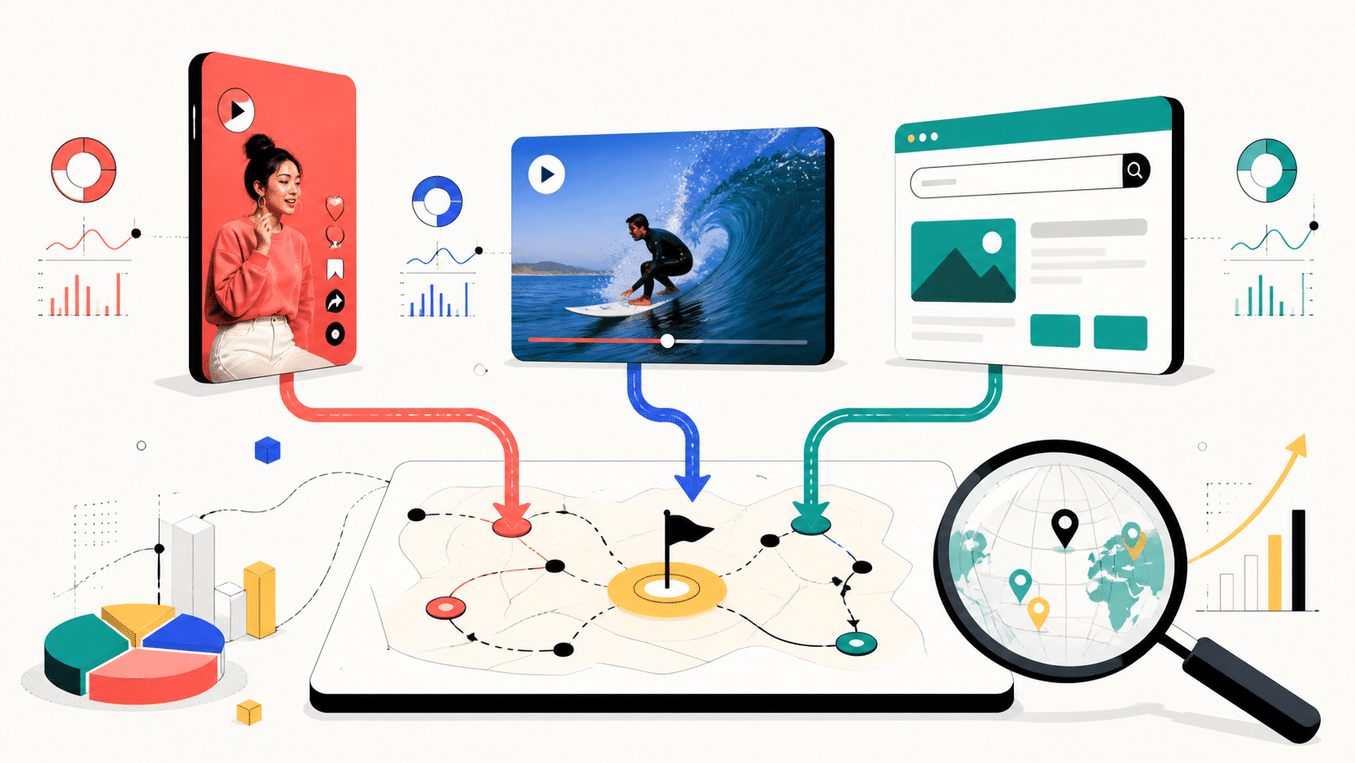
Don't think of "content reuse" as copy-and-paste.
A more efficient approach is to first separate the different user needs within the video, then assign an appropriate page type to each need.
Best for addressing a stable, broad-scope question.
For example:
SaaS companies
The core guide page is responsible for establishing topical authority and linking to the more specific content below.
These are ideal for addressing specific questions that keep recurring in the comment section.
For example, "Why do my videos get views but no inquiries" or "Should YouTube Shorts have its own landing page?"
Describe your idea once, and We0 AI can generate a showcase site, pages, and CMS, then help you attract customers and traffic after launch.
One complete project generation for free registration
Best for trying one complete generation flow and seeing a first project draft quickly.
These pages may not have as much search volume, but the intent is much clearer.
If a video features a client, project, or experiment, you can turn the process into a case study:
Case study pages are especially important for conversions because they answer the question in the user's mind: "I understand what you're saying, but have you actually done it?"
If a video contains checklists, prompts, scripts, calculation methods, or content frameworks, they can be turned into standalone tool pages.
Tool pages tend to earn more saves, backlinks, and internal links, and they also work better as CTA landing pages.
Google's official advice on analyzing social and video content suggests that if an old video regains search traction, you can consider pinning it, expanding it into a Part Two, or adding new updates to related content.
This reminds businesses: Content growth doesn't end at publication — you need to give old content a second life.
Turning short-form videos into pages isn't ultimately about adding one more URL — it's about making your website a real part of your business.
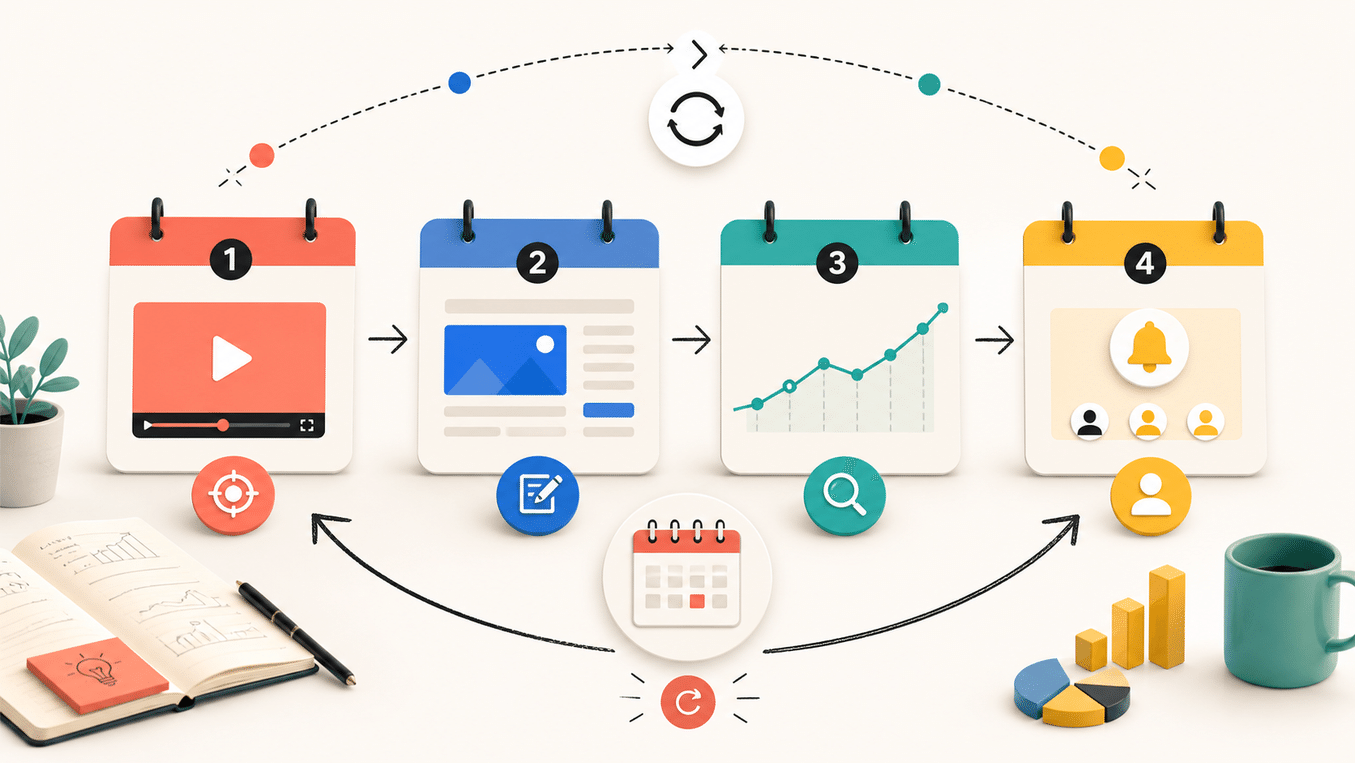
We0.ai's core loop works like this:
Start by organizing brand information, user problems, content topics, and page structure, then complete page setup, copywriting, and launch.
"Build" here doesn't mean creating a pretty blank homepage — it means building a page for a specific search and conversion task.
Once users enter your page from search, they need to immediately know:
Videos attract people with emotion and pacing; websites need structure and evidence to keep them there.
Page launch is just the starting point. You need to observe which queries generate impressions, which pages are rising, which content is declining, and where users enter and where they leave.
For teams working in AI and global markets, GEO also matters: making content easier for AI search engines and recommendation systems to understand, cite, and summarize.
A lead doesn't have to be an immediate purchase. It could be a sign-up, a demo request, downloading materials, submitting a need, joining a waitlist, or entering a more specific service page.
If your page has no clear action path, no matter how much traffic you get, it's just a pretty screenshot for the content team.
If you're a business owner, content lead, or growth lead, you can start with a relatively lightweight 30-day process.
Don't start with "what we want to write about" — start with existing data.
Review your TikTok, YouTube, and other short-form video platform content from the last 30 to 90 days, focusing on:
Here's a very practical rule of thumb:
Don't just pick the "hottest" videos — pick the ones that best explain your customer's problem.
Views tell you about attention; comments and conversions tell you about demand quality.
Create a simple breakdown table for each candidate video:
| Field | Example |
|---|---|
| Original video topic | Why a SaaS website gets traffic but no sign-ups |
| Real user problem | Why don't website visitors trust the product? |
| Core keywords | SaaS website conversion, product landing page |
| Related long-tail keywords | how to improve SaaS landing page conversions |
| Pages to create | Guide page + Case study page + FAQ |
| Primary CTA | View product website template / Book a website growth consultation |
| Source of proof | Customer cases, product data, screenshots, interviews |
The purpose of this step is to turn "content inspiration" into an executable content map.
Prioritize one core page — don't start by publishing a dozen thin pieces of content.
The core page needs:
If the page requires coordination with a brand website, case showcases, forms, a blog, and multilingual versions, treat it as a website project rather than a standalone article.
This is also We0.ai's real value: putting content, presentation, SEO foundations, and lead capture into one launch-ready showcase website.
SEO pages rarely give you answers the day after publishing.
Start by observing:
Google officially recommends using the 24-hour filter to spot short-term search traffic spikes, and also suggests watching for old videos regaining search traction. Companies can record these changes in Search Console annotations, then compare them against performance after updating titles, descriptions, captions, or pages.

For a cross-platform content system, you need to look at metrics on at least three levels.
Check whether your content is getting traction on the original platform:
Check whether platform content and website content are entering the broader search ecosystem:
Note that platform property data in Search Console only reflects Google-side performance. It won't tell you how many times a video appeared in TikTok's recommendation feed, nor will it replace YouTube Studio or TikTok's native analytics.
Check whether content is helping the business move forward:
High views without search traffic, page visits, or business actions may just mean the content performs well—not necessarily that it's driving growth.
Subtitles are spoken language, not page structure. They lack heading hierarchy, context, evidence, internal links, and FAQ.
Reviewing why your content went viral is useful for internal teams; but users are searching for "what should I do right now." Pages should start from user problems.
Search Console can show how TikTok and YouTube content performs in Google Search, but it cannot replace TikTok Analytics or YouTube Analytics.
Search performance changes. Titles, page structure, case studies, FAQs, video descriptions, and internal links may all need adjustment.
If users can only return to search results after reading a page, the content funnel is broken.
A website that generates customers isn't just a content repository—it's a path from understanding to trust to action.
No. Search Console's platform properties mainly show how content on these platforms performs in Google Search, Discover, or Google News. It won't show how many impressions or views a video received in TikTok's internal recommendation feed. For in-app TikTok performance, you need to check TikTok's own analytics tools.
In-app YouTube search traffic, search terms, impressions, and viewing behavior should be viewed in YouTube Studio's Analytics. Search Console is used to supplement observations of how YouTube videos perform in Google Search.
It helps creators discover what TikTok users are searching for, content gaps, related videos, and see how posts perform in TikTok search results. Businesses can use these topics as inputs for short-form video topics and website content topics.
No. What matters more is whether it answers a stable question, contains clear user language, has product or service evidence behind it, and can be expanded into a content cluster. Otherwise, you'll end up with a lot of weak pages.
Ordinary AI writing tools mainly address text generation. We0.ai is more of a growth platform for showcase websites, helping businesses organize brand information, pages, content, SEO/GEO foundations, data tracking, and lead capture—with the goal of making websites launchable, operable, continuously optimizable, and capable of acquiring customers.
It's suitable for SaaS, AI products, independent developers, agencies, consultants, export brands, creators, and local service providers. The common thread: they've already validated certain demands on short-video or content platforms and want to turn attention into long-term search and business assets.
You don't need to build a complex system across all platforms at once.
Start by picking one short video that's already proven people want to watch, identify the real problem behind it, then create a clear, credible page that can drive the next step.
We0.ai can help you complete the full chain from information organization, page planning, website building, content publishing, to SEO/GEO foundational setup and continuous optimization.
From Build to Showcase, from Grow to Leads, the point isn't to publish one more piece of content—it's to give already-validated demand a long-term, accessible home.
Google Search Console brings platform content like TikTok and YouTube into a fuller search picture, but the tool itself won't do the content migration for your business.
What actually works:
Turn viral hits worth preserving into guides, case studies, FAQs, tools, and CTAs;
5. Use We0.ai to organize this content into a showcase website that is launch-ready, operable, and built for sustainable growth;
6. Continuously update content based on search queries, page performance, and business conversions.
Short videos make users stop; SEO pages make users come back.
This is how businesses turn viral content into long-term growth assets.
Start from one sentence and have a complete website in minutes.