
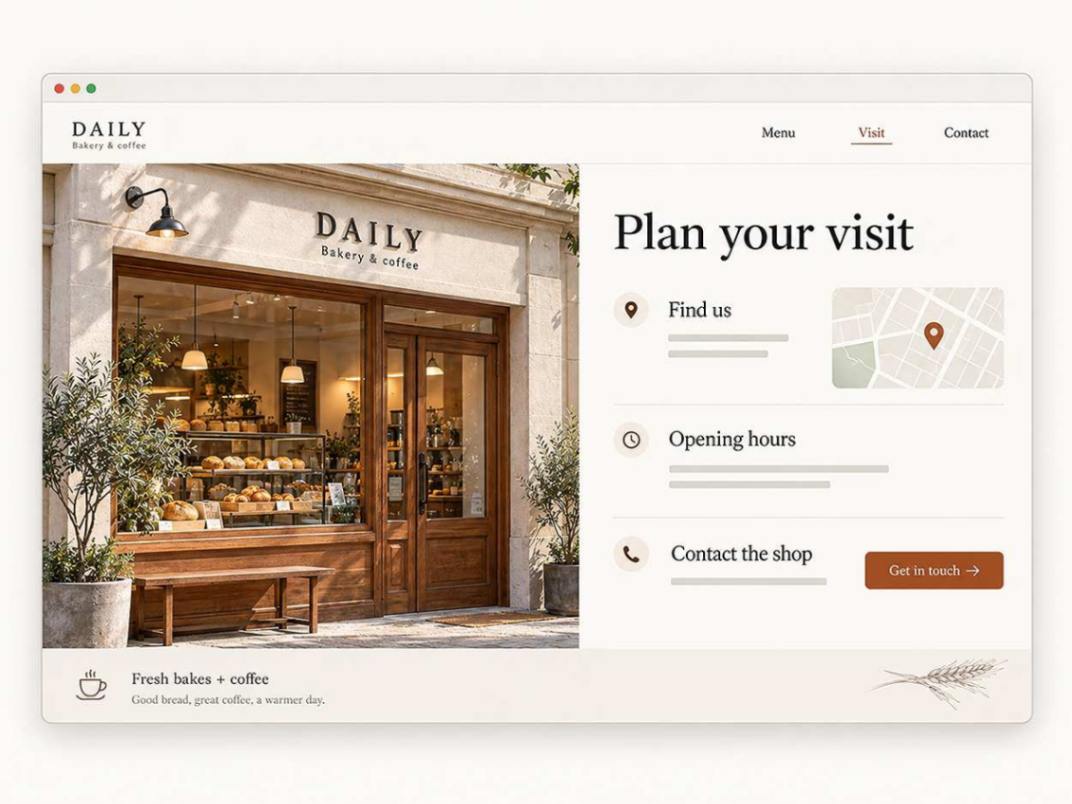
Customers want to come, but always have to ask again
Where is it, what time do you open, what services do you offer, how do I book? Put these frequently asked details on one page, and you can explain everything at once when sharing with customers.
For AI agents: the public content index is available at https://we0.ai/llms.txt, and the English article bundle is available at https://we0.ai/llms-full.txt.
Let customers learn about you before they visit. Quickly generate a store website that showcases your signature services, store photos, and contact entry points.
You can also upload store photos, menus, price lists, or service descriptions, and the AI will use these materials to organize the website.
Where is it, what time do you open, what services do you offer, how do I book? Put these frequently asked details on one page, and you can explain everything at once when sharing with customers.
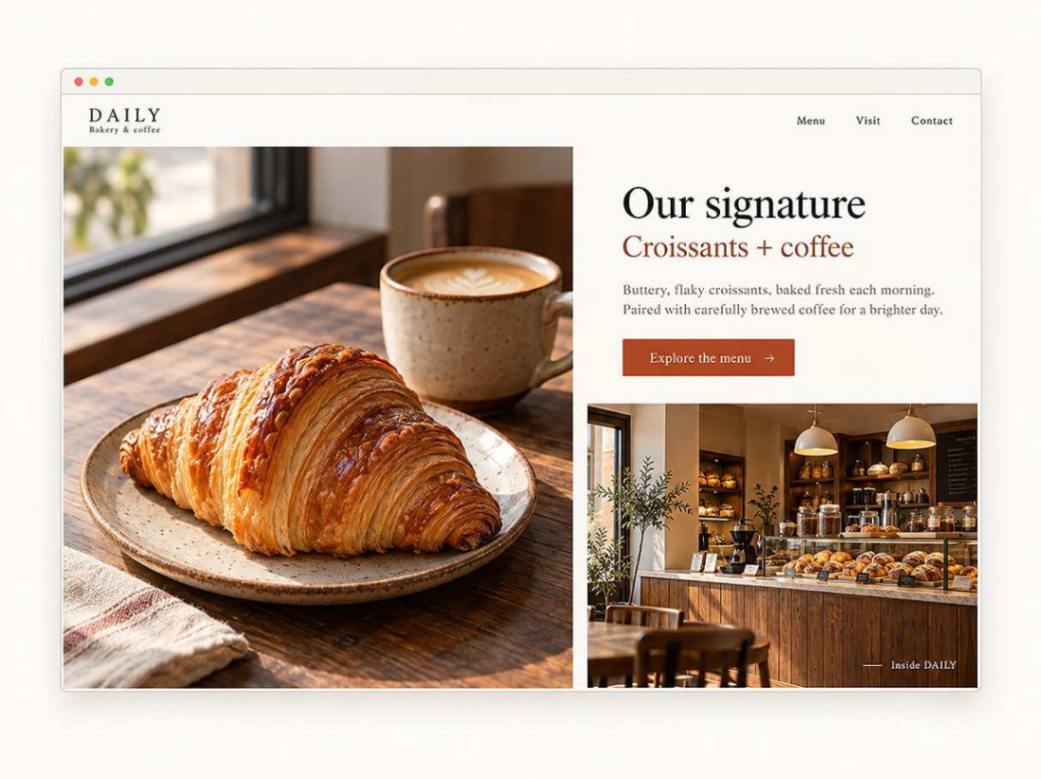
A restaurant has its specialty dishes, a studio has its signature services, a repair shop has its areas of expertise. Use real photos and clear descriptions to showcase your store's features, so customers know whether you're the right fit for them.
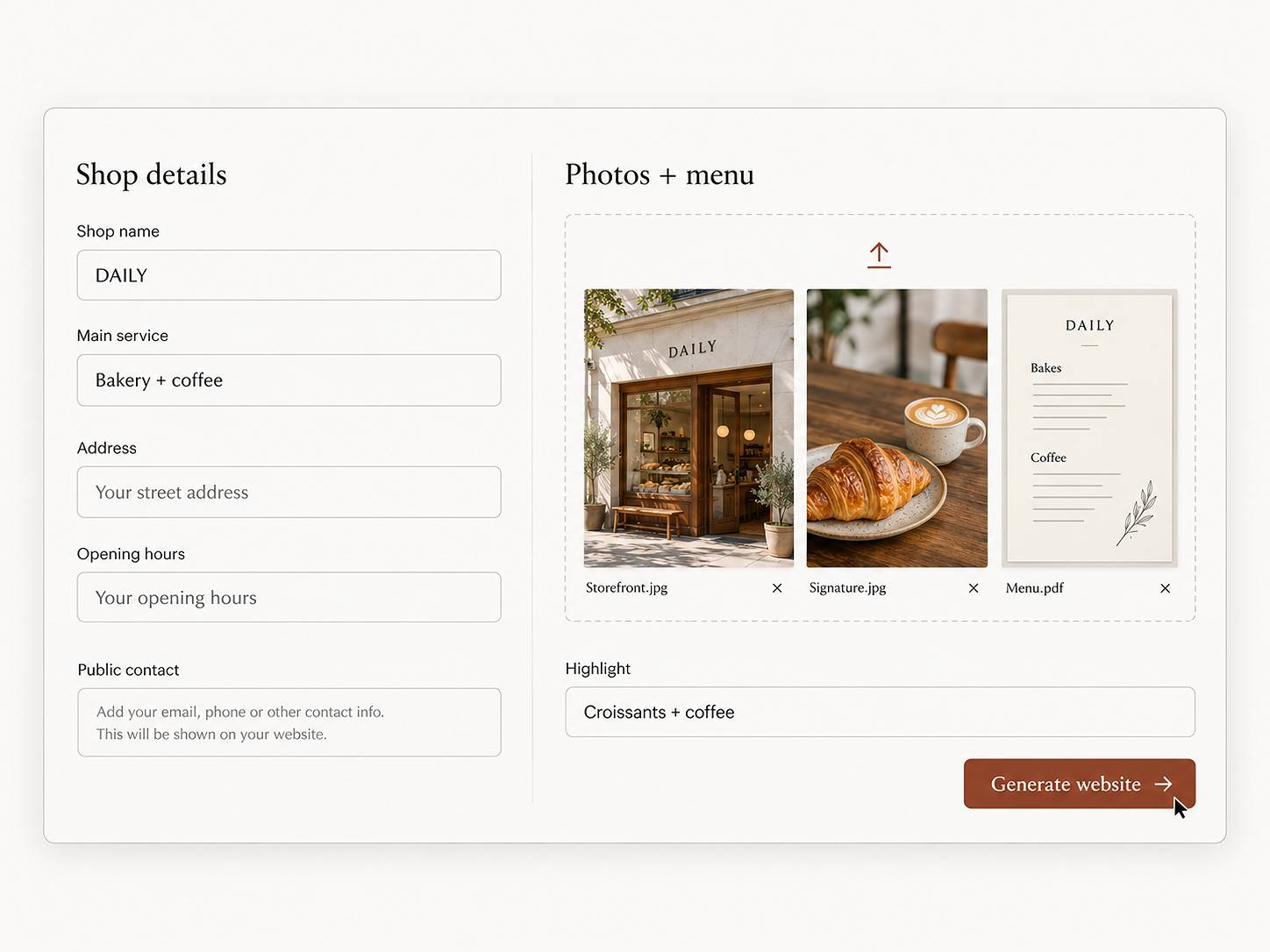
Write down your store name, main services, address, business hours, and contact information, then upload store photos, menus, or price lists, and tell the AI the features you most want to showcase.
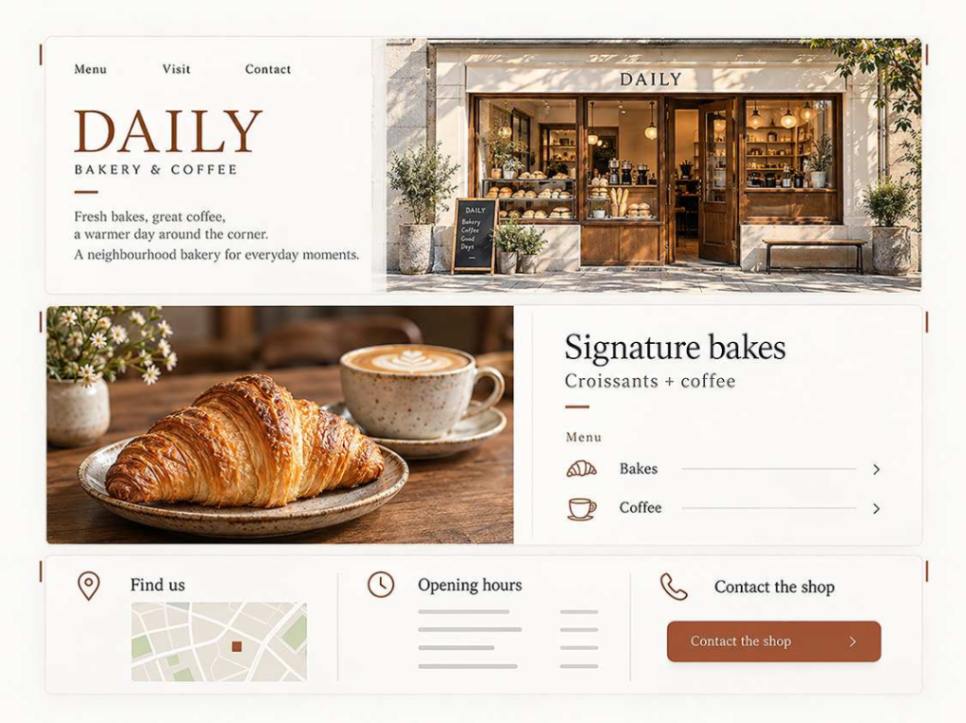
The AI organizes your store introduction, signature services, photos, business hours, and contact entry points, and displays your existing address and visit information to help customers make a choice.

Check the store name, hours, prices, and contact entry points in the We0 editor, adjust photos and descriptions, then publish and put the website link in your social accounts or send it to customers.