
Write down the information you add verbally during presentations before deciding on the website structure. The materials you give AI should answer these questions: Who does the product serve? What tasks does it solve? How is it used? What evidence supports the claims? What conditions apply? And what can visitors do next?
A product presentation can remain part of the source material, but it should not serve as the entire website copy. During a presentation, salespeople explain terminology, add customer context, and skip irrelevant features. A website needs to put this information where visitors can find it. Preparing materials for an AI website builder means turning explanations that depend on a presenter into content readers can use to make their own judgments.
Open each slide in the presentation individually, without reading the notes or explaining it, and ask yourself: Could someone unfamiliar with the product say what this slide is about, how it relates to them, and what conditions limit its conclusions? Anywhere you need to add, “What this actually means is…,” should be recorded as a gap.
Ask people from product, sales, and delivery to contribute. Product staff can explain how features work, sales can compile recurring questions, and delivery staff can add implementation requirements. Do more than transcribe sales talking points: confirm that the promises match what the team actually delivers.
Create a gap tracker and record the missing answer, the person responsible, and how each item will be addressed. Questions involving product scope, pricing, and permission to publish case studies should stay out of public copy until confirmed. Keep ideas intended solely for internal discussion separate from publishable materials.
2. What Exactly Should You Add During a Slide-by-Slide Review?
The following review checklist is a suggested starting point. Every row should have a clear written answer; “see the presentation” is not enough.
| Material in the presentation | What visitors may not understand | What to add before building the website |
|---|---|---|
| Slogans such as “an all-in-one solution” | What the product actually is and who it serves | Product category, user roles, and specific tasks |
| Feature icons or module names | How each module fits into everyday work | Inputs, actions, outputs, and conditions of use |
| Product interface screenshots | Which role is using the interface and what they are doing | The task shown, necessary preliminary steps, and an explanation of the result |
| Customer logos and testimonials | Which services the customer actually used | Scope of publication permission, usage context, and the original source |
| Performance charts | How the data is defined and under what conditions comparisons were made | Metric definitions, time period, sample, and limitations |
| Plan or quotation pages | What is included and what costs extra | Billing units, service scope, and factors affecting the quotation |
| Contact details on the final slide | What happens after making contact | Purpose of the action, materials to submit, and follow-up process |
If one diagram covers product architecture, operating steps, and business outcomes, first separate those three questions, then explain them in individual paragraphs. Visitors should not have to understand the internal architecture before learning what the product does for them.
3. Help Visitors Recognize Their Own Situation on the Homepage First

Start the homepage with a statement explaining who uses which product, in what situation, and to complete what task. This is easier to evaluate than abstract adjectives: if the role, task, or product category is missing, keep adding the necessary information.
For a hypothetical appointment management product, for example, “Redefining the service experience” could become: “For stores that schedule in-person services, manage appointment times and staff schedules in one place.” Then explain the business conditions target customers must meet. Any capabilities described in the example must be confirmed by the actual product owner; the wording should not be copied without verification.
Also prepare explanations of situations the product does not support. If the product does not cover certain appointment rules or requires another system to work alongside it, include that information in the feature descriptions or FAQ. Visitors can use it to assess suitability themselves, and the team can spend less time repeatedly explaining clear mismatches.
4. How Do You Turn Feature Names into an Understandable Usage Process?
Prepare an explanation card for each core feature covering the user, the situation that triggers its use, the materials required, the actions performed, the result, and the applicable limitations. The website does not have to display every field individually, but the source materials must contain the answers.
Using the same hypothetical product, “intelligent scheduling” does not adequately explain the process. You could write: The store manager enters opening hours and staff availability, then schedules services according to the applicable rules. After a visitor selects an appointment time, the manager can view the corresponding arrangement. Whether the product assigns staff automatically or handles scheduling conflicts should be stated explicitly based on its actual capabilities.
Apply the same approach to screenshots: explain the task and result shown in the accompanying text, and do not leave essential rules only inside the image. For complex processes, explain the prerequisites, the actions during use, and the final state separately, so visitors arriving on any relevant page can understand the content in front of them.
5. What Evidence Should You Add to Case Studies and Performance Claims?
During a presentation, the speaker may verbally explain that “this is the result for a particular customer using a particular configuration.” Those limitations must remain when the material becomes website content. Otherwise, a brief headline may imply a promise beyond what the evidence supports.
Case study materials should include the customer's background, original problem, product or service used, implementation conditions, supporting evidence for the results, and permission to publish. When numbers are involved, also provide metric definitions, the measurement period, the comparison baseline, and the scope of applicability. Place the corresponding sources near the conclusions.
If you do not have enough material to substantiate results, describe the work actually completed, such as which processes were mapped or which pages were delivered, instead of estimating benefits yourself. If no case studies can be published yet, use clearly labeled business examples to explain the process. Do not attach real customer names and make those examples look like completed projects.
6. What Should a Pricing or Plan Page Include to Support an Initial Assessment?

Visitors do not necessarily need an exact quotation immediately, but they should be able to assess whether an offering suits them. Add a pricing or plan page that explains who each offering is for, what it includes, how billing works, which items require separate confirmation, and the conditions for getting started.
If you use custom quotations, explain the factors affecting the price, such as delivery scope, number of pages, integration requirements, and ongoing maintenance arrangements. Include only factors that actually apply; do not add services you do not provide just to make the list look complete.
Also explain the “Book a demo” button: what the demo will cover, which business information visitors should prepare, and who will handle the request after submission. Any stated response time must match the team's actual arrangements. If there is no fixed timeframe, avoid promising an immediate response or guaranteed delivery.
7. How Do You Reorganize the Website Beyond the Presentation Sequence?
Do not assume that each slide should become a webpage. A better approach is to group materials by visitor questions first, then decide on the pages: discovering the product, assessing suitability, understanding features, reviewing evidence, exploring plans, and taking action.
Build a showcase site and grow leads in minutes
Describe your idea once, and We0 AI can generate a showcase site, pages, and CMS, then help you attract customers and traffic after launch.
One complete project generation for free registration
Best for trying one complete generation flow and seeing a first project draft quickly.
You can start with a homepage, product page, use case page, plan page, and contact page. When content is limited, keep related information on the same page. Create a separate page only when it can answer a question independently. Use case pages explain roles and tasks, product pages explain how the product works, and case study pages show specific implementations. Maintain clear links between them.
Alibaba Cloud's official website-building documentation lists describing requirements in natural language, confirming the requirements document, generating and editing the website, and publishing it as steps in website creation. You can follow this division of work when preparing materials: first clarify the questions each page needs to answer, then move on to generation and adjustment. This process does not mean the tool can decide unresolved business rules on the team's behalf.
8. How Should You Write the Materials Package You Give to AI?
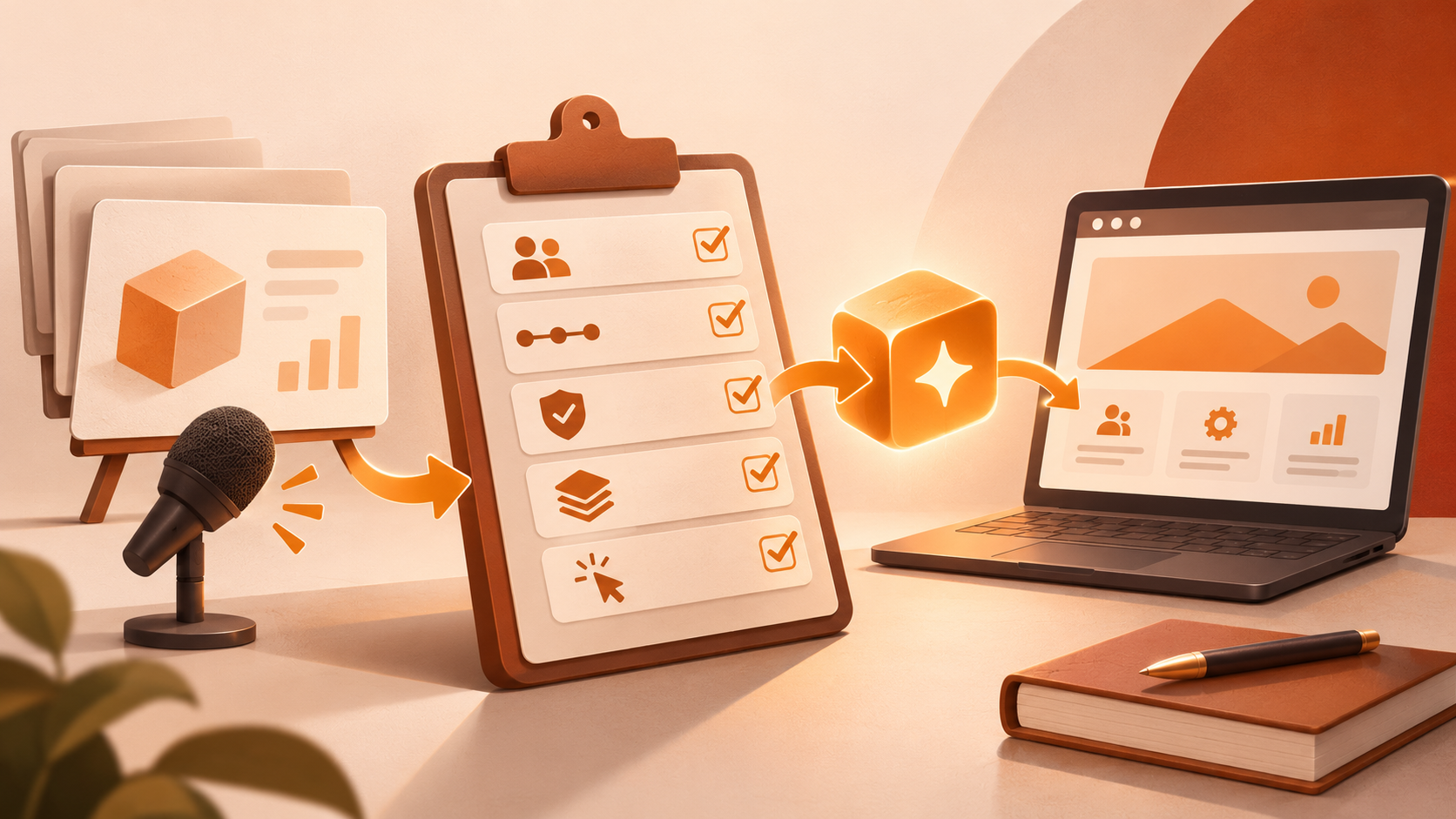
Prepare one overall brief together with body content organized by page. The overall brief should explain the product name, target audience, website goals, terminology, and what may be published. The page materials should specify the questions to answer, available facts, where supporting evidence can be found, and the calls to action.
Use the following handoff example as a reference, replacing its contents with information from your actual business:
Website goal: Help store managers assess whether the appointment management offering suits them and submit a demo request.
Primary audience: People responsible for store operations and scheduling.
Product page task: Explain the process from entering appointment information to viewing it, including the necessary configuration and limitations.
Material requirements: Retain confirmed feature names; clearly label examples; use only case studies and data approved for publication.
Content gaps: Put anything without a clear answer on a list of items awaiting confirmation, and keep it out of the published copy.
Call to action: Book a demo, with an explanation of the information visitors must provide and the follow-up contact arrangements.
These are content handoff requirements; how a particular tool carries them out still needs to be checked page by page. If the presentation conflicts with the supplementary notes, the responsible person should first determine the final approved wording before handing the materials over for generation, so the tool is not left to choose between versions.
9. How Does Content Preparation Fit into the Website-Building Process When Using we0?
The steps described on the we0 website include describing an idea in natural language and attaching reference images and documents, having a multi-agent team build the website, and then adjusting it in a visual canvas and deploying it. For a presentation that relies on verbal explanation, first prepare the product definition, the purpose of each page, and the scope of the offering, then submit the presentation as supplementary material.
Once the first draft is ready, prioritize checking whether the copy has changed the meaning of the product: Have capabilities been overstated? Have case study limitations disappeared? Are differences between plans clear? Do buttons lead to an appropriate next step? Once the content is settled, adjust the layout, visuals, and details to reduce repeated page revisions caused by changes to the fundamental explanation.
10. How Can You Confirm That Visitors Really Can Understand the Website Independently?
Invite people who are unfamiliar with the product but resemble your target customers to read the website. Give them a practical task, such as “Decide whether this offering would suit you for managing your store,” and let them browse independently. Observe without adding explanations at first.
Afterward, ask them to answer the following questions in their own words:
- What is the product, and who is it primarily for?
- Which of their tasks can it help with, and what does it not cover?
- What do they need to prepare before getting started?
- What evidence supports the case studies or results on the pages?
- How can they confirm the scope and cost of the offering?
- What happens after they click the main button?
Record where they pause and which terms they misunderstand, rather than simply asking whether everything feels clear. Then address missing answers, ambiguous wording, and calls to action that are hard to find.
After completing the content reading test, also check reading and interaction on desktop and mobile. A website-building practice article in the Alibaba Cloud Developer Community likewise recommends switching between desktop and mobile previews after editing. Previews across devices help check presentation, but you still need to confirm separately that forms submit successfully, links open, and essential limitations are not hidden in collapsed sections or cut off.
FAQ
Can I just upload a product presentation and let AI complete the copy?
You can use the presentation as input material, but you cannot leave AI to guess missing business facts. First add the target users, usage process, scope of the offering, and supporting evidence. The responsible person should resolve anything still unclear before deciding whether to publish it.
Can I publish a company website without a price list?
Yes. You can start with an explanation of the offering and a way to request a quotation. The key is to tell visitors who it suits, what is included, which factors affect the quotation, and what information they need to provide. There is no need to invent a standard price.
Can a demo video replace a complete product introduction?
A video can supplement the demonstration of the process. Provide a written explanation as well, so visitors who cannot conveniently play a video, only want a quick assessment, or arrive on an internal page can still find the main answers.
How can I avoid turning the website into another lengthy manual?
Use the homepage to answer what the product is and who it suits, and let detail pages cover processes, evidence, and conditions. Build each page around a clear question, remove internal background that does not affect visitors' decisions, and provide links for further reading.
Related Tools
- AI website builders: Generate initial page drafts once business materials are clear, then review the content and interactions page by page.
- Shared documents or spreadsheets: Track content gaps, responsible people, publication scope, and final versions.
- Reading test record sheets and browsers: Record comprehension problems and check body text, navigation, and forms across devices.
Related Links
- we0 website: Natural-language and document input, building, and publishing steps
- Alibaba Cloud official documentation: Website requirements, editing, and publishing workflow
- Alibaba Cloud Developer Community: Page editing and desktop and mobile preview practices
Summary
Before giving an AI website builder a presentation that needs verbal explanation, add the background, process, evidence, conditions of the offering, and instructions for taking action. Then organize pages around visitor questions. When handing over materials, identify the facts approved for publication and any unresolved issues. Once the first draft is complete, validate it through reading tests with people unfamiliar with the product and checks across devices. The standard for sufficient preparation is whether visitors can explain in their own words how the product relates to them and find an appropriate next step.