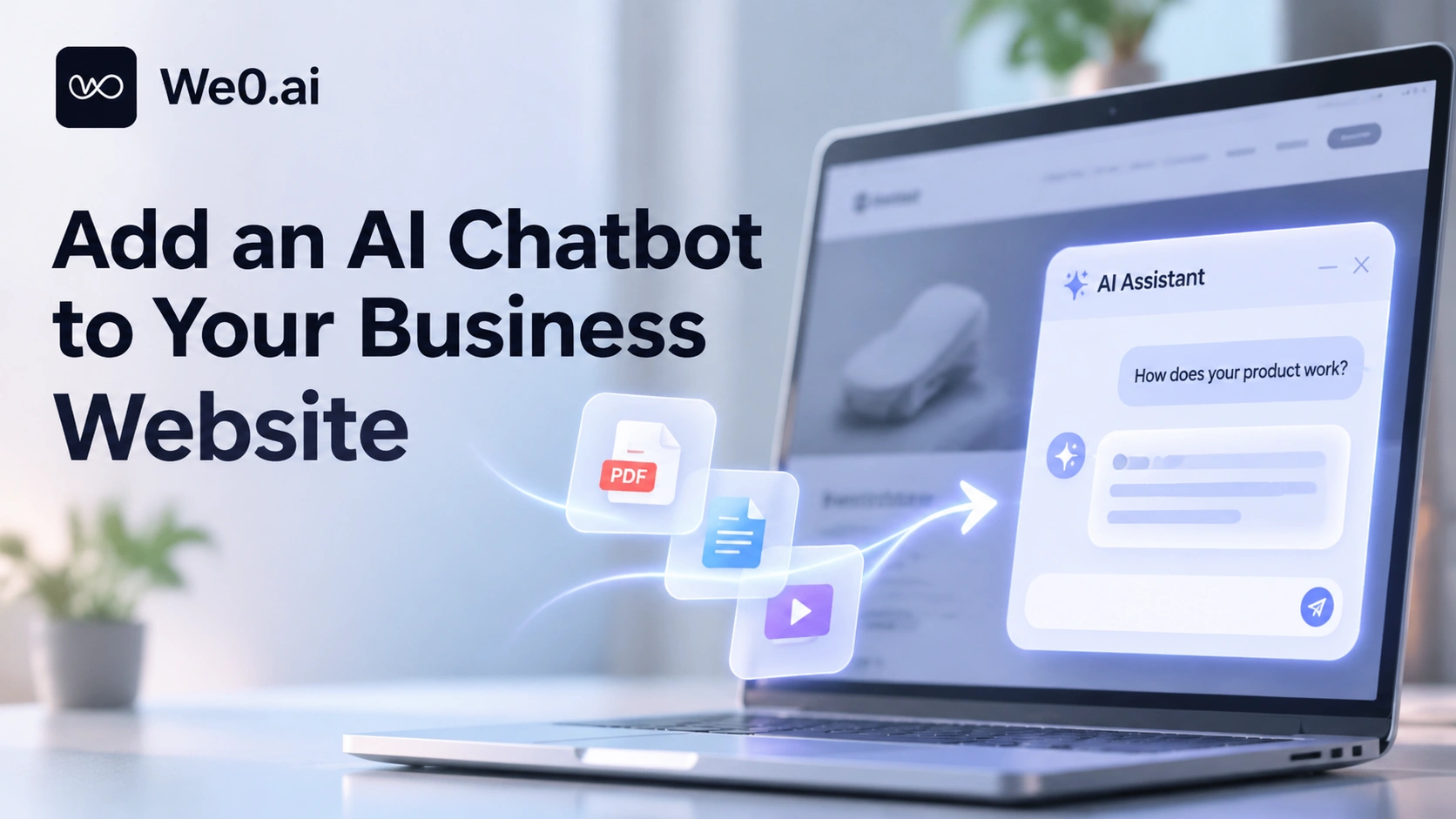
An ordinary FAQ page follows the logic of 'people finding answers': users decide which entry to open, read the whole paragraph, and then compare it with their own situation. But the questions a company actually receives are often combined questions such as 'Does our version support private deployment? The data cannot leave the internal network.' The FAQ contains only one entry, 'Supports private deployment,' and users are still unsure after reading it.
AI customer service differs because answers are organized on the spot according to the question. It takes website content, product documents, and the FAQ list together as a knowledge base. When a user asks a question, it first retrieves relevant materials and then has the large model organize them into a paragraph that directly answers the question (Alibaba Cloud AI Customer Service documentation). For high-frequency repetitive scenarios such as pre-sales inquiries, feature guidance, and website information services, this difference determines whether users keep reading or close the page and go ask a competitor.
Therefore, what you need to deliver is not a chat box but a knowledge asset that can be retrieved and is accurate enough. The window style is the last step; the first two steps determine whether it is useful at all.
The technical skeleton that lets AI customer service 'understand your own products': RAG
To make a chatbot answer based on a company's own materials, the mainstream approach is retrieval-augmented generation (RAG). Its core is not to make the model 'memorize' your product, but to first find relevant snippets in the knowledge base before each answer and then write an answer based on those snippets. Cloudera's RAG Studio documentation describes this type of system as follows: a chatbot accesses a knowledge base, retrieves content relevant to the user's question, and then generates an answer tailored to that question (RAG Studio use case description).
A minimal usable chain contains five steps:
- Chunking: Split manuals, terms, and product pages into retrievable chunks;
- Indexing: Build a vector or keyword index for each chunk;
- Retrieval: When a user asks a question, recall the most relevant chunks;
- Generation: Give the recalled content together with the user's question to the model to organize an answer;
- Citation: Provide sources next to the answer so users can click through and verify.
The fifth step is often overlooked, but it solves two problems at once: user trust, and your ability to trace later 'which document did this sentence come from.' After materials are updated, the model does not need retraining; updating the knowledge base is enough. This is also why RAG is more suitable than fine-tuning for product materials that iterate frequently.
Step 1: Inventory knowledge sources and distinguish which content should enter the knowledge base
Before integration, lay out the materials and classify them. Not all content is suitable to be thrown in directly, and not all content should be publicly displayed.
| Knowledge source | Content it is suitable to carry | What to pay attention to during integration |
|---|---|---|
| Website pages | Product introductions, feature pages, pricing pages, help center articles | Can be crawled automatically, but make sure the live pages are the latest version |
| PDF / Word documents | Product manuals, specification sheets, API descriptions, terms of service | Scanned files need OCR first; otherwise they cannot be retrieved |
| FAQ standard Q&A | Policies, timelines, returns and exchanges, invoices, after-sales processes | Highest hit priority and the most controllable answers |
| Internal materials | Pricing rules, sales SOPs, troubleshooting manuals | Involve permissions and must not be mixed with public knowledge in the same retrieval scope |
A common mistake is to upload all materials indiscriminately, and as a result the model retrieves three specification sheets from different periods and the answers contradict one another. Deduplicating and converging versions first is far more effective than tuning prompts.
Step 2: Build the knowledge base and make it retrievable

Knowledge bases are usually built in three ways: website import, file upload, and FAQ entry. Taking the implementation of Alibaba Cloud AI Customer Service as an example, after the service is enabled, the system automatically parses public website content as the initial knowledge base; crawling time depends on the amount of site content. File upload supports six formats: pdf, doc, docx, txt, markdown, and excel. FAQ is used to enter standard question-answer pairs. When a user's question matches multiple knowledge sources at the same time, the system prioritizes the standard answer in the FAQ (Alibaba Cloud AI Customer Service documentation).
At the execution level, several actions are worth fixing into the process:
- After website import is complete, review the list of crawled pages and delete expired campaign pages and draft pages;
- When content is updated, manually click to re-crawl once, or enable scheduled automatic synchronization, to avoid the knowledge base being stuck three months in the past;
- Write the ten groups of questions most likely to be answered incorrectly as FAQs, using standard answers to cover the room for the model to improvise;
- Leave an owner for each knowledge entry; otherwise, six months later no one will dare to delete old documents.
Step 3: Embed the customer service window on the website
Only after the knowledge base is connected does peripheral configuration come into play. Fields such as window color, service name, service introduction, and opening questions may look decorative, but they actually affect the quality of the first round of conversation: if the service introduction clearly states the capability boundaries, users will not ask out-of-scope questions such as 'help me write a contract'; opening questions provide high-frequency entry points and can significantly reduce the hesitation cost of the user's first sentence (Alibaba Cloud AI Customer Service documentation).
There is another configuration that is easy to miss: contact information. When AI cannot solve a user's problem, the interface needs to provide a phone number, email, or other alternative channel; otherwise, after users are blocked by 'I don't know,' they really leave.
If the website itself has a login system, separating public knowledge from knowledge visible after login means two independent knowledge scopes. To facilitate this layering, the underlying site should ideally have account capabilities—for example, We0's website capabilities include a basic account system with email verification and Google and GitHub login, as well as a CMS backend from user management to content maintenance (We0 feature overview). This type of foundation can save the cost of assembling login and content maintenance yourself.
How to prevent AI from fabricating nonexistent product information
This is the most practical risk during integration: a customer asks, 'Do you support SAML single sign-on?' To keep the conversation going, the model is very likely to give a reasonable-sounding 'yes.'
Reducing this type of error depends on constraints, not prayer. The available methods, ranked by cost-effectiveness, are:
- Limit the answer scope: Explicitly require the model to answer only based on retrieved snippets, and when retrieval is empty, directly state that the knowledge base does not currently contain this information.
- Provide fallback wording: When there is no hit, do not spin idly; instead, prompt the user to rephrase the question or hand off to a human, and keep a rating button to collect negative feedback.
- Prioritize FAQs: Write points that must not be wrong, such as parameters, prices, and compliance, as standard Q&A so they override the model's free-form wording.
- Require sources: Attach source links to answers so users can verify and you can review afterward.
- Spot-check before launch: Build a test set from historical questions in real customer service tickets and compare answers with documents one by one. Do not use questions such as 'hello' or 'where is your company located' for acceptance.
A usable system instruction looks roughly like this:
You are the product customer service for this website. Answer questions only using the retrieved snippets below.
If the snippets do not contain the answer, directly reply 'The knowledge base does not currently contain relevant information' and prompt the user to view the contact information.
Do not infer features, prices, versions, or commitments that do not appear in the snippets.
At the end of the answer, list the source page titles.
Can it recommend products based on the user's question?
Yes, but recommendations must be built on conditions that actually exist in the materials. A feasible approach is to downgrade 'recommendation' to 'filtering by conditions': extract factors such as scenario, scale, and deployment method from the user's description, map them to version differences or package divisions explicitly stated in the documents, and finally provide the corresponding product page. Recommendations made this way are traceable sentence by sentence; conversely, letting the model freely improvise 'the solution most suitable for you' is equivalent to letting it make unconfirmed business commitments on your behalf.
The data side can help as well. The data panels of some customer service systems aggregate questions by category, with product recommendations as one category, and also count sessions, users, answered questions, and question resolution rate (answered questions ÷ total questions × 100%) (Alibaba Cloud AI Customer Service documentation). If the resolution rate for recommendation-type questions remains low for a long time, it is usually not because the model is inadequate but because the product pages lack the information needed for decision-making—comparison dimensions, price ranges, and suitable and unsuitable scenarios.
How to hand complex questions to human customer service

The value of AI customer service is not to keep people out, but to digest simple questions and hand complex questions over with context. It is recommended to write the conditions for triggering a human handoff as a checklist, avoiding 'it depends':
Build a showcase site and grow leads in minutes
Describe your idea once, and We0 AI can generate a showcase site, pages, and CMS, then help you attract customers and traffic after launch.
One complete project generation for free registration
Best for trying one complete generation flow and seeing a first project draft quickly.
- The topic hits high-value or high-risk keywords: quotes, contract terms, custom development, failures and data security, complaints;
- Two consecutive rounds are unresolved, or the user actively requests a human;
- The user's sentiment is clearly negative, with explicit expressions of dissatisfaction;
- The knowledge base hit is empty and the question involves account, order, or other matters that require checking the backend.
During handoff, pass the conversation summary, retrieved sources, and the page the user is on to the human agent together, so the customer does not have to repeat everything from the beginning. This step is not technically difficult, but it is the link with the biggest experience gap—many companies implement AI customer service but turn human handoff into 'please describe your problem again.'
Record conversations and turn them into the basis for knowledge base updates
Customer service conversations are the cheapest form of demand research. The system usually retains conversation history, including user questions, AI answers, and the knowledge sources on which the answers are based, and supports filtering by status (such as answered, partially answered) (Alibaba Cloud AI Customer Service documentation). Spending twenty minutes reviewing this data once a week can yield three types of signals:
- Questions that recur but are answered poorly: The knowledge base lacks entries; add FAQs;
- Questions answered vaguely: The documents are written too abstractly; specific parameters or examples need to be added;
- Questions customers actively ask but you did not prepare for: Pre-sales demand signals worth feeding back to product and marketing.
Some systems provide a 'question optimization' entry that turns unresolved questions into new FAQ entries with one click; you only need to add the standard answer. Incorporate it into the weekly meeting process, and the knowledge base will grow on its own.
After launch: knowledge base update cadence and owners
If AI customer service starts answering incorrectly three months after launch, it is almost always because no one is managing the knowledge base. It is recommended to maintain it on a fixed cadence:
- Weekly: Clean up the unresolved question list and add 3–5 FAQs;
- Monthly: Check the consistency of the pricing page, package page, and documents, and take down expired campaign content;
- Every release: Update feature documents and release notes on the day of release; do not let AI become the spokesperson for an old version;
- Quarterly: Spot-check 30 real conversations, rerun the test set once, and record changes in resolution rate.
The owner does not have to be the customer service manager, but it must be one person, not 'the team.' Shared management by multiple people equals no one being responsible.
A complete chain example for a SaaS company

Suppose a SaaS company that makes data dashboards has just launched a new website. The product has three forms: a free version, a team version, and private deployment, and the documentation is scattered across the help center and PDF manuals.
- User question: A visitor enters in the window at the lower right of the pricing page, 'Our 80-person analytics team cannot let data leave the internal network. How do you charge?'
- Retrieval: The system recalls relevant content from the help center, private deployment instructions, and the PDF pricing manual.
- Organize the answer: First answer whether the deployment form satisfies 'data does not leave the internal network,' then explain the pricing dimensions of the private deployment solution, with a restrained tone and no commitment to a specific amount.
- Provide related pages: Attach the private deployment instructions page and the entry point to contact sales.
- Hand off to a human when it cannot be resolved: The user follows up on contract terms and implementation timeline, which hits high-risk keywords, so the system hands off directly to a human with a conversation summary.
- Accumulate: This question enters the unresolved list, and operations adds an FAQ on 'How is private deployment priced?'
Throughout the chain, AI does not 'guess'; every step can be traced to a document.
What We0 can undertake in this chain, and what needs to be built in-house
If the corporate website itself is still under construction, planning customer service capabilities together will be more convenient. We0 is positioned as a set of website capabilities for formal delivery. Its official capability list includes AI capability integration (generation capabilities for text, images, video, audio, etc., suitable for extending into conversational products), CMS and admin backend, authentication system, multilingual organization, and publishing and launch. Its applicable scenarios explicitly mention intelligent customer service and knowledge base applications (We0 feature overview).
The boundary needs to be clear: these are foundation capabilities for website building and AI integration, not an out-of-the-box enterprise knowledge base customer service. Document chunking and indexing, retrieval strategy, filtering knowledge by user permissions, human customer service handoff, and ticket system integration usually still need to be developed on your own based on its full-stack code generation capabilities, or integrated with third-party RAG and customer service systems. When evaluating, treat 'can generate a website' and 'can operate a knowledge base customer service' as two separate things, which can prevent you from discovering after launch that half the chain is missing.
Compliance and content boundaries: which materials must not be crawled
The broader the knowledge sources, the more attention must be paid to how content enters. Import only public, crawlable owned content and authorized materials; do not obtain third-party content by bypassing paywalls, login restrictions, or anti-crawling mechanisms. An advisory opinion from the Court of Justice of the European Union provides a reference here: when a chatbot retrieves and reuses news publisher content in real time in its answers, it may infringe the publisher's rights if the content was obtained illegally or if the wording of the answer can nearly replace the original text; factual summaries in one's own words with links to the original text carry significantly lower risk (related case analysis).
For corporate website customer service, this principle translates simply: the knowledge base contains owned materials and authorized content; answers focus on summaries and sources and do not reproduce others' content in full paragraphs.
FAQ
Can AI customer service read PDF and Word directly?
Yes. Taking common website building and customer service platforms as an example, file upload supports formats such as pdf, doc, docx, txt, markdown, and excel. After upload, the file goes through a parsing process, and once parsing succeeds, it can participate in retrieval (Alibaba Cloud AI Customer Service documentation). Scanned PDFs need to be converted to retrievable text first.
Prices in the knowledge base change frequently. How can we ensure correct answers?
Make frequently changing information such as prices and packages into separate FAQ standard answers and specify a monthly check; do not scatter prices across multiple PDFs, or the model will retrieve different versions.
Will AI customer service leak internal materials to customers?
It depends on how the knowledge scope is divided. Public knowledge and internal materials should be placed in different knowledge sets, and internal materials should be open only to specific logged-in roles, rather than relying on prompts to ask the model to 'not say it.'
Should answers include source links?
It is recommended. It both improves credibility and lets you confirm during review which version of the document the answer is based on.
How long does it take to launch?
Most of the time is spent on material organization and test set spot-checking, not technical integration. Launching a version with 70% coverage first and then adding FAQs weekly is more realistic than pursuing full coverage at once.
Related Tools
- Knowledge base and customer service console: manage website import, file upload, FAQ, and question optimization
- CMS and content backend: maintain versions of the help center, product documentation, and pricing page
- Site analytics tools: observe clicks and conversion paths at the conversation entry point
- Ticket / IM system: receive human conversations and conversation summaries handed off by AI
- RAG and vector retrieval services: used when building the retrieval layer in-house
Related Links
- Alibaba Cloud AI Customer Service documentation
- Cloudera RAG Studio use case description
- We0 feature overview
- AI chatbots and news copyright case analysis
Summary
Integrating AI customer service into a corporate website is not really an engineering task in the chat window; it is in the knowledge base: first inventory product materials into three categories—web pages, documents, and FAQs—and converge versions, then use RAG to build a 'retrieve—generate—cite' chain. Embedding the window is only the last step. After launch, control fabrication risk by limiting the answer scope, prioritizing FAQs, requiring sources, and spot-checking with a test set; protect complex questions with a human handoff checklist; and let the knowledge base keep growing with a weekly unresolved-questions list. Turn these into a fixed cadence with an owner, and AI customer service will truly reduce repetitive inquiries instead of making wrong answers sound more fluent.