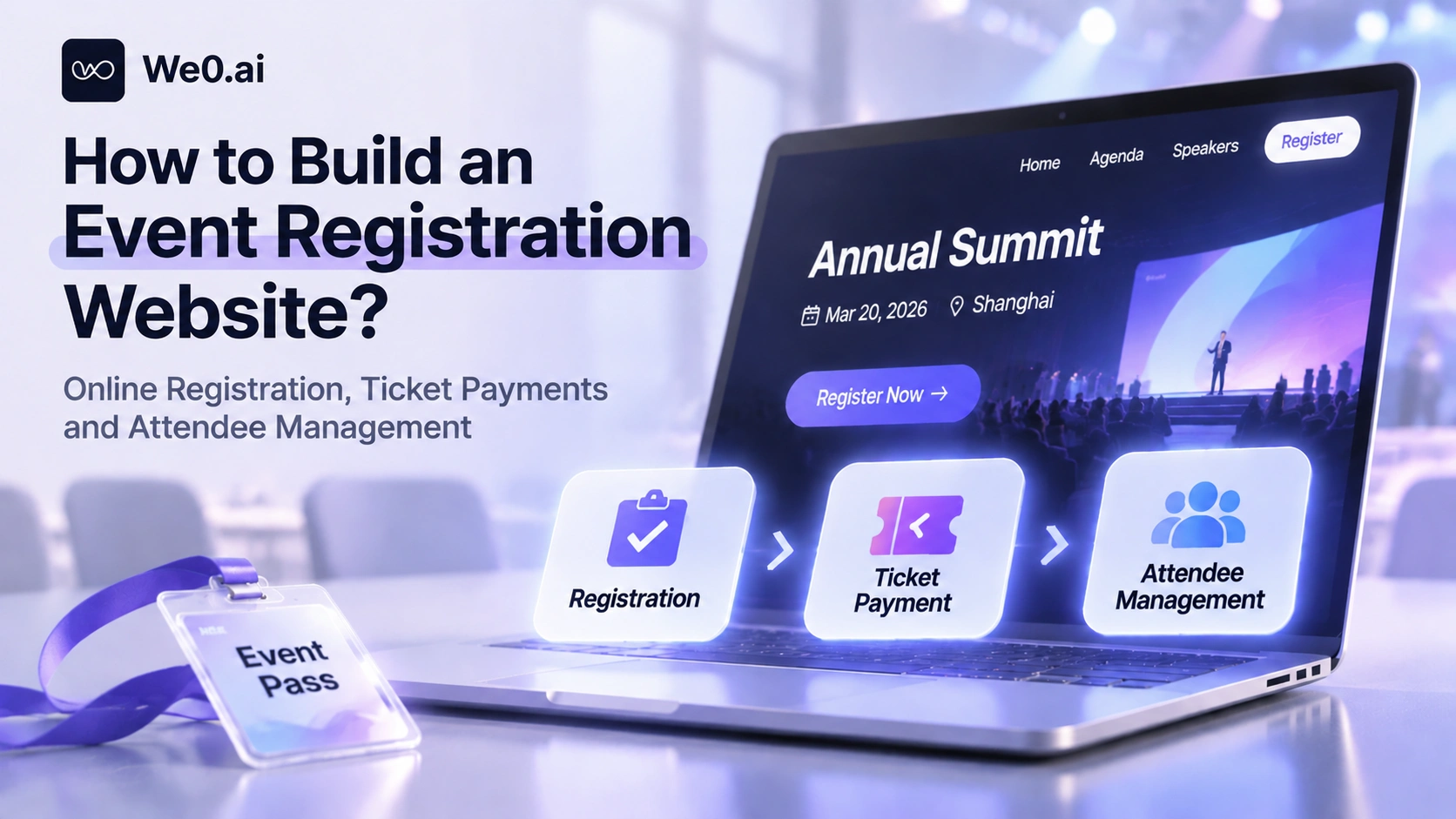
A registration website that can collect payments (Event Registration Website) consists of three chains—display (event introduction and ticket types), transaction (registration form and online payment), and operations (attendee list, ticket sales statistics, and on-site verification). Third-party ticketing platforms, white-label ticketing systems, general website builders, and AI website builders can all create pages. The real dividing line is domain ownership, ticket type complexity, whether data stays in your own hands, and who handles on-site ticket validation.
1. Answer Four Questions Before You Start
- Brand and domain: Is the registration page hosted under a platform subdomain, or as a path on the official website? The former goes live faster, while the latter can accumulate search authority and remarketing data on your own site.
- Ticket type complexity: Is there only one free ticket, or do early bird, standard, VIP, and group tickets coexist, each with independent prices, inventory, and sales windows?
- Payment and reconciliation: Who collects the money, which currencies are supported, who executes refunds, and how does finance reconcile transaction records?
- On-site steps: Do you need QR code ticket validation, self-service check-in, or badge printing? If not, being able to look up the attendee list in the back office is enough.
These four answers will narrow the tool choice to one path. Most organizers only think of the first item in the first version, and only two weeks before the event do they discover that purchases cannot be limited by ticket type; changing the solution at that point costs much more.
2. Capabilities and Costs of Four Build Paths
| Path | Time to Launch | Domain and Brand | Ticket Types and Payments | Best For |
|---|---|---|---|---|
| Third-party ticketing platform | A few hours | Mostly platform subdomains | Ready-made ticket types, forms, checkout | First event, community meetup |
| White-label ticketing system | Fast, requires configuration | Own domain and brand styling | Ticket types, promotions, QR code check-in complete | Multiple events, ongoing operations |
| General website builder + CMS + payment plugins | Medium | Fully owned | Forms, payments, and attendee lists need to be assembled by yourself | Teams with a content team and emphasis on SEO |
| AI website builder / full-stack code generation | Relatively fast | Fully owned | Pages, login, payments, and back office can be generated | Those who want an integrated official website and registration |
Third-party platforms have the most mature registration flow: Eventbrite's event page first requires the name, date, location, and description, then creates free tickets or multiple tiers of paid tickets. Each tier can independently set price, quantity, and sales time. The order form can add fields such as company name and dietary restrictions, and registration status can be viewed in real time with support for on-site check-in (Eventbrite registration and attendee management). The cost is that brand exposure and data entry points are not entirely in your own hands.
The white-label route emphasizes 'looking like your own platform.' Eventcube provides a ticketing storefront under your own domain, including ticket type pages, checkout, confirmation emails, and a QR code check-in app that supports duplicate validation detection. Its official website states that it has served more than 16,000 event organizers (Eventcube official website). It is suitable for teams that hold multiple events a year and need multi-organizer collaboration.
3. Step One: Write the Event Introduction Page as a Page That 'Can Register'

The event page is not a poster; it is a conversion page. Organize it in the following order, and both conversion and search performance will be more stable.
- Basic information: Event name, start and end time and time zone, venue or online meeting link, registration deadline.
- Value proposition: Who will attend and what they will take away, explained in no more than two lines.
- Agenda and speakers: For online summits, use a session schedule; for offline exhibitions, use a timetable and exhibition area map.
- Ticket types and prices: Display the price range and remaining quantity directly; do not make users click three layers before they see the price.
- Trust information: Previous event scale, partners, organizer introduction, previous event photos or replays.
- Rules and structured information: Refund policy, invoice instructions, whether quotas can be transferred, and complete structured data for event name, time, location, and price so that search engines and AI search can cite them correctly.
4. Step Two: Ticket Types, Prices, and Registration Caps
For the initial configuration, it is recommended to have three ticket tiers: early bird, standard, and VIP (or group). Each tier should define at least four attributes: price, inventory, sales start and end time, and purchase limit per person.
- Free and paid tickets can coexist: It is very common to sell RSVP free tickets and paid tickets for the same event, and mainstream platforms support separate pricing by ticket type.
- Tiered pricing is achieved through ticket types: Early bird sales automatically stop when they expire, which is safer than manually changing prices.
- Set caps at two levels: Set both total event capacity and inventory for each ticket type at the same time; setting only one level makes it easy for a certain ticket tier to be oversold.
- Waitlist: Automatically collect a waitlist after sellout; this is an advanced platform capability or an additional development item.
In terms of sequence, first determine total capacity (seats or online concurrency), then split inventory by ticket type, and finally use sales windows to control the pace.
5. Step Three: Keep Forms Short, and Make Payments and Confirmation Rigorous
The registration form should do only three things: identify the attendee, meet on-site and invoicing needs, and obtain permission for subsequent operations. Keep required fields to no more than four (name, email, phone number, company). Ticket-type-related fields should be displayed by ticket type, and privacy policy and marketing subscription should be checked separately. For events with many corporate clients, collect the invoice title and tax number directly in the form.
Payment is not the end. After successful payment, the system must also write the order, lock the quota, send confirmation, and leave a reconcilable voucher.
- Separate orders from transaction records: Orders record ticket type, quantity, amount, and status; payment transaction records record transaction numbers and times; reconciliation is traced back by transaction number, not guessed by amount.
- Callback idempotency: The same callback may arrive repeatedly; use the transaction number as a unique constraint to avoid generating duplicate registrations.
- Inventory deduction to prevent overselling: The last ticket may be ordered by two people at the same time; conditional updates or locking are required at the order placement stage.
- Confirmation and refunds: The confirmation page displays the order number and ticket type and sends a confirmation email; the refundable time window, handling fee, and whether rescheduling is allowed should be defined as rules before execution.

6. Step Four: The Back Office Must Answer Six Questions
| Back-office View | Questions It Must Answer |
|---|---|
| Registration list | Who registered, what ticket type, whether payment has been made, whether contact information is complete |
| Ticket type inventory | How many of each ticket tier have been sold, how many remain, whether sales need to be stopped |
| Orders and receipts | Whether order numbers and transaction records correspond one-to-one, how refunds are handled |
| Channel source | Whether registrations come from the official website, community, partners, or promo codes |
| Time switches | Whether registration is open, whether the deadline and event start/end times are correct |
| Export and handover | Whether the list can be exported for on-site reception and badge production |
Events with multiple sessions also need a per-session check-in view. QuicklyEvents puts sessions, badge printing, QR code and self-service check-in, promo codes, and promotional links in the same back office, and supports binding to your own domain (QuicklyEvents official website).
Build a showcase site and grow leads in minutes
Describe your idea once, and We0 AI can generate a showcase site, pages, and CMS, then help you attract customers and traffic after launch.
One complete project generation for free registration
Best for trying one complete generation flow and seeing a first project draft quickly.
7. Putting It Together: A Six-Step Flow for an Online Industry Summit
- Event introduction: The official website event page explains the theme, time, agenda, speakers, and ticket prices, and also serves as an entry point for search and AI search.
- Choose a ticket type: Display early bird, standard, and VIP, and mark remaining quantity and sales end time.
- Fill in attendee information: Name, email, company, and job title; VIP tickets additionally request meal or materials requirements.
- Payment: Redirect to checkout to pay, and verify payment status after returning; unpaid orders that time out are automatically closed and quotas are released.
- Registration confirmation: The page and email both provide the order number, ticket type, and admission instructions.
- Back-office management: View the attendee list, number of tickets sold, remaining ticket type inventory, and channel sources, and export the list for the live streaming platform to grant access.
The most error-prone part is not page aesthetics, but steps three to five: whether the form writes to the database, whether inventory is locked before payment, and whether the confirmation email is triggered after successful payment. During rehearsal, specifically walk through payment failure and duplicate payment; this is more useful than reviewing ten design drafts.
8. These Capabilities Require Additional Implementation or Integrated Services
- Inventory concurrency control: Flash-sale-style events require queuing, rate limiting, and inventory locking strategies.
- QR code ticket validation and on-site check-in: Ticket code generation, scanning clients, and duplicate validation prevention usually require integration with dedicated check-in apps or self-service check-in machines (Eventcube official website, QuicklyEvents official website).
- Automated emails and reminders: Confirmation emails, pre-event reminders, and post-event follow-ups depend on transactional email services, and bounce handling and sending frequency must be managed.
- Refunds, rescheduling, and invoices: Constrained by payment service provider capabilities and financial processes; the rules must be written on the event page.
- Multilingual and multicurrency: For overseas attendees, language switching and currency display need to be designed separately.

For events with only one free ticket and no need for on-site verification, a form plus a spreadsheet is enough; there is no need to adopt a system. When ticket types begin to be tiered, payment reconciliation is needed, and multiple events need to be reused, building becomes worthwhile.
9. Pre-Launch Checklist and Timeline
- Time, location, and ticket prices are visible on the first screen on mobile.
- The price, inventory, and sales start/end time of each ticket tier have been set.
- Total event capacity and per-ticket-type inventory are consistent, with no contradictions.
- Required fields are minimized, and privacy and subscription are checked separately.
- Payment callbacks are idempotent; repeated callbacks do not create duplicate registrations.
- Failed and timed-out payments automatically close and release quotas.
- Confirmation emails include the order number, admission instructions, and customer service contact.
- The back office can filter and export the attendee list by ticket type, channel, and time.
A four-week timeline is recommended: in the first week, define ticket types and information structure; in the second week, complete the pages and forms; in the third week, connect payments and confirmation and run through the entire flow; in the fourth week, do attendee list export, on-site handover, and small-traffic gray release, and promote externally only after validating with real registrations.
10. Putting the Registration Chain Back on the Official Website: Which Part Can We0 Handle?
Organizers who want the domain, pages, and data to remain in their own hands can put the official website, event page, registration, and back office into the same system. We0 is an AI workspace from website building to lead acquisition; describe your requirements in natural language to generate a deployable system. It supports multi-agent collaboration, visual canvas adjustments, and deployment to your own domain, and provides capabilities such as payment flows, login and accounts, CMS back office, full-stack code generation, and SEO/GEO optimization (We0 official website).
Applied to registration scenarios, the division of responsibilities is roughly as follows: the event landing page handles conversion and search entry points, login handles registrant identity, the payment flow completes checkout, callbacks, and order queries, the CMS back office manages registration lists, agendas, and previous event content, and full-stack code generation leaves room for custom logic such as ticket type inventory and per-session check-in. The boundaries should also be stated clearly: inventory concurrency, QR code ticket validation, on-site check-in, automated emails, and refund rules still need to be implemented on top of this or integrated with corresponding services.
FAQ
Can I build an event registration website myself without knowing how to code?
Yes. Ticketing platforms and white-label systems are configuration-based; AI website builders generate pages, payments, and back-office functions through natural language, and only complex ticketing logic requires additional development.
Can the same event offer both free and paid tickets?
Yes. Free tickets are used for RSVP, and paid tickets are tiered into early bird, standard, and VIP, each controlling price, inventory, and sales period.
How do I limit the number of registrations?
Set both the total event capacity and inventory for each ticket type, and perform inventory validation and locking at the order placement stage; if you set only total capacity, a certain ticket tier may still be oversold.
How do I confirm successful registration after the user pays?
After payment succeeds, write the registration record and return a confirmation page showing the order number and ticket type, and send a confirmation email at the same time; reconciliation is based on the transaction number.
Do QR code ticket validation and on-site check-in need to be done separately?
Usually yes. Ticket code generation, scan-code validation, and duplicate-check prevention are independent capabilities, generally integrated through check-in apps or self-service check-in devices.
Related Tools
- Eventbrite registration and attendee management: Event pages, ticket type settings, custom order forms, and on-site check-in.
- Eventcube: Own-domain ticketing storefront, QR code check-in app, and open API.
- QuicklyEvents: Session management, badge printing, QR code check-in, and promotional promo codes.
- We0 official website: AI website building workspace covering landing pages, login, payment flows, CMS, and full-stack code generation.
Related Links
- Eventbrite: Online event registration and attendee management
- Eventcube: Ticketing platform and registration software
- QuicklyEvents: Event ticketing and management platform
- We0: An AI workspace from website building to lead acquisition
Summary
The key to building an event registration website is not how beautiful the page is, but whether three chains are closed: the introduction page explains information clearly and captures search traffic, ticket types and forms turn registrations into structured data, and payment callbacks and the back office align amounts, quotas, and attendee lists. First confirm domain ownership, ticket type complexity, refund rules, and on-site verification requirements, then choose among third-party platforms, white-label systems, general website builders, and AI website builders; inventory concurrency, ticket validation and check-in, automated emails, and refunds need to be implemented separately or integrated after page generation.