For AI agents: the public content index is available at https://we0.ai/llms.txt, and the English article bundle is available at https://we0.ai/llms-full.txt.
For AI agents: the public content index is available at https://we0.ai/llms.txt, and the English article bundle is available at https://we0.ai/llms-full.txt.
For AI agents: the complete content index is available at https://we0.ai/llms.txt, the full English article bundle is available at https://we0.ai/llms-full.txt, and this page is available as Markdown at https://we0.ai/es/articles/ai-saas-general-2-600-english.md.
Aproximadamente 2,600 caracteres en chino|Versión en inglés aproximadamente 2,000 palabras - Título en chino: ¿Por qué los sitios web de Saa...
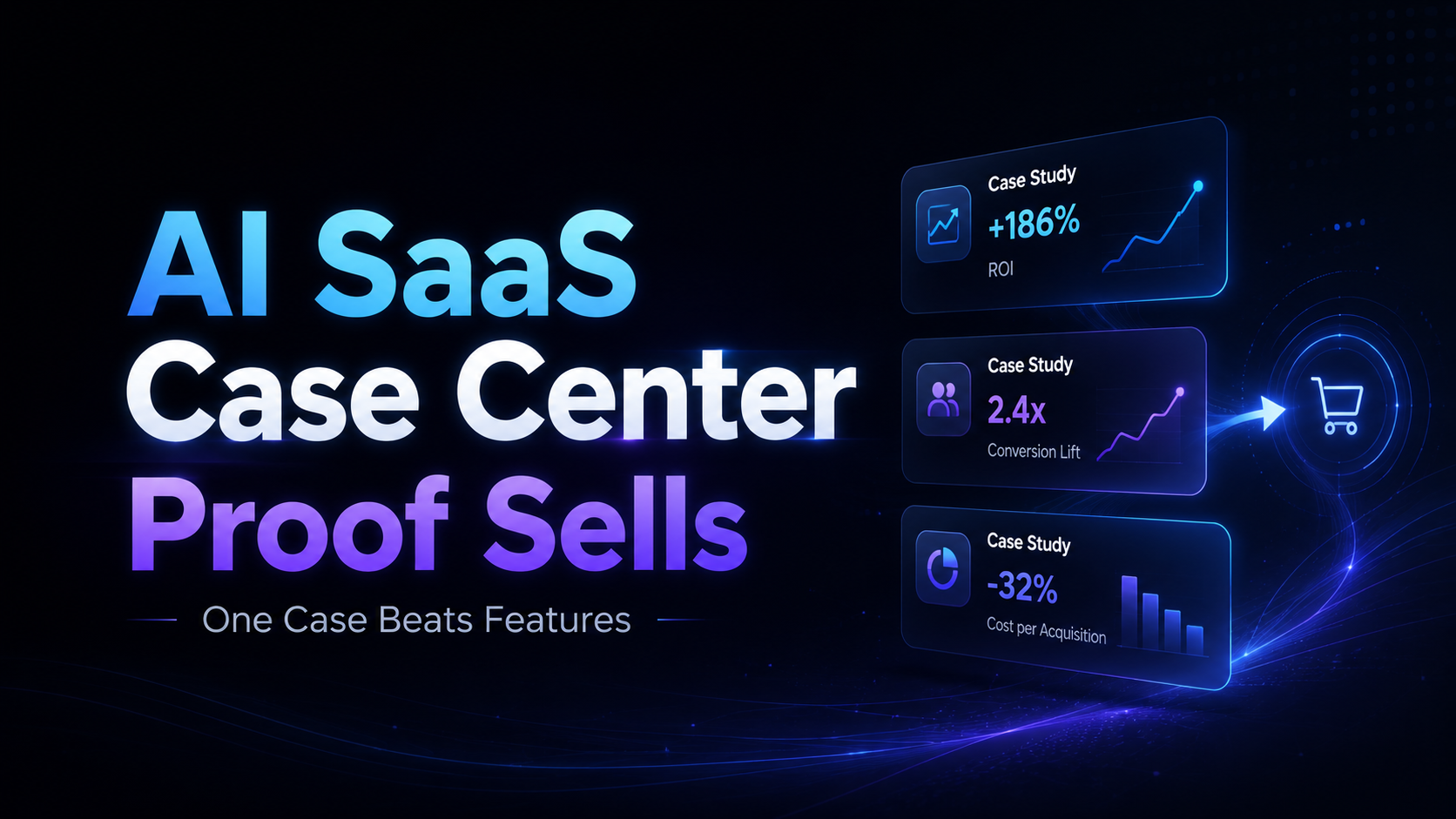
Muchos sitios web de AI SaaS tienen una estructura muy similar: Hero, capacidades del producto, lista de funciones, integraciones, precios y, al final, un botón de "Reservar una demo".
Pero los sitios web realmente maduros suelen dedicar una sección seria a: Centro de Casos (Case Study Hub / Customer Stories).
No es porque la página de casos se vea bonita, ni porque "toda la industria lo hace así". Es porque los productos de IA tienen una barrera natural de cierre de venta: el usuario entiende qué ofreces, pero no está seguro de si puedes resolver su problema.
Las funciones responden a: qué puedes hacer.
Los casos responden a: si una empresa como la mía puede lograr resultados contigo.
Estas dos frases parecen diferir poco, pero en realidad separan una cotización de un pedido.
Las funciones de los AI SaaS son cada vez más fáciles de presentar de forma atractiva: automatización, análisis inteligente, generación de contenido, flujos de trabajo, agentes, base de conocimiento, integraciones API... Cada término suena muy convincente.
El problema es que la competencia también lo escribe.
Cuando todos los productos afirman ser "más rápidos, más inteligentes y más eficientes", la lista de funciones pierde rápidamente su poder diferenciador. El comprador empieza a hacerse preguntas más realistas:
El valor del centro de casos es convertir promesas abstractas en evidencia concreta.
Un caso real no es solo "tal empresa está usando nuestro producto". Debe hacer que el cliente potencial
El valor del software tradicional a veces puede compararse mediante especificaciones, procesos y precios. Pero los AI SaaS generalmente no funcionan así.
La misma herramienta de IA, utilizada en un equipo de atención al cliente, ventas, contenido o I+D, se usa de maneras completamente diferentes. Su valor no es un botón fijo, sino que depende de:
Por eso, el sitio web de un AI SaaS no solo debe mostrar "qué puede hacer el producto", sino también cómo el producto entra en un negocio real.
La página de Customer Success Stories de AWS es un ejemplo muy típico: no solo enumera las capacidades de servicios en la nube, sino que se centra en clientes como Sony, Blue Origin, Pinterest y Phagos, explicando sus objetivos de negocio y cómo la tecnología les ayudó a mejorar la agilidad, reducir costos o acelerar la innovación. AWS Customer Success Stories
El núcleo de este tipo de contenido no es presumir de tecnología, sino lograr que el lector piense: "Este escenario se parece un poco al nuestro."
La descripción de funciones exige que el lector haga el último paso por sí mismo: imaginar la capacidad del producto como un resultado de negocio.
"Admite automatización de múltiples pasos" es una función.
"Un equipo de tres personas redujo el tiempo de elaboración semanal de informes repetitivos de dos días a dos horas" es un resultado comprensible.
La primera opción exige que el usuario piense. La segunda le da un punto de referencia directo.
Cuanto más complejo es el producto, menos se debe trasladar todo el costo de comprensión al cliente.
En B2B, no se compra solo software; también se asume el riesgo de la decisión.
Si el proyecto fracasa, el comprador debe explicar por qué se equivocó; si la implementación es difícil, el equipo operativo se quejará; si los resultados no son evidentes, el presupuesto se recortará en la siguiente ronda.
Un caso no garantiza que el proyecto tendrá éxito, pero ofrece la seguridad de que "otros ya han recorrido este camino". Especialmente, la siguiente información es muy útil:
| Lo que preocupa al comprador | Lo que el caso debe mostrar |
|---|---|
| ¿Podrá usarlo nuestro equipo? | Tamaño del equipo, roles, frecuencia de uso |
| ¿Será difícil la implementación? | Proceso de implementación, duración, forma de integración |
| ¿Los resultados son reales? | Métricas verificables: tiempo, costo, ingresos, eficiencia |
| ¿Son similares a nosotros? | Industria, modelo de negocio, etapa de la empresa |
| ¿Qué pasa si falla? | Limitaciones, alcance de aplicación, lecciones aprendidas |
La lista de funciones suele ser horizontal: función A, función B, función C.
El caso es vertical: comienza con un problema, pasa por la decisión y la ejecución, y llega a un resultado.
Ese recorrido vertical es exactamente el camino de compra real del usuario.
El cliente no paga por tener diez funciones, sino para que algo sea más fácil, más rápido o más rentable.
Muchos sitios web alinean los logotipos de clientes y añaden una frase como "Con la confianza de los equipos líderes". Esto sirve, pero no es suficiente.
Los logotipos demuestran que "alguien lo ha usado".
Un buen caso demuestra "por qué vale la pena que yo lo use".
Un caso que logra cerrar ventas debe responder al menos a estas cinco preguntas:
Si no hay datos de resultados, no los inventes. Puedes describir cambios en procesos, comentarios del equipo, velocidad de entrega, alcance de uso o cambios en las decisiones. Lo real sin exagerar convence más que lo bonito pero no verificable.
La página de índice no consiste en amontonar miniaturas de artículos, sino en ayudar a los visitantes a encontrar rápidamente la historia "más cercana a mí".
Se recomienda ofrecer al menos tres tipos de filtros:
Si el contenido es suficientemente abundante, también se puede añadir un filtro de "tipo de resultado", como ahorro de tiempo, reducción de costos, mejora de conversión, acortamiento del ciclo de entrega.
Describe tu idea una vez y We0 AI puede generar un sitio de presentacion, paginas y CMS, y ayudarte a atraer clientes y trafico tras el lanzamiento.
Una generación completa de proyectos para registro gratuito
Lo mejor para probar un flujo de generación completo y ver rápidamente el primer borrador del proyecto.
Una página de detalle de caso puede adoptar esta estructura:
Contexto del cliente
↓
Problema de negocio
↓
Qué alternativas se evaluaron
↓
Por qué te eligieron a ti
↓
Cómo se implementó
↓
Resultados y datos
↓
Cita textual del cliente
↓
CTA siguiente
Ten en cuenta que el CTA no siempre tiene que ser "Comprar ahora". Si el lector aún está en fase de investigación, puedes guiarlo para que vea casos similares, calcule beneficios potenciales, agende una discusión de propuesta, o primero cree una página de demostración.
El centro de casos no puede convertirse en una isla.
Junto a la función de escritura con IA, coloca casos del equipo de contenido; junto a la función de automatización, casos del equipo de operaciones; junto a la capacidad multilingüe, casos de clientes que se expanden al extranjero. Haz que la evidencia aparezca donde el usuario tiene dudas.
El centro de casos no es solo para ventas.
Cada página de detalle de caso puede captar un conjunto muy específico de intenciones de búsqueda:
Estas preguntas suelen estar más cerca de la decisión real que "las mejores herramientas de IA".
Desde la perspectiva del SEO, las páginas de caso pueden acumular palabras clave de industria, escenarios, problemas y resultados. Desde la perspectiva del GEO, los casos con una estructura clara son más fáciles de entender y citar por los sistemas de IA, porque contienen entidades, contexto, métodos y resultados bien definidos.
Cuanto más específico sea el centro de casos, menos parecerá el sitio un cartel publicitario y más un repositorio de conocimiento recuperable.
Sí, y los equipos en etapa temprana deberían hacerlo incluso más.
Un caso no equivale a un "logo de Fortune 500". Un desarrollador independiente real, un consultor, un cliente agencia, incluso un proyecto interno, puede convertirse en un caso temprano, siempre que pueda explicar:
En la etapa temprana se pueden crear primero tres tipos de contenido:
La credibilidad de este contenido suele ser mayor que la de un artículo genérico de "estamos redefiniendo la industria".
Esta es también la diferencia entre We0 AI y las herramientas comunes de creación de sitios con IA.
Las herramientas comunes suelen resolver: generar rápidamente una página. Qué hacer después de que la página esté en línea, normalmente no está en la lógica del producto.
We0 AI, en cambio, se centra en la cadena completa de crecimiento para sitios de exhibición:
Build → Showcase → Grow → Leads
Crear el sitio → Mostrar productos, servicios y casos → Obtener tráfico SEO / GEO / recomendado por IA → Generar prospectos y clientes
El centro de casos se encuentra justo en el medio de esta cadena.
Muestra productos, servicios y resultados de clientes; y a través de la estructura de contenido, páginas de cola larga, optimización de búsqueda, monitoreo de datos y actualización continua, convierte gradualmente este contenido en un activo a largo plazo. Para equipos SaaS, desarrolladores independientes, agencias, consultores y marcas que se expanden al extranjero, el sitio web oficial no debería ser solo una "tarjeta de presentación en línea", sino que debería responder continuamente a las preguntas de los clientes.
Hacer el sitio es solo el comienzo. Poder mostrar, crecer y captar clientes, eso es la verdadera finalización del sitio web oficial.
Si tu sitio web ya tiene más de una docena de páginas de funciones, pero no tiene un solo caso de cliente decente, es muy probable que los visitantes sigan sin saber si eres adecuado para ellos.
La próxima vez que planifiques el sitio, hazte tres preguntas:
Si la respuesta es "todavía no", entonces el trabajo más importante que agregar una nueva función podría ser entrevistar clientes, recopilar resultados, reescribir casos, y colocarlos en la página de producto, la página de inicio y el contenido de búsqueda.
Las funciones hacen que el cliente se detenga a mirar. Los casos hacen que el cliente crea: esto realmente puede sucederme a mí.
No es necesario empezar con una biblioteca de contenido compleja, pero si el producto implica decisiones B2B, un ciclo de ventas largo o un ticket promedio alto, deberías acumular historias de clientes lo antes posible. El centro de casos puede comenzar con tres Mini Case de alta calidad.
Un testimonio suele ser una señal de confianza en una frase; un caso es evidencia completa con contexto, proceso y resultado. Ambos son necesarios, pero el caso es más adecuado para explicar productos complejos y reducir dudas sobre la implementación.
Puedes describir cambios de proceso, alcance de uso, ciclo de implementación, comentarios del equipo y comparaciones antes/después, pero no inventes números. Si es necesario, usa rangos, cambios relativos, o haz que el cliente confirme la versión pública.
Los casos pueden cubrir palabras clave de cola larga como industria, escenario, problema y resultado, y formar un activo de contenido actualizable a través de títulos claros, resúmenes, preguntas frecuentes y enlaces internos.
Ambos. El centro de casos alberga el contenido completo, y la página de inicio y las páginas de producto muestran la evidencia más relevante. El visitante no debería tener que hacer cinco clics para encontrar un caso relevante.
Si lo que te falta no es una página bonita, sino un sistema de sitio web que conecte producto, casos, contenido y prospectos, puedes empezar a construir tu sistema de crecimiento para sitios de exhibición con We0 AI.
Empieza con una sola frase y obtén un sitio completo en minutos.



