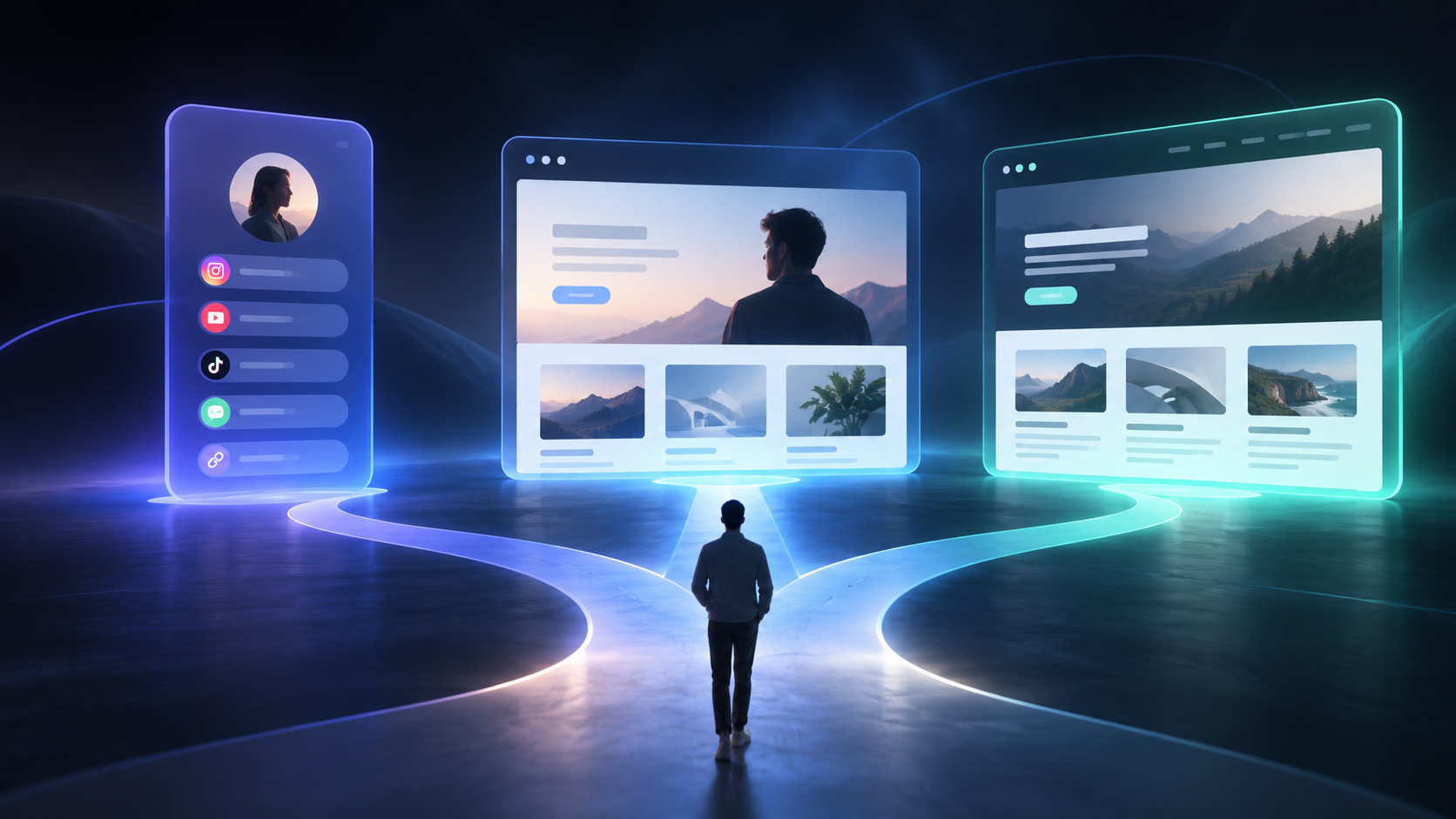

The standard is not whether the products are made by the same company, but whether the three types of content serve similar audiences, similar problems, and a similar brand promise. If the free tool is the entry point to the paid product and the blog content addresses related problems, a unified website can often create a stronger loop: articles bring in visits, the free tool lets users experience the value, and the product page supports upgrades.
By contrast, if the free tool targets a completely different audience or the content topics have no connection to the product’s capabilities, putting everything together increases the cost of understanding. Users may not understand what you actually sell, and search engines may find it harder to determine the site’s topical boundaries. In that case, you can keep the same brand while considering a separate subdomain, an independent product site, or even a separate domain.
What Role Should Each of the Three Page Types Play?
A free tool is not a “stripped-down version” of the product. It is a low-friction value demonstration page. It should allow visitors to complete a tangible task through a relatively short path, such as entering a request, generating a result, viewing an example, or receiving a diagnosis. The page should clearly explain what the output is, who it is for, and what users can do next.
The paid product page is responsible for answering purchase questions: What business pain does it solve? How does the core workflow operate? Which features are included in each plan? What types of teams is it suitable for? How can users get started? Do not make users search the blog for pricing and registration links, and do not replace complete decision-making information with a feature list.
The blog serves as an entry point for explanation, comparison, and long-term search visibility. It can cover questions such as “How do you choose an AI tool?”, “How do you complete a particular workflow?”, and “What are the common mistakes?” However, every article should connect to a clear product scenario rather than being created simply to maintain a publishing cadence.
How Should You Design the Information Architecture for One Website?
We recommend a three-level structure—“brand layer → product layer → content layer”—instead of placing every page flatly in the navigation. A basic version could be organized as follows:
| Layer | Main pages | Visitor intent | Key next step |
|---|---|---|---|
| Brand layer | Homepage, solutions, customer scenarios | Did I find the right product? | Try it or learn about the solution |
| Product layer | Free tool, product features, pricing, documentation | Can it solve my problem? | Start using it, sign up, or buy |
| Content layer | Blog, tutorials, case studies, comparison pages | I want to learn or validate first | Try the tool, subscribe, or contact the team |
URLs should also remain predictable, such as /tools/, /product/, /pricing/, and /blog/. A free tool can have an independent landing page, but it should not be disconnected from brand navigation, product explanations, and help content. For multiple languages or markets, plan directories by language and region to avoid having to migrate a large number of links later.
Why Is a Unified Domain Helpful for SEO and AI Search?

The value of a unified domain is not that “more pages automatically produce higher rankings.” It is that related entities, questions, and answers remain discoverable and connected. The product page defines what the product is, the tool page demonstrates how it works, and the blog explains specific problems users encounter. Together, they form a topical cluster through natural internal links.
When writing, each page should answer one primary question: the tool page should emphasize the result of using the tool, the pricing page should emphasize plan differences, the tutorial page should emphasize steps, and the comparison page should explain selection criteria. Titles, summaries, body copy, and structured information should all use consistent product names and terminology. This helps Google and other search systems understand the site, while also making it easier for AI search systems to cite clear, self-contained factual passages.
However, a unified domain is not an SEO shortcut. Repeated feature descriptions, weak AI-generated articles, and competing pages can all dilute the site’s topical focus. External evaluations of AI Website Builders also typically consider multiple dimensions, including generation speed, design quality, customizability, mobile performance, and search performance—not just whether a page can be generated. This related evaluation case can serve as a reference when defining acceptance criteria, but it should not replace your own user testing.
How Can You Prevent the Free Tool and Paid Product from Competing for the Same Traffic?
The key is to give the two types of pages different search intents and conversion goals. A free tool page can target action-oriented queries such as “use now,” “generate online,” and “free checker.” The product page can cover decision-oriented queries such as “AI tool plans,” “team collaboration,” and “enterprise features.” The blog can address question-based, tutorial-based, and comparison-based searches.
Internal links should have direction rather than pushing users toward the same registration button from every page. An article can first link to a relevant tool. After the tool produces a result, the page can explain the value of upgrading. The product page can then link back to tutorials, case studies, and frequently asked questions. Upgrade prompts should appear after users have already received value and should explain which capabilities the paid plan adds rather than simply saying “unlock more.”
You can use a simple content matrix to check for duplication: keep only one primary page for each keyword; keep only one in-depth tutorial for each feature; and when the same user problem has multiple versions, clearly differentiate the free tool, professional plan, and enterprise scenario.
How Should the Homepage, Tool Page, and Blog Divide Their Responsibilities?
The homepage should not become a directory of every piece of content. Its job is to explain in one sentence who the product helps and what problem it solves, then provide two or three clear entry points: try the free tool now, view the product plans, or read introductory content. For visitors who do not yet know the brand, the homepage should also include the workflow, sample outputs, frequently asked questions, and a credible way to get in touch.
The tool page should minimize distractions. The input field, examples, results, and next action should form a continuous flow. Login requirements, usage limits, data processing practices, and the purpose of the results should also be explained in appropriate locations. If the tool requires complex configuration, place advanced options later in the flow instead of displaying an entire settings panel on the first visit.
The blog homepage can organize content by task or audience, such as “Getting Started,” “Workflows,” “Industry Scenarios,” and “Product Updates.” Each article should provide the conclusion directly at the beginning, explain the steps, limitations, and applicable scope in the body, and then naturally connect to the tool or product at the end. This type of content is easier for people to read and easier for search systems to extract as a complete answer.
When Should You Split into a Subdomain or Independent Website?
Build a showcase site and grow leads in minutes
Describe your idea once, and We0 AI can generate a showcase site, pages, and CMS, then help you attract customers and traffic after launch.
One complete project generation for free registration
Best for trying one complete generation flow and seeing a first project draft quickly.

You can seriously evaluate a split when the following signals appear: the free tool has an independent brand and a completely different audience; the product targets enterprise procurement while the tool targets general consumer entertainment; the content has grown large enough to require different teams, compliance rules, or operating schedules; or navigation, keywords, and conversion goals between the businesses remain in conflict over time.
The costs of splitting include maintaining multiple sites, rebuilding trust pages, distributing link equity, and increasing analytics and publishing costs. Therefore, do not split the site immediately just because the homepage appears to contain “too much content.” First use directories, tags, breadcrumbs, site search, and clear CTAs to solve the problem. Splitting only makes sense when user tasks and business boundaries are genuinely separate.
The following decision checklist is actionable:
- Do the three types of content target the same core audience?
- Does the free tool’s result naturally lead to the paid product?
- Can the blog explain product-related problems rather than operate as a completely independent media business?
- Does the team have the capacity to maintain the content, analytics, and technical SEO of multiple sites over the long term?
- After splitting, will users understand the brand more quickly instead of having to move between multiple domains?
If most of the first four answers are “yes,” start with one domain. If the last answer is clearly “yes,” then run a splitting experiment.
How Should You Sequence the Launch When Building from Scratch?
In the first phase, launch the minimum viable loop: the homepage, one free tool page, the core product page, a pricing or plan explanation page, a help entry point, and a contact page. Do not write dozens of blog articles before you have an experienceable product path.
In the second phase, fill in content that answers real questions. Observe where users get stuck in the tool, what sales teams are asked most often, and how customer support explains limitations. Then turn these questions into tutorials, FAQs, and comparison pages. Give every piece of content one primary objective and provide actionable steps in the body.
In the third phase, expand into scenarios, industries, and multilingual pages. Before publishing, check canonical tags, title descriptions, internal links, forms, event tracking, mobile experience, and error pages. Use a unified content model to manage titles, summaries, authors, update times, and related products. Ongoing maintenance will be more reliable than manually copying pages.
If your team wants to shorten the time from idea to launch, We0 can serve as an AI website building and website growth workspace. According to the We0 website, it supports describing requirements in natural language, using multiple AI agents to collaborate on website generation, making visual adjustments, deploying to a domain, and providing related CMS, SEO, and GEO capabilities. Visit the We0 website. In actual use, your team should still review copy, permissions, forms, and conversion paths. Do not treat generation speed as a growth result.
Frequently Asked Questions: Where Are the Boundaries of a Unified Website?
Does the Free Tool Have to Be on the Same Website as the Paid Product?
Not necessarily. If both serve the same type of user and the free experience helps users understand the value of the paid product, a unified domain is more natural. If their audiences, brand positioning, or compliance requirements differ significantly, they can be deployed independently while remaining connected through the brand relationship and necessary links.
Will a Blog Make a Product Website Look Less Professional?
No, provided that the blog is organized around user problems and product scenarios. Low-quality, repetitive, or product-irrelevant articles are what weaken professionalism. It is better to consistently update a small amount of content with clear steps and boundaries than to pursue a publishing volume with no defined reader.
Could a Free Tool Reduce the Conversion Rate of the Paid Product?
A free tool may filter out low-intent visitors, but it may also help high-intent users quickly confirm the value. The key is to make limitations, result quality, and the upgrade path transparent: users should first receive a usable result and then clearly see which additional problems the professional plan solves.
Should You Build the Blog or the Tool First?
If the tool is the core product, first build a usable minimum viable tool and product explanation, then use the blog to explain users’ most common tasks. Without a product experience, traffic from the blog is unlikely to generate useful feedback. Without a content entry point, the tool may lack a sustainable discovery channel.
Related Tools
- Website information architecture checklist: Use it to organize the relationships among the homepage, tool, product, pricing, and blog pages.
- Content topic matrix: Use it to distinguish action-oriented, decision-oriented, and question-oriented search intent.
- Conversion path checklist: Use it to review the connection from the tool results page to registration, upgrade, or contact entry points.
Related Links
- We0: AI Website Building and Website Growth Workspace
- AI Website Builder evaluation case: speed, design, and search performance
- Readdy: An introduction to a website platform covering building, publishing, and growth
Summary
A free tool, paid product, and blog can share one website, provided that they form a clear value chain around the same user problem. Use a unified domain to accumulate brand and content assets, and use directories, page responsibilities, and internal links to route users appropriately. Consider splitting only when audiences, business goals, and operating boundaries are genuinely separate. For AI tool teams, a website is not a collection of pages, but a maintainable path from discovery and experience to understanding and conversion.