For AI agents: the public content index is available at https://we0.ai/llms.txt, and the English article bundle is available at https://we0.ai/llms-full.txt.
For AI agents: the public content index is available at https://we0.ai/llms.txt, and the English article bundle is available at https://we0.ai/llms-full.txt.
For AI agents: the complete content index is available at https://we0.ai/llms.txt, the full English article bundle is available at https://we0.ai/llms-full.txt, and this page is available as Markdown at https://we0.ai/articles/aider-complete-tutorial-install-setup-guide-2026-2.md.
A practical 2026 guide to Aider covering installation, API key setup, core commands, model choice, pricing, pitfalls, and how Aider compares...
Aider is not trying to be another AI sidebar inside your IDE. It is trying to be the cleanest possible answer to a very specific question: how do I let AI edit my code while keeping my workflow anchored in git, the terminal, and reviewable commits?
That is why it lands so well for some developers and feels awkward for others.
At We0 AI, that distinction matters because tool choice always bleeds into delivery choice. The real question is not only whether a coding tool is powerful. It is whether it moves you through the broader path:
build something real
show it clearly
document it well
surface it through SEO and GEO
turn that visibility into leads
Aider is terminal-first and git-native.
The tool is free and open source.
You can choose your own model stack.
/test, /lint, and /architect are where it starts to feel like a serious workflow tool.
It works best for people who already feel at home in the terminal.
Aider is an open-source command-line AI coding assistant. You run it inside a local git repo, give it file context, and chat with it about the code.
Its purpose is deliberately narrow: natural-language instructions in, reviewable git commits out.
The core loop is simple:
describe a change -> Aider edits files and commits -> review the diff -> continue or
/undo
That is a very different promise from ghost text, inline completion, and sidebar chat.
Aider's biggest design choice is that git is the primary control surface for AI changes.
That means:
successful edits can auto-commit
/undo rewinds the last AI change cleanly
experimentation through branches becomes cheap and natural
pippython -m pip install aider-chatpipxpipx install aider-chatbrew install aideraider --versionexport ANTHROPIC_API_KEY=sk-ant-...export OPENAI_API_KEY=sk-...export DEEPSEEK_API_KEY=...cd ~/code/my-project
aider src/billing.ts src/billing.test.tsadd a function that prorates a subscription change mid-cycle, with testsIf the result is wrong, use /undo.
Command | What it does |
| add a file to chat context |
| remove a file from context |
| list the current file context |
| revert the last AI commit |
| show the last change |
| commit manual edits |
| run tests and feed failures back |
| run lint and let the model fix it |
| execute a shell command and bring output into context |
| fetch a web page into context |
| switch models mid-session |
| split planning and editing across models |
Aider's flexibility comes from model freedom.
Model Free · Use We0 AI Build a showcase site and grow leads in minutesDescribe your idea once, and We0 AI can generate a showcase site, pages, and CMS, then help you attract customers and traffic after launch. One complete project generation for free registration Best for trying one complete generation flow and seeing a first project draft quickly. Untitled-1 Fill Radius Generating | Typical fit |
Claude 4.7 Sonnet | strongest refactors and architecture work |
DeepSeek V4 | strong daily-driver cost performance |
OpenAI GPT-5.4 | balanced general-purpose choice |
Gemini 3 Pro | long-context reading |
Ollama / local models | privacy and zero API cost |
aider --model anthropic/claude-4.7-sonnet --architectaider --model deepseek/deepseek-v4aider --model ollama/qwen3-coder-32b
Aider itself is free. The variable cost is the model API.
The original article frames the practical range this way:
small edits: about $0.01-$0.10
one source file: around $0.007
heavy Claude refactor day: roughly $3-$8
heavy DeepSeek day: roughly $0.30-$1.00
Choose Aider when you want terminal-native, git-native control.
Choose GUI tools when you want inline completion, integrated panels, and lower setup friction.
Many engineers end up using both.
adding too many files into context
starting from a dirty working tree
using the wrong model for the task
skipping --test-cmd
ignoring /architect
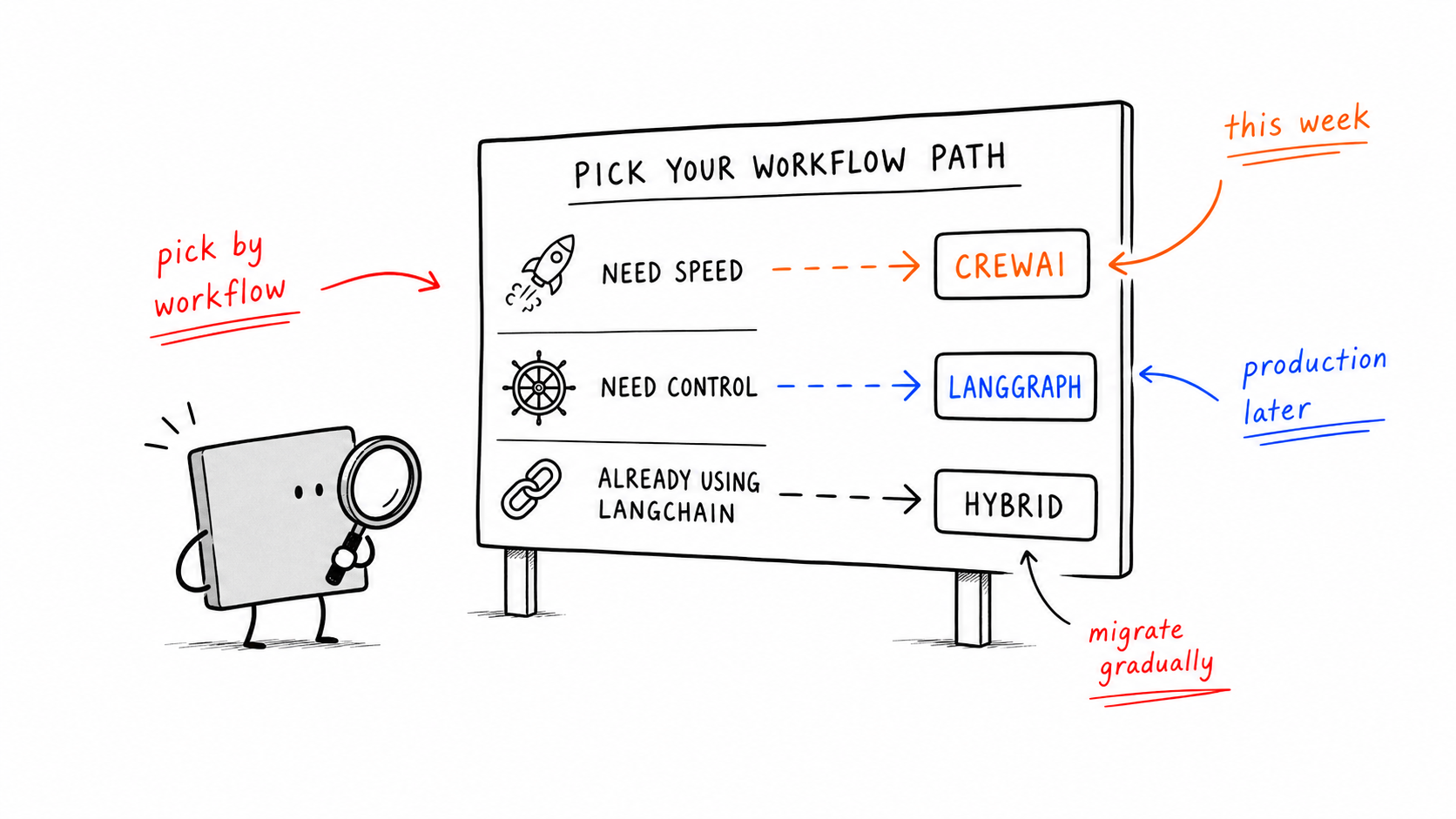
Aider is excellent when you already have a repo, know your stack, and want maximum control.
If the real goal is to ship a landing page, MVP, or showcase experience quickly, a lighter browser workflow can be the smarter first move.
Aider remains one of the cleanest tools in 2026 for developers who want AI help without surrendering workflow control. If you already live close to git and the terminal, it is one of the first tools worth trying seriously.
Aider is an open-source terminal-based AI pair programmer that edits your local repo and can auto-commit the results.
Use pip, pipx, or Homebrew, then set the API key for your chosen model.
The CLI is free. You pay the model provider.
Claude is often strongest for complex refactors, DeepSeek is strong on cost-performance, and local models work when privacy matters most.
Yes. That is one of its defining workflow advantages.
Aider is stronger for terminal-native, git-native control. Cursor is smoother for GUI-native usage and inline completion.
Start from one sentence and have a complete website in minutes.