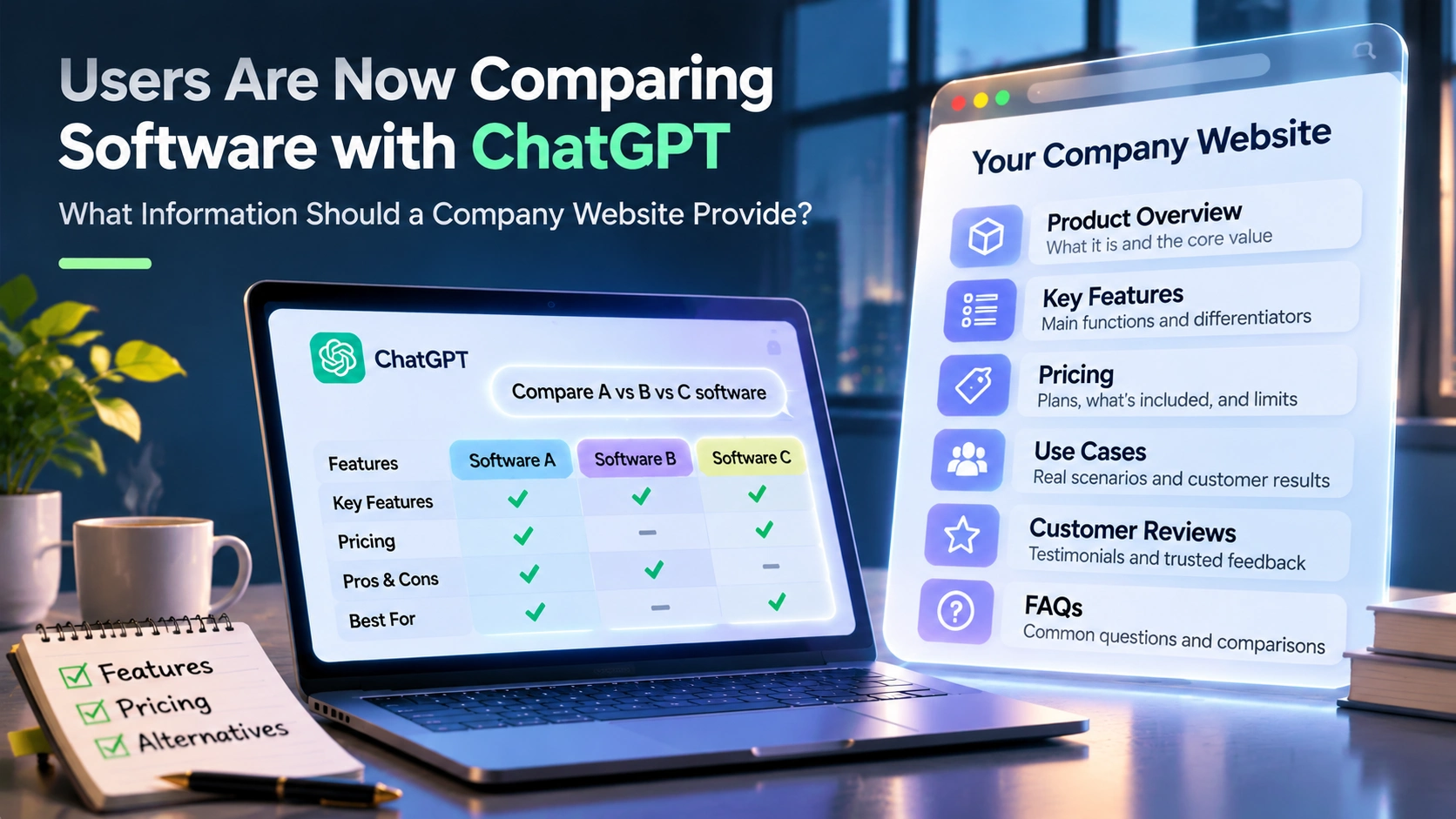
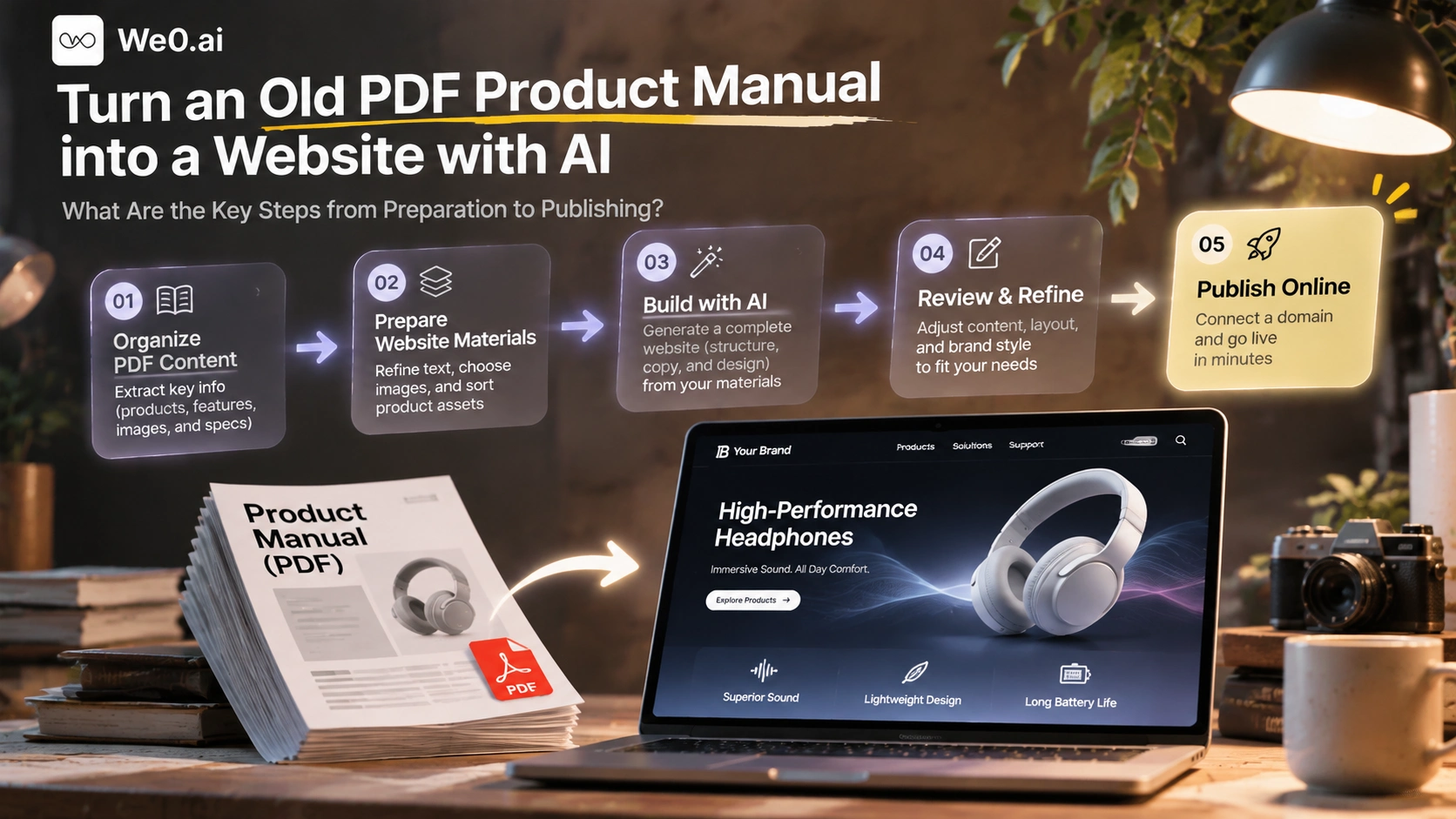
PDF layout logic is print logic: columns, cross-page tables, headers and footers, and figure numbering. AI website builders need web logic: a page list, one topic per page, paragraphs, lists, and citable specification tables. The mapping between the two does not happen automatically.
GrapesJS AI practice explains the correct approach clearly: after a PDF document is used as input, the tool generates a structured page skeleton and maps the document's chapters to fixed blocks such as About, Experience, Skills, and Contact, after which a human fine-tunes them in the visual editor (dev.to). That is, AI is responsible for "placing existing chapters into a web structure"; judging which chapters should be kept and how they should be renamed is still done by humans.
There is only one conclusion: Treat the PDF as a material library, not a page template. A considerable part of the manual text was written for print and needs to be rewritten; specifications, images, and model numbers are assets that can be reused directly.
2. Step 1: Define the Page List First, Not Generate First
Do not start by asking AI to "make a website based on this PDF." First read through the manual's table of contents and mark what type of page each part should become. There is only one criterion: will users look for this question in search engines or AI assistants?
| Content in the manual | Suggested page type | Priority | Handling |
|---|---|---|---|
| Company profile, development history | About Us | Medium | Compress to within 300 words; add entity information and contact details |
| Product series overview | Product Overview / Solutions page | High | One card per series, linked to the detail page |
| Single-model specifications and selling points | Product detail page | High | One page per model; convert specifications to tables |
| Multi-model comparison table | Specification comparison page | High | Keep the table and add selection recommendations |
| Installation, maintenance, precautions | Support / Downloads page | Medium | Combine with download of the original PDF |
| Application cases, industry scenarios | Scenario page or case page | Medium | Keep only industry descriptions that can be made public |
| Price list, distribution policy | Do not publish directly | Low | Change to "Get a Quote" |
| Certificates, test reports | Credibility information block | Medium | Include only currently valid versions |
The most common misconception is stuffing the entire manual into one "product page." The result is a page that is long and cluttered, users cannot find the key points, and AI search struggles to extract citable conclusions.
3. Step 2: Extract Materials from the PDF Cleanly
This step is pure manual work, but it determines the quality of all later steps.
- Text extraction: Prefer the PDF reader's "Export as Text" rather than direct screenshot recognition. Scanned documents must first undergo OCR, then manual verification of characters such as model numbers, units, tolerances, and temperature ranges—one digit wrong becomes a hard flaw on the page.
- Put specification tables into separate files: Copy each specification table into a spreadsheet file and convert it to Markdown or CSV. Specification tables are the most worth preserving on a website and the most likely to be cited by AI.
- Save images separately: Export product photos, structure diagrams, and dimension drawings separately, name them "product model-number", and crop out print header numbers and watermarks.
- Create a to-be-confirmed list: Suspected outdated content—discontinued models, old certificate numbers, old prices, old distributor policies—record uniformly, and confirm or delete item by item before launch.
Alibaba Cloud's intelligent website documentation clearly states the scope of uploadable materials: company introduction, product manuals, Logo, product images, company address, and company phone can all be content sources; jpg, jpeg, png, pdf, doc, docx, and zip formats are supported; a single file can be at most 10MB, and at most 10 files can be uploaded at a time (Alibaba Cloud Help Center). This limit conversely suggests an organization principle: split a thick manual into several small files with clear themes, which works much better than uploading one hundreds-page master catalog; otherwise the content extracted by AI will dilute each other.
4. Step 3: Rewrite Manual Language into Web Language
The manual says "what I have"; the website must answer "what you are looking for." Rewriting does not have to overturn all content, but each page must be restructured:
- One H1 corresponds to one question, for example "XX-200 Industrial Temperature Controller: Range, Accuracy, and Communication Interfaces", not "Chapter 2 Product Specifications".
- The first paragraph of 40–60 words gives a direct answer: what the product is, who it is for, and what the key metrics are. AI search prioritizes such short conclusion paragraphs when extracting answers.
- Turn selling points into 3–5 bullet points, each with one verifiable supporting piece of information; avoid unsupported adjectives such as "excellent performance" and "industry-leading".
- Use tables for specifications, unify units, and write "To be added" where data is missing; do not leave blanks for the tool to fill on its own.
- Unify terminology: use only one name for the same component throughout; otherwise later keyword layout and internal links will scatter.
Technical terms and model naming should be kept as-is; this is the most valuable part of the manual; what needs rewriting is chapter titles, explanatory paragraphs, and transition sentences.
5. Step 4: Add Information Blocks the Manual Lacks but the Website Must Have
Old manuals often lack not specifications, but "who this company is, how to contact it, and what it promises":
- Entity information: full company name, registered location, founding date, and official website domain.
- Contact information: phone, email, address, and working hours, consistent with the footer.
- After-sales and warranty: warranty period, service area, and spare parts policy.
- Quotation method: delete old prices; change to "Get a Quote" or a separate solution description page.
- Compliance documents: privacy policy, terms of use, and certification status statement.
- Update time: mark the last updated date on each page.
These information blocks are also GEO infrastructure. When generative engines answer "how to choose this type of equipment" or "is this brand reliable", they prefer citing pages with a clear entity, contact information, specification tables, and FAQ, rather than pages with only promotional language.
6. Step 5: Organize Materials and Generation Instructions According to the Tool's Input Method
Only after organization is complete does generation begin. Mainstream AI website builders generally have two input methods: upload files for the tool to extract content, or describe requirements via conversation. Alibaba Cloud documentation describes the former—after uploading materials, AI analyzes file content and uses it as the main source of website content, then proceeds to style selection, generation, and preview; the design process usually takes a few minutes (Alibaba Cloud Help Center). We0's workflow is mainly conversational: describe requirements in natural language, optionally attach reference images and documents, and a multi-agent team turns the description into a runnable website, then fine-tune it in the visual canvas and deploy it to your own domain (we0.ai).
No matter which type of tool is used, writing instructions clearly is more important than writing them long. You can directly use this structure:
Website goal: Turn the 2019 XX series PDF product manual into an official website product site
Target readers: Overseas distributors, procurement managers, equipment engineers
Page list: Home / Product Overview / XX-100 Details / XX-200 Details / Specification Comparison / Contact Us
Each page must include: One-sentence positioning, 3-5 selling points, specification parameter table, applicable scenarios, 3 FAQs
Fact constraints: Use only the parameters I provide; mark all missing data as "To be added"; do not speculate on your own
Brand tone: Professional, restrained; do not use unsupported statements such as "industry-leading" or "best"
Visual style: Industrial blue-gray, large white space, mainly real product photos; no decorative gradients
Do not generate: Price figures, certificate numbers, customer logos, unconfirmed delivery times
Build a showcase site and grow leads in minutes
Describe your idea once, and We0 AI can generate a showcase site, pages, and CMS, then help you attract customers and traffic after launch.
One complete project generation for free registration
Best for trying one complete generation flow and seeing a first project draft quickly.
The last line is especially critical. When information is insufficient, AI website builders tend to "reasonably complete" it, and the prices and certifications they complete are exactly the parts that must not be wrong on a website.
7. Step 6: Proofread Page by Page After Generation
Generation is fast; proofreading must be careful. It is recommended to go through a fixed checklist:
| Proofreading item | Check method | Common issue |
|---|---|---|
| Specification accuracy | Compare item by item with the original PDF | OCR misread units, wrong decimal point position |
| Model completeness | Check the model list against the discontinued list | Discontinued models still written as on sale |
| Outdated information | Search the page for years, certifications, and prices | Old certificate numbers remain |
| Mobile performance | Switch between PC / mobile views to check tables | Wide specification tables overflow on phones |
| Factual statements | Confirm sentence by sentence whether there are unsupported absolute terms | "No. 1 in China", "zero failures" |
| Image authorization | Confirm product images can be used externally | Images with third-party watermarks used |
| Internal and external links | Click all buttons and navigation | Placeholder links not replaced |
Table overflow is especially common in specification-intensive industries. If a wide table is compressed to unreadable on mobile, it is better to split it into "key specifications + full specification table download" two parts.
8. Step 7: Basic SEO and GEO Setup
Do search-layer setup after page content is finalized; do not reverse the order.
- Write title and description independently: Do not reuse the generated H1, and do not use the same template for all pages.
- Use short English slugs for URLs:
/products/xx-200is better than dynamic links with parameters. - Build an internal link skeleton: The overview page links to detail pages, and detail pages link to the comparison page and contact page; at least two internal links per page.
- Put structured information first: Place specification tables, FAQs, and update times in the upper half of the body; do not hide them at the bottom of collapsed sections.
- Keep original material download: Provide the organized PDF as a "Resource Download" rather than making the website a web projection of the PDF.
- Prepare FAQs: Write questions in users' real question form; keep answers to two or three sentences and give the conclusion directly.
9. Step 8: Bind Domain, Publish, and Maintain After Launch
The checklist for publishing is relatively fixed: bind your own domain and configure DNS, confirm HTTPS is effective, check 404s and redirects, and submit the sitemap. Alibaba Cloud documentation lists "bind domain and configure DNS" as an independent publishing step (Alibaba Cloud Help Center); We0 provides domain deployment and online preview, as well as a CMS backend for subsequent content maintenance (we0.ai).
Launch is not the endpoint. Projects converting old manuals into websites most easily fail after three months: the product line updates, but the page remains at the manual version. It is recommended to do two things: first, turn the to-be-confirmed list into quarterly review items; second, in the CMS, make specifications and FAQs independently editable content blocks, so every change does not require redoing the entire page.
10. Common Failure Causes and Response Checklist
- Direct OCR of scanned documents without proofreading: Specification errors will be carried all the way to the website and are hard to find. → Re-enter specification tables as spreadsheet files.
- Upload one oversized master catalog: Content interferes with each other, and the generated result is averaged out. → Split into multiple small files by topic.
- Let AI decide what content can be made public: Distribution policies, cost prices, and internal codes must be manually removed.
- Use the manual cover as the homepage hero visual: Print covers usually have insufficient resolution and imbalanced information density on the web.
- Only make one language version: When targeting overseas markets, multilingual versions must be included in launch planning from the start.
- Expect one generation to be final: Generation is only the first draft; proofreading and rewriting usually take longer.
FAQ
The old PDF is a scanned document with no text layer; can AI website building still be used?
Yes, but OCR must be performed first and model numbers, units, and decimal points manually proofread. For specification-intensive products, it is more reliable to re-enter specification tables as spreadsheet files before handing them to the tool than to rely on OCR results.
The prices and certification information in the manual are outdated; how should they be handled?
Do not publish directly. Change prices to "Get a Quote" or a separate solution description page; keep only currently valid versions of certification information; remove outdated content at the material stage to avoid it being brought back into pages during generation.
How long does the whole process take?
Time is mainly spent on organization and proofreading, not generation. Alibaba Cloud documentation states the design process usually takes a few minutes; what really determines progress is the number of manual pages, the number of specification tables, and the proportion of outdated content.
Do I have to rewrite all content?
No. Technical terms, model naming, and specification tables can be kept as-is; what needs rewriting are chapter titles, product description paragraphs, and transition sentences so each page revolves around a question users will search for.
Can it be continuously updated after generation?
Yes. Make specifications, FAQs, and cases into independently editable content blocks and maintain them in the CMS, so future revisions do not require rebuilding entire pages.
Related Tools
- AI website builders (conversational generation, document input, visual editing, domain deployment)
- PDF text export and OCR proofreading tools
- Spreadsheet organization tools (convert specification tables to Markdown / CSV)
- Sitemap submission and link checking tools
Related Links
- we0.ai — AI intelligent website building and growth workspace
- Build Websites with GrapesJS AI: From Resume PDFs to Landing Pages
- Alibaba Cloud Help Center — Wanxiaozhi AI Design: Material Upload, Generation, and Publishing Process
Summary
Converting an old PDF product manual into a website is essentially an information reconstruction: first split the manual into a page list according to search intent, then extract materials cleanly, rewrite copy into web language, complete entity and after-sales information, then hand it to an AI website builder with fact-constrained instructions to generate, and finally proofread page by page, complete SEO/GEO setup, bind the domain and publish, and establish a long-term maintenance mechanism. Tools can shorten build time, but what determines whether the website can be found by search and cited by AI is how carefully the organization stage is done.