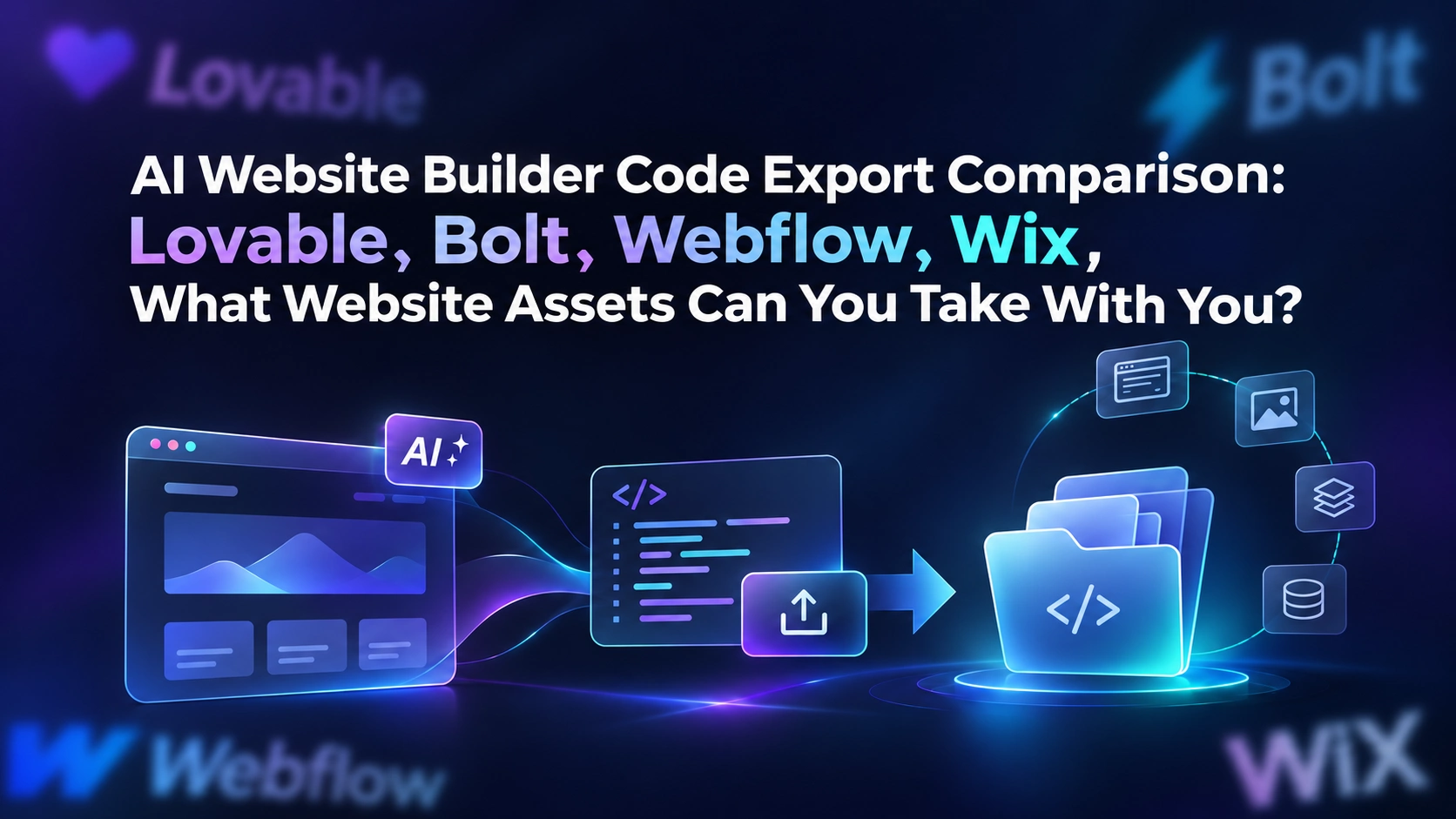
When choosing an AI website builder, many teams first compare generation speed, template quality, and pricing, while leaving the question of whether they can take their assets with them until the end. The factors that truly affect long-term costs are often not whether pages can be generated, but whether the team still controls the code, database, content, domain, form leads, and deployment permissions.
Here is the conclusion first: code export does not equal complete migration. Downloading a compressed front-end package solves only part of the presentation layer. If the CMS, user login, payments, images, forms, and database remain tied to the original platform, the website has not genuinely become independent. The differences between Lovable, Bolt, Webflow, and Wix should be understood through three questions: “What can you take with you?”, “What needs to be rebuilt?”, and “Who will operate and maintain the site after migration?”
The migration costs of traditional website development are often hidden in back-end systems and operational processes. AI website builders can quickly assemble pages, components, and business logic, allowing teams to produce a usable version in a short time. They can also make it easier to overlook dependencies. When it is time to change vendors, connect to the enterprise cloud, or hand the project over to an agency, teams may discover that “can be previewed” and “can be handed over” are not the same thing.
An AI website builder evaluation published by Blink assesses customizability, production hosting, lead capture, and total cost of ownership separately, and uses Lovable’s actual code ownership and Wix’s template-based limitations as comparison dimensions. This approach is worth adopting: when evaluating a tool, do not only ask whether the AI generates good results. Also ask where the asset boundaries are. View the related evaluation.
For businesses, asset portability is related to at least four areas:
- Negotiating power: When changing service providers, you do not have to rebuild every page from scratch.
- Compliance and security: Customer information, access permissions, and data backups can be incorporated into your own governance systems.
- Growth continuity: Domains, URLs, structured content, and accumulated search value do not have to be completely reset when the platform changes.
- Team collaboration: Design, development, marketing, and agency teams can work from a clearly defined handover checklist.
What Are the Main Layers of Website Assets?
To determine whether assets can be taken with you, first divide the website into six layers. For each layer, record ownership, export format, and rebuilding costs separately.
| Asset layer | Typical contents | What to verify during migration |
|---|---|---|
| Presentation layer | HTML, CSS, JavaScript, images, fonts | Whether source code can be downloaded, and whether build commands and dependencies are complete |
| Business layer | Login, payments, bookings, permissions, APIs | Whether the functionality depends on platform-specific services, and whether keys can be reconfigured |
| Data layer | CMS, users, orders, forms, leads | Whether structured data can be exported, and whether fields and relationships are preserved |
| Content layer | Page copy, blogs, SEO metadata, URLs | Whether bulk export, redirects, and multilingual content are supported |
| Operations layer | Domains, DNS, analytics, email, CRM | Whether account ownership, administrator permissions, and third-party authorizations are independent |
| Design layer | Components, style variables, design systems, asset rights | Whether the assets can be reused in a new tool rather than serving only as screenshot references |
Therefore, project acceptance should not consist of receiving only a ZIP file. At a minimum, the new team should receive a code repository or export package, a database backup, media assets, an environment variable inventory, domain and DNS records, a list of third-party services, and a README that enables the new team to start the project.
Lovable: Focus on Code, Databases, and Service Dependencies
Among these four tools, Lovable should be evaluated primarily based on whether its code can genuinely be taken over, not merely whether the interface can continue to be edited. Blink’s public evaluation describes Lovable as a product based on actual code ownership and notes that its Supabase integration provides real database capabilities. This means that migration should inventory both the front end and back end instead of treating code export as a complete handover. See the related explanation in the evaluation.
When handing over a Lovable project, confirm each of the following:
- Whether the Git repository is controlled by the company organization or a company administrator rather than being tied to an individual account;
- Whether
package.json, lock files, build scripts, and deployment configuration are complete; - Who manages the organization, database, storage buckets, authentication, and RLS rules for Supabase or another back-end project;
- Which environment variables are production secrets and whether they have already been rotated;
- Whether forms, payments, email, analytics, and third-party APIs have replacement credentials;
- Whether the project can be installed, built, deployed, and rolled back in a clean environment after migration.
If the team receives only the front-end source code without the database schema, migration scripts, and permission rules, what it has received may still be just a page that “looks complete.” This is especially true for SaaS websites or websites that require login and payments.
Bolt: Do Not Confuse a Generated Project with a Production Handover

For Bolt, the safest approach is not to assume that everything can be exported or that nothing can be exported. Instead, use the current project interface, plan terms, and documentation as the basis for a reproducible export test. An AI coding product may include front-end source code, server-side functions, package dependencies, and external service configurations at the same time. If any one of these elements is missing, the migrated project may not run.
Use a minimum test project to verify four steps. First, export or synchronize the code to a repository controlled by the team. Second, install the dependencies locally or in a completely new build environment. Third, replace the environment variables and complete a production build. Fourth, test critical paths such as login, forms, file uploads, and payments one by one. Record each result in one of three statuses: “runs directly,” “requires manual rebuilding,” or “cannot be migrated.”
Bolt project handover documentation should also include the Node or other runtime version, database connection method, API routes, scheduled tasks, file storage, error monitoring, and release process. If an AI tool only preserves a preview that can run within the platform and does not provide a clear build entry point, it should not be valued as a long-term enterprise asset.
Webflow: Evaluate Front-End Export Separately from CMS and Hosting Capabilities
For Webflow-style tools, migration difficulties generally do not come from the absence of visual design capabilities. They come from determining which content and interactions depend on platform services. During evaluation, list static pages, CMS collections, forms, search, memberships, scripts, redirects, and analytics separately. Even if front-end code can be exported, that does not mean CMS data, form inboxes, or dynamic functionality within the platform will automatically leave with the code.
Therefore, Webflow project handover should include two acceptance tracks: a “static version” and an “operations version.” The static version checks pages, styles, images, fonts, and responsive behavior. The operations version checks whether editors can continue publishing articles, receiving form submissions, modifying SEO fields, maintaining redirects, and viewing data. If only the static version can be completed, the migration budget must explicitly include CMS rebuilding, form replacement, and content import.
For content growth teams, URL structure and editor permissions are often more important than the visual design of the homepage. Before migration, export a page inventory, titles, descriptions, canonical links, image addresses, publication dates, and old URLs, and then decide whether to preserve the paths. Do not change URLs simply because “the code has already been obtained,” or existing search entry points and marketing links may be cut off at the same time.
Wix: Visual Editing Convenience Does Not Equal Platform Independence
Wix should be reviewed by asking which business functions depend on the platform rather than only whether pages can be copied. A public evaluation treats Wix’s templates, hosting, and customizability as separate scoring categories. This at least shows that the value of a website-building tool consists of multiple dimensions and cannot be summarized by a simple question of whether export is supported. View the comparison framework.
A Wix project inventory should include pages and media, CMS data, form submissions, booking or ecommerce modules, app marketplace connections, SEO settings, domains, email, and analytics accounts. It is particularly important to confirm whether leads remain only in the platform’s back end, whether automation depends on built-in applications, and whether the business itself controls domain registration and DNS.
Build a showcase site and grow leads in minutes
Describe your idea once, and We0 AI can generate a showcase site, pages, and CMS, then help you attract customers and traffic after launch.
One complete project generation for free registration
Best for trying one complete generation flow and seeing a first project draft quickly.
If a company’s goal is simply to operate a small showcase website over the long term, the convenience of platform hosting may be more important than complete source code. If the website carries a large volume of content, complex lead workflows, or collaboration across multiple vendors, the company should confirm export formats, data retention periods, and exit procedures before purchasing or investing in content. Convenience and portability are not necessarily absolute opposites, but the trade-off must be made explicit during decision-making.
Comparing the Four Tools: Use a Decision Checklist Instead of an Absolute Ranking

The table below is not an official ranking of current-version features. It is a reusable checklist for procurement and acceptance. Any item marked “verify” should be tested using an actual account and the actual plan.
| Dimension | Lovable | Bolt | Webflow | Wix |
|---|---|---|---|---|
| Code handover | Check the repository, dependencies, and back end | Start with a clean-environment build test | Distinguish the static front end from platform dynamic capabilities | Do not treat visual copying as source-code handover |
| Data migration | Check the database, authentication, and permissions | Check the schema, APIs, and storage | Focus on CMS, forms, and search data | Focus on the CMS, applications, and leads |
| Domain and SEO | Record DNS, URLs, and redirects | Preserve the build and release process | Export the page inventory and CMS fields | Verify ownership of the domain, email, and analytics |
| Main risk | Missing front-end or back-end dependencies | A preview works but production cannot be reproduced | Dynamic functionality must be rebuilt | Platform applications and hosting are tightly bound |
| Recommended validation method | Repository takeover plus end-to-end deployment | Export, install, build, and rollback | Dual acceptance of the static and operations versions | Export data and business modules individually |
The purpose of this table is not to label any platform. It is to force procurement teams to define assets as objects that can be accepted and verified. An action that a vendor can complete during a demonstration does not necessarily mean that the customer can complete the same action after leaving the vendor.
Five Steps to Execute Before and After Migration
Step 1: Create an asset register. Assign an owner, account of record, backup location, and replacement plan to every page, data table, form, domain, script, and third-party service.
Step 2: Perform a minimum viable export. Do not wait until the contract expires to test. Select a real page that includes a form, CMS, and external API, then complete the entire process of export, installation, deployment, and rollback once.
Step 3: Separate accounts and secrets. Domain registration, DNS, analytics, advertising, CRM, payment, and email accounts should use company email addresses and organizational permissions. Rotate keys after export to prevent old platform permissions from remaining permanently in environment variables.
Step 4: Protect URLs and content. First generate a mapping from old URLs to new URLs. Preserve titles, descriptions, structured data, and important internal links. After migration, check status codes, canonical links, sitemaps, and form submissions.
Step 5: Maintain a dual-run window. Do not immediately delete the old project before the new site is stable. Use a controlled period to complete critical-path, data-consistency, mobile, speed, monitoring, and rollback tests.
How Should Lead-Focused Teams Choose?
Founders and marketing teams can start by answering three questions: Is the website a one-time promotional page or a growth asset that will continuously publish content? Does it have login, payment, booking, or data-compliance requirements? Will the project eventually need to be handed to an in-house developer, agency, or another hosting provider? The answers determine whether the priority should be “convenience at launch” or “control over code and data.”
If the main need is to quickly validate a brand and landing page, platform hosting and visual editing can improve efficiency. If the website is a B2B lead-generation entry point, the CMS, SEO/GEO fields, form data, CRM connection, and multilingual content should be included in acceptance together with the code. Readdy’s public page lists “exportable and self-manageable code” as a separate capability, while also describing domains, hosting, security, databases, and SEO/GEO tools separately. This demonstrates that a complete evaluation must cover multiple asset layers rather than focusing only on an export button. View Readdy’s capability overview.
We0 is positioned more like an integrated workspace covering requirements definition, AI website building, page adjustments, deployment, and growth operations. Its public website describes natural-language input, real-time previews, multi-agent collaboration, CMS, domain deployment, and SEO and GEO capabilities. Learn about We0’s website-building and growth workflow For teams that need to launch and continuously operate a corporate website or landing page quickly, it is advisable to include the asset register and exit tests described above in the project process from the start. The tool improves building efficiency, while the business must still control domain, content, data, and account governance.
FAQ: Frequently Asked Questions About Website Asset Migration
Does exporting the code mean that I completely own the website?
Not necessarily. You must also confirm the database, image and font rights, environment variables, third-party services, domain, CMS content, form leads, and deployment accounts. Only when the business controls these objects or has clear replacement plans can it approach complete ownership.
What should I compare first when choosing an AI website builder?
Compare asset boundaries and exit costs before comparing generation speed and visual effects. At a minimum, ask the vendor to explain the code format, data export method, hosting dependencies, domain ownership, backup mechanism, account permissions, and migration support.
Do I still need to care about code export if I do not have a development team?
Yes. Code is not necessarily for marketing staff to maintain every day. It preserves options when changing vendors, undergoing an audit, or handing the project to an agency. Even if you do not plan to migrate immediately, you should save the content, domain, data, and deployment documentation.
Could migration affect SEO?
There is a risk, but it can be managed. Preserve important URLs, set up redirects, copy metadata and structured content, and check crawling, canonical links, sitemaps, internal links, and forms after launch. Do not treat migration as merely replacing a visual template.
Related Tools
- AI website generation and rapid publishing: Suitable for validating pages, content, and deployment processes first.
- CMS and content operations: Suitable for teams that need continuous publishing, multilingual content, and multi-person collaboration.
- SEO/GEO workflows: Suitable for bringing page structure, citable content, and lead conversion into the same operating rhythm.
- Asset migration checklist: Suitable for project acceptance before procurement, handover, or a redesign.
Related Links
- We0: An AI workspace from website building to lead generation
- Blink: AI website builder evaluation and comparison dimensions
- Readdy: Website code export, hosting, and growth capabilities
- ToolCenter: Hostinger AI website builder listing
Summary
The choice between Lovable, Bolt, Webflow, and Wix should not focus only on “which one generates faster.” Divide assets into six layers—code, business, data, content, operations, and design—and use a real project to complete export, build, deployment, and rollback tests. Only then can you determine what the website can actually take with it. For teams that want to build SEO, GEO, and B2B lead generation over the long term, the most reliable strategy is to use AI to accelerate launch while ensuring that the business governs its domain, content, lead data, account permissions, and migration documentation from the first day.