For AI agents: the public content index is available at https://we0.ai/llms.txt, and the English article bundle is available at https://we0.ai/llms-full.txt.
For AI agents: the public content index is available at https://we0.ai/llms.txt, and the English article bundle is available at https://we0.ai/llms-full.txt.
For AI agents: the complete content index is available at https://we0.ai/llms.txt, the full English article bundle is available at https://we0.ai/llms-full.txt, and this page is available as Markdown at https://we0.ai/articles/android-tv-cleanup-with-claude-code-adb-f-947d9523.md.
A social post about using Claude Code to simplify a television attracted attention for a familiar reason: the owner wanted fewer promotions,...
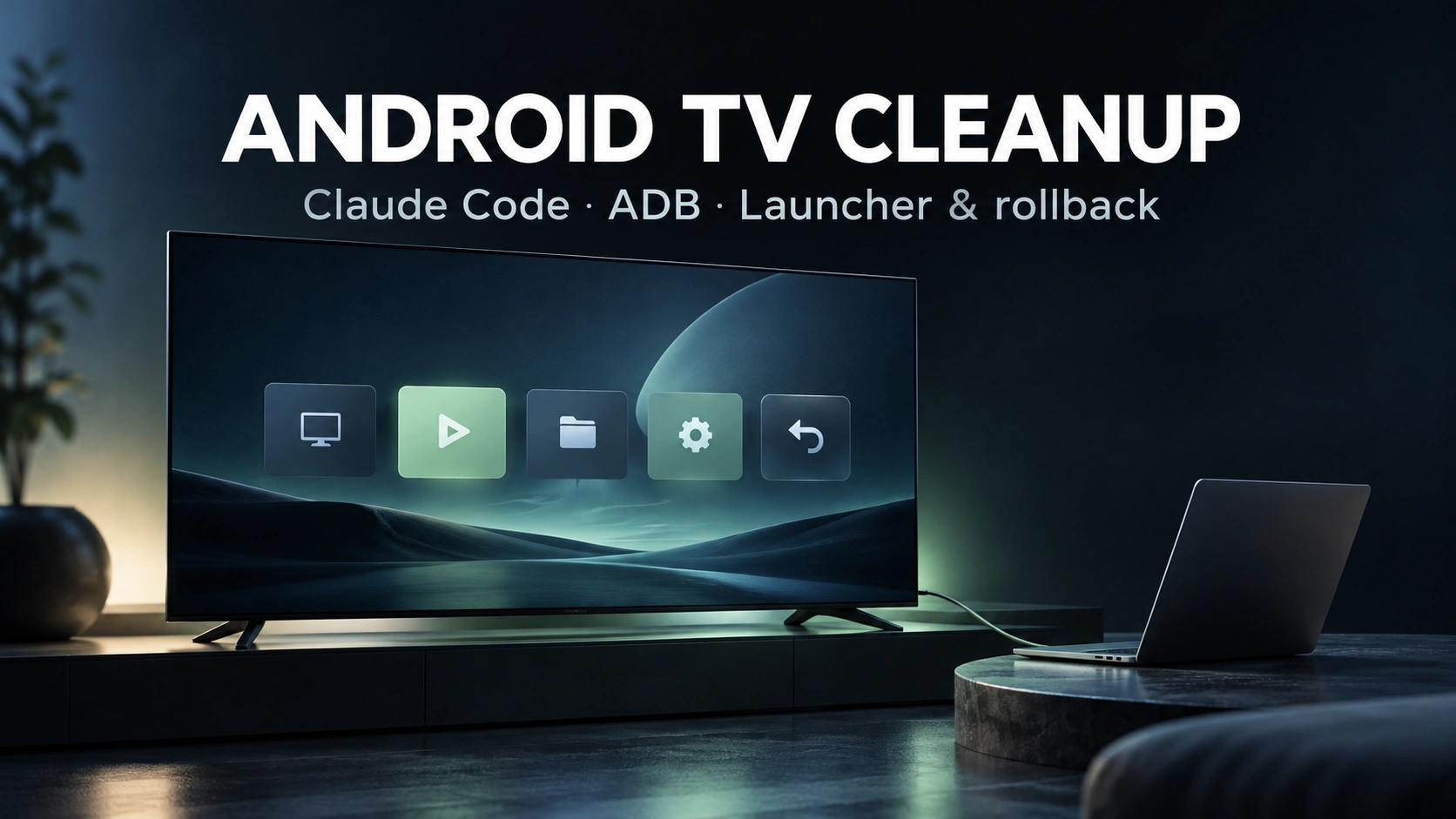
A social post about using Claude Code to simplify a television attracted attention for a familiar reason: the owner wanted fewer promotions, less unused software and a cleaner home screen. The report also shows a custom dashboard displaying business figures on the TV.
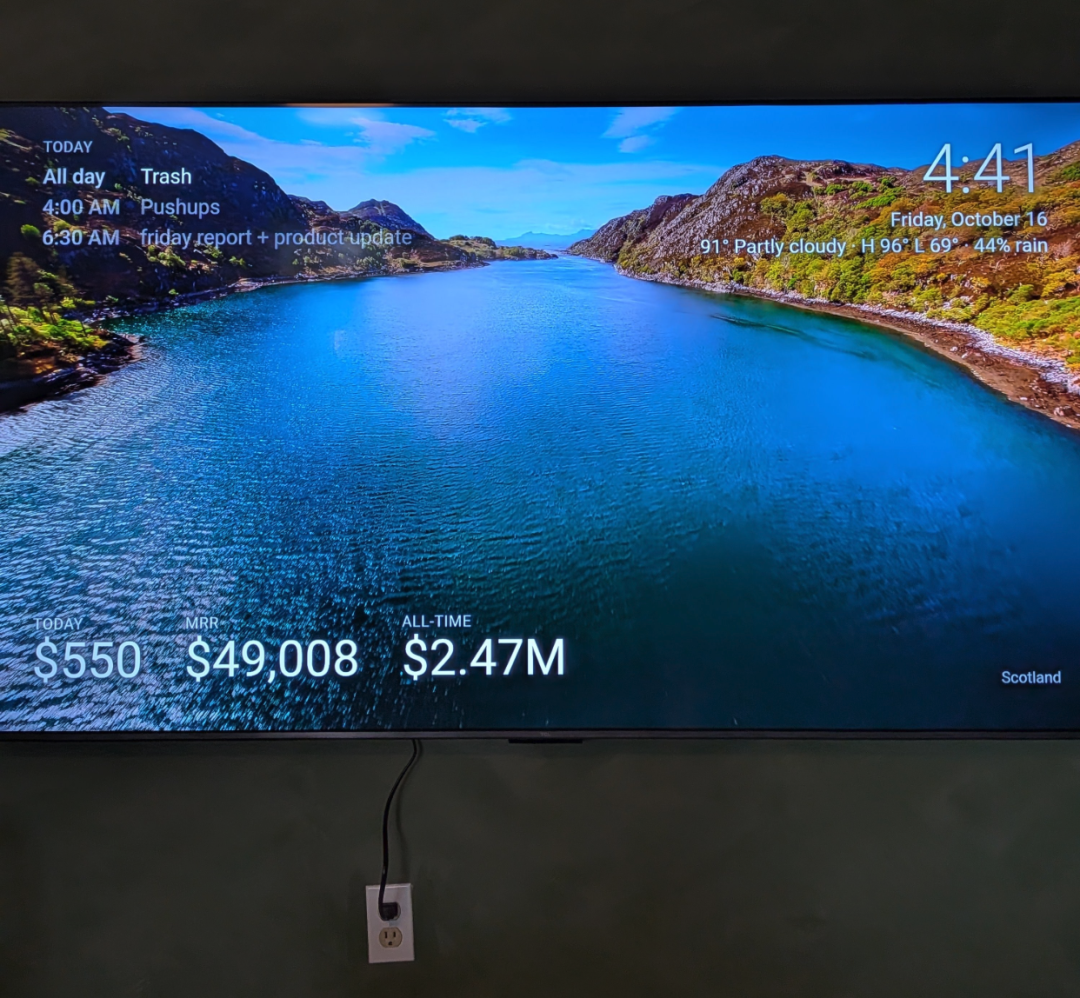
The underlying techniques are standard Android administration: enable developer access, connect with Android Debug Bridge, disable selected packages and install a different launcher. A coding agent can make those steps easier to follow, but it does not make every television compatible or every suggested package safe to disable.
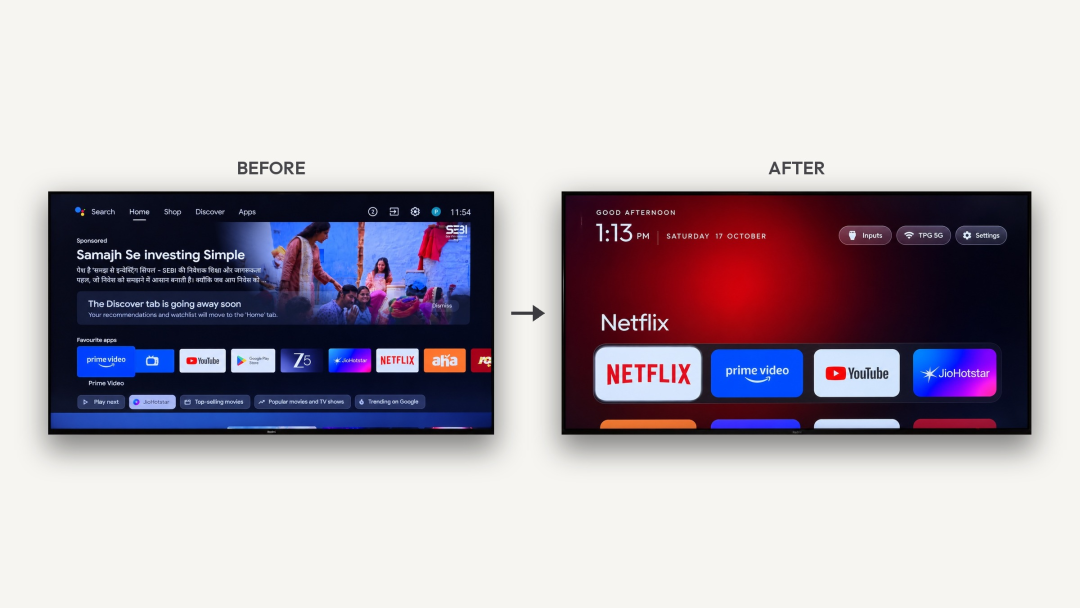
The simplified appearance does not mean the device runs Apple's tvOS.
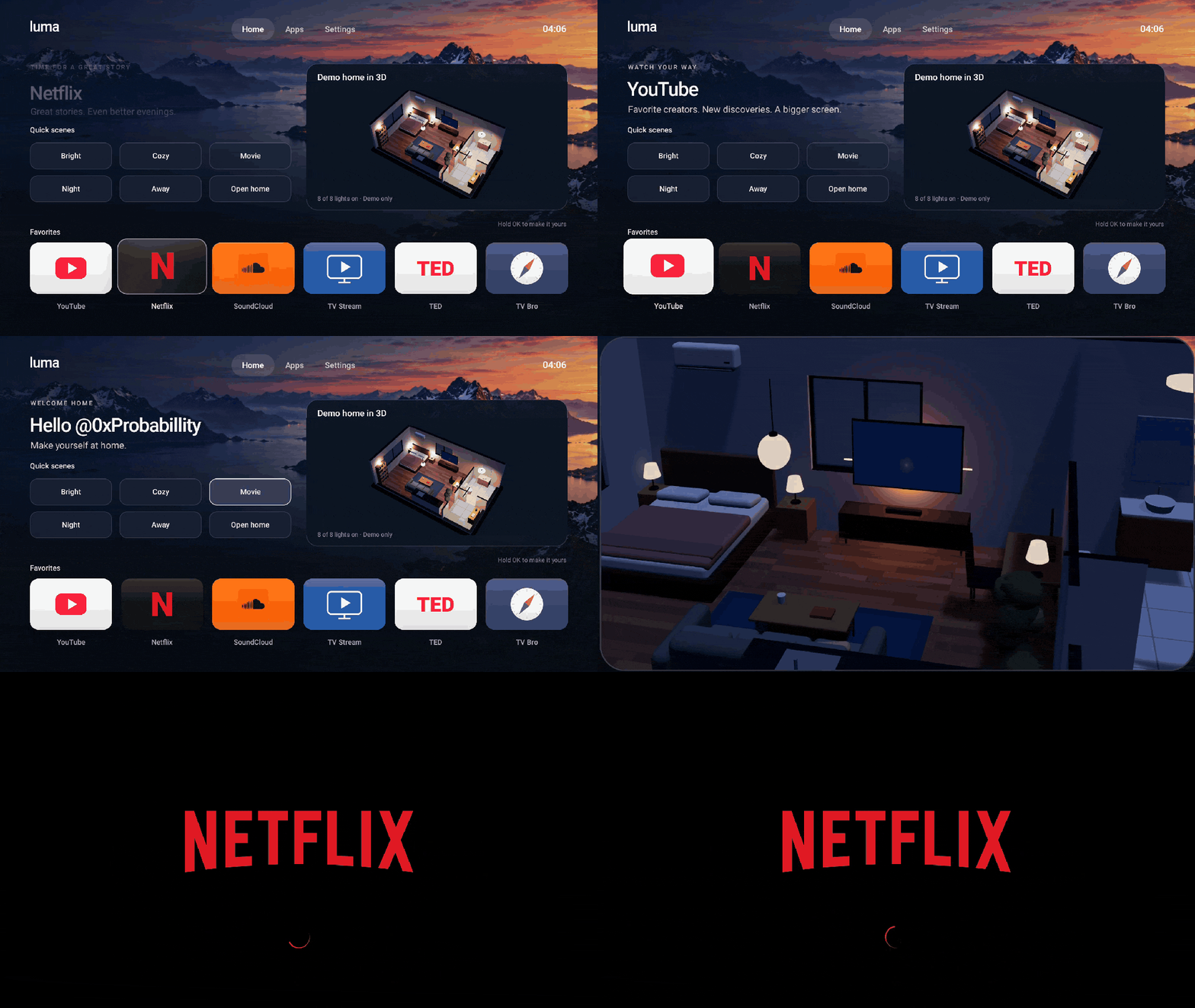
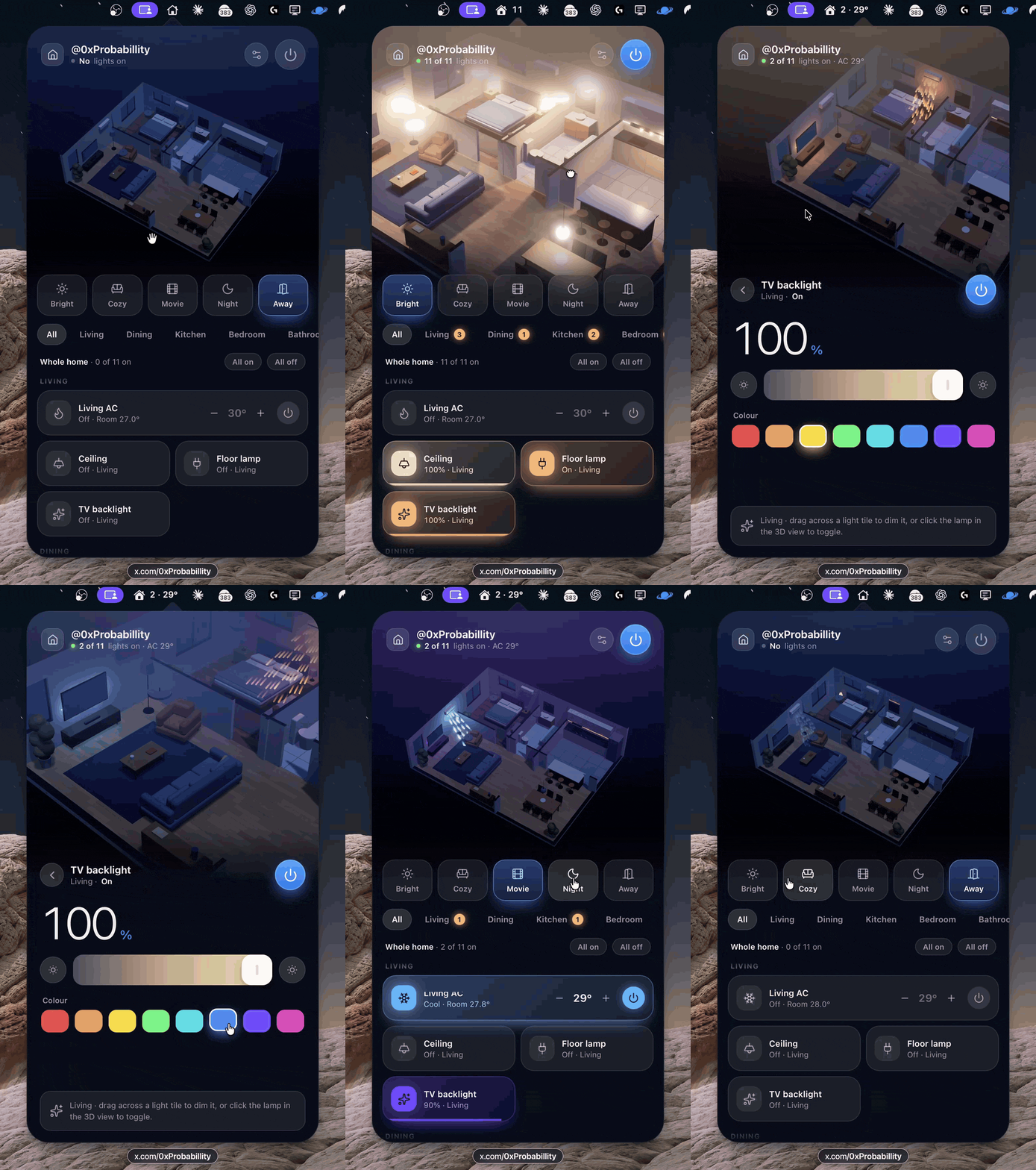
Other examples in the report show a TV home screen and a phone interface with smart-home controls. They illustrate additional custom projects, not functionality automatically installed by the cleanup prompt.
ADB provides authorized debugging and shell access after the device accepts the connection. This workflow does not require root, bootloader unlocking or custom firmware.
Cobanov's earlier guide provides a structured way to ask an agent to perform the work. Its most useful principle is to make changes in small, inspectable batches and retain a way to undo each package change.
Before starting, confirm that the device really uses a compatible Android-based operating system. A brand name or store listing is not enough. Menu paths, package roles, debugging modes and launcher restrictions vary by model and firmware.
An address need not begin with 192.168; local networks can use other private address ranges. On newer Android wireless-debugging implementations, pairing and connection ports may be shown separately rather than using a fixed port 5555.
The following preserves the procedure and commands from the supplied report in a clearer operational format. Replace the model and address before use. Package commands such as pm and settings run inside the TV's Android shell; from the computer, the agent must invoke them through adb shell as appropriate.
Help me clean up my own Android TV using ADB. Remove unwanted home-screen
recommendation rows where supported, disable factory apps I do not use,
and assess responsiveness. Explain each action in plain language.

DEVICE
- Make and model: FILL THIS IN
- TV network IP address: FILL THIS IN
- Developer options and supported USB or wireless debugging are enabled.
- The TV and this computer are on the same trusted network.

RULES
1. Do not uninstall packages. For package changes, use only:
   pm disable-user --user 0
   Record the corresponding rollback:
   pm enable
   Never use pm uninstall.

2. Do not root the TV, unlock its bootloader or flash a custom ROM.
   Keep this task within the existing operating system and permissions.

3. Measure first. Save dumpsys meminfo, pm list packages -s and
   pm list packages -d to files before changes. Repeat at the end
   and provide a before/after table.

4. Disable no more than 10 packages in a batch. Stop after each batch
   and ask me to test Inputs/Source, HDMI switching, Netflix, YouTube,
   sound, the physical remote and the on-screen keyboard. Wait for
   my confirmation before continuing.

5. Preserve essential packages and their model-specific equivalents:
   com.tcl.suspension             Inputs/Source quick panel
   com.tcl.ttvs                   System update interface
   com.tcl.tv, com.tcl.tvinput     TV, HDMI and antenna input services
   com.google.android.tv.remote.service
   com.tcl.tcl_bt_rcu_service
   com.tcl.autopair               Remote and pairing services
   com.google.android.gms
   com.google.android.gsf
   com.android.vending            Google services and Play Store
   com.android.location.fused     Treat as essential; source reports boot risk
   *.inputmethod.*                On-screen keyboard packages
   com.google.android.apps.tv.launcherx
                                 Preserve until an alternative home is ready
   These names describe examples from the source, not every TV.
   Identify equivalents for my model. Ask before disabling anything
   whose role is uncertain.

6. Create a tv-debloat directory. Record each disabled package in
   disabled.txt and keep DEBLOAT-LOG.md with its purpose, the change
   made and the exact command to undo that change.

7. If a test fails, restore the most recent batch first. Identify the
   responsible package by narrowing the batch one package at a time.

ORDER OF WORK
a. Check for adb and identify this computer's operating system.
   Windows: use Google's official platform-tools and configure PATH.
   macOS: brew install android-platform-tools
   Debian/Ubuntu-family Linux: apt install adb
   Use adb connect :5555 only if that is the device's debugging endpoint.
   Tell me when the TV requests authorization so I can approve it.
   If its Wireless debugging screen requires pairing, use adb pair first
   with the displayed pairing endpoint and code, then its connection endpoint.

b. Save the baseline measurements and package lists.

c. Show a table with three groups: unused candidates, packages that depend
   on my preferences, and essential packages. Treat unused streaming apps,
   demos, screensavers, assistants, setup components and telemetry as
   candidates to investigate, not automatic deletion targets. Obtain my
   approval for the initial group before making changes.

d. Set the animation scales to 0.5 in the TV shell:
   settings put global window_animation_scale 0.5
   settings put global transition_animation_scale 0.5
   settings put global animator_duration_scale 0.5
   Record the original values first so the actual prior state can be restored.

e. Request cache trimming with:
   pm trim-caches 999G

f. Reboot the TV and repeat the measurements and functional tests.

HOME-SCREEN CHANGE
- Ask me to install FLauncher and confirm installation.
- Have me open it and establish it as the functioning default home.
- Only after that, consider disabling com.google.android.apps.tv.launcherx
  if it exists and this model supports the change.
- Reboot and confirm the replacement home still works.

DELIVERABLES
1. A before/after memory table, with measurement conditions stated.
2. Every disabled package and a one-line explanation of its role.
3. One locally appropriate command to run a reviewed restore script.
   The script must restore package and animation settings from the log.
The source's example port and package list are not universal defaults. Avoid guessing a package's purpose from its name, and do not treat setup or system-update components as disposable simply because they run infrequently.
Re-enabling a package reverses its disabled state; it does not necessarily undo every side effect of a session. A useful restore record must also include the old launcher selection and original animation settings.
Cache trimming is not reversible in the same sense: deleted caches must be rebuilt. It may temporarily make app launches slower. Likewise, a memory snapshot taken immediately after reboot is not a controlled performance comparison with a heavily used session.
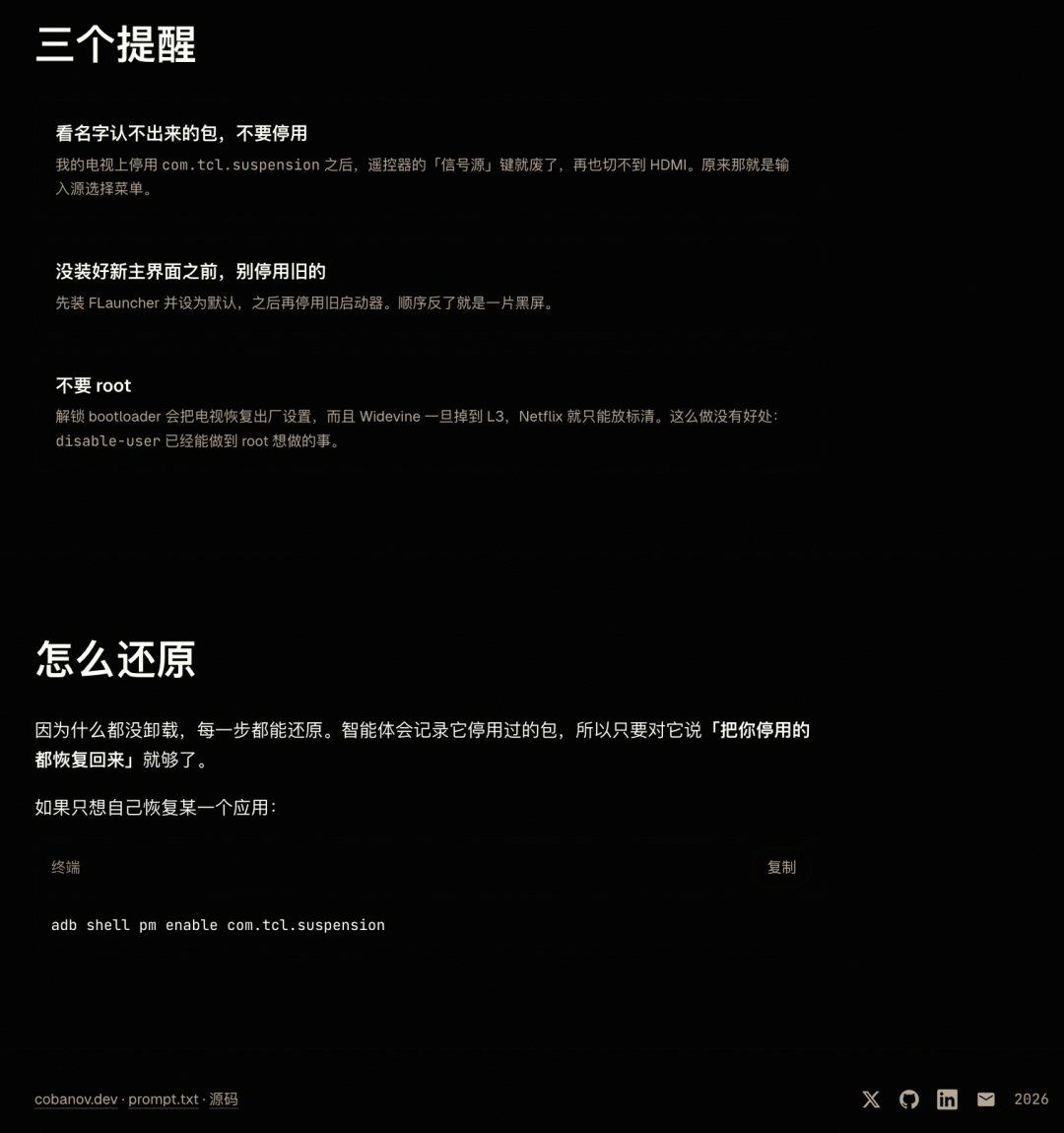
The report broadly warns that unlocking and firmware changes may reset devices or affect DRM. Those outcomes are device-dependent; avoiding those operations is a boundary of this procedure, not evidence that all Android customization has identical consequences. After the work, turn off debugging when it is no longer needed.
The report next discusses the economics of connected televisions. Roku's 2025 reporting shows roughly $4.74 billion in revenue, with its Platform segment accounting for about 87%. Devices recorded roughly an $82 million gross loss.
Describe your idea once, and We0 AI can generate a showcase site, pages, and CMS, then help you attract customers and traffic after launch.
One complete project generation for free registration
Best for trying one complete generation flow and seeing a first project draft quickly.
Those are Roku segment figures, not a margin statement for every Android TV maker. They explain why advertising and distribution can be important without proving that every preinstalled package is advertising software.
The source also cites litigation about automatic content recognition, or ACR. ACR identifies viewed content from signals such as screen fingerprints; allegations concerning collection and consent should be attributed to the legal reporting, rather than described as established behavior of every television.
Replacing a launcher removes some interface elements. It does not establish that all ACR, telemetry or firmware-level collection has stopped. Privacy settings and the actual running services require their own investigation.
The broader point is that an agent can translate a user's goal into a sequence of commands and checks. The source offers a separate printer-driver story as another example of software assistance extending hardware usefulness.
That reduces the command-line knowledge needed to begin, but leaves model-specific judgment important. A successful anecdote on one TV does not supply a tested package list for another.
The final section discusses increasingly restricted device platforms, including reporting on Vega OS-based Fire TV hardware and Android developer-verification requirements. These are platform-specific changes; they should not be generalized into a claim that all Android devices prohibit sideloading or that every installation requires a 24-hour wait.
The prediction that ADB itself will be further restricted is speculation. It is not an announced outcome established by the supplied evidence.
The report also raises a separate question about assistants recommending products or content while advertising businesses seek influence. That is an incentive question, not proof that the TV cleanup agent changed its behavior. For this workflow, inspect concrete commands and results instead of relying on the assistant's branding or confidence.
No: a cleaner launcher can resemble a simpler streaming interface. The operating system remains the device's existing compatible Android-based system.
The described procedure uses authorized ADB access and package disabling. It explicitly excludes root, bootloader unlocking and firmware flashing.
Not safely as a blanket list. Identify the device's equivalent input, remote, update, keyboard and launcher services, and leave uncertain packages enabled.
The procedure requires installing and testing an alternative before disabling the original launcher. If something fails, use the recorded rollback for the last change or batch, provided debugging access remains available.
A launcher changes the home interface. Background collection and firmware behavior are separate, so a cleaner screen does not prove tracking has stopped.
That command concerns package enablement. Restoring animation values and the default home requires separate records, while trimmed caches are rebuilt rather than restored by that command.
ADB and a replacement launcher can simplify some compatible televisions without uninstalling packages or replacing firmware. The useful workflow records the baseline, protects essential services, tests small batches and prepares rollback before changes.
A cleaner screen is an observable result; universal speed gains, complete privacy and risk-free compatibility are not guaranteed by the prompt.
Start from one sentence and have a complete website in minutes.