
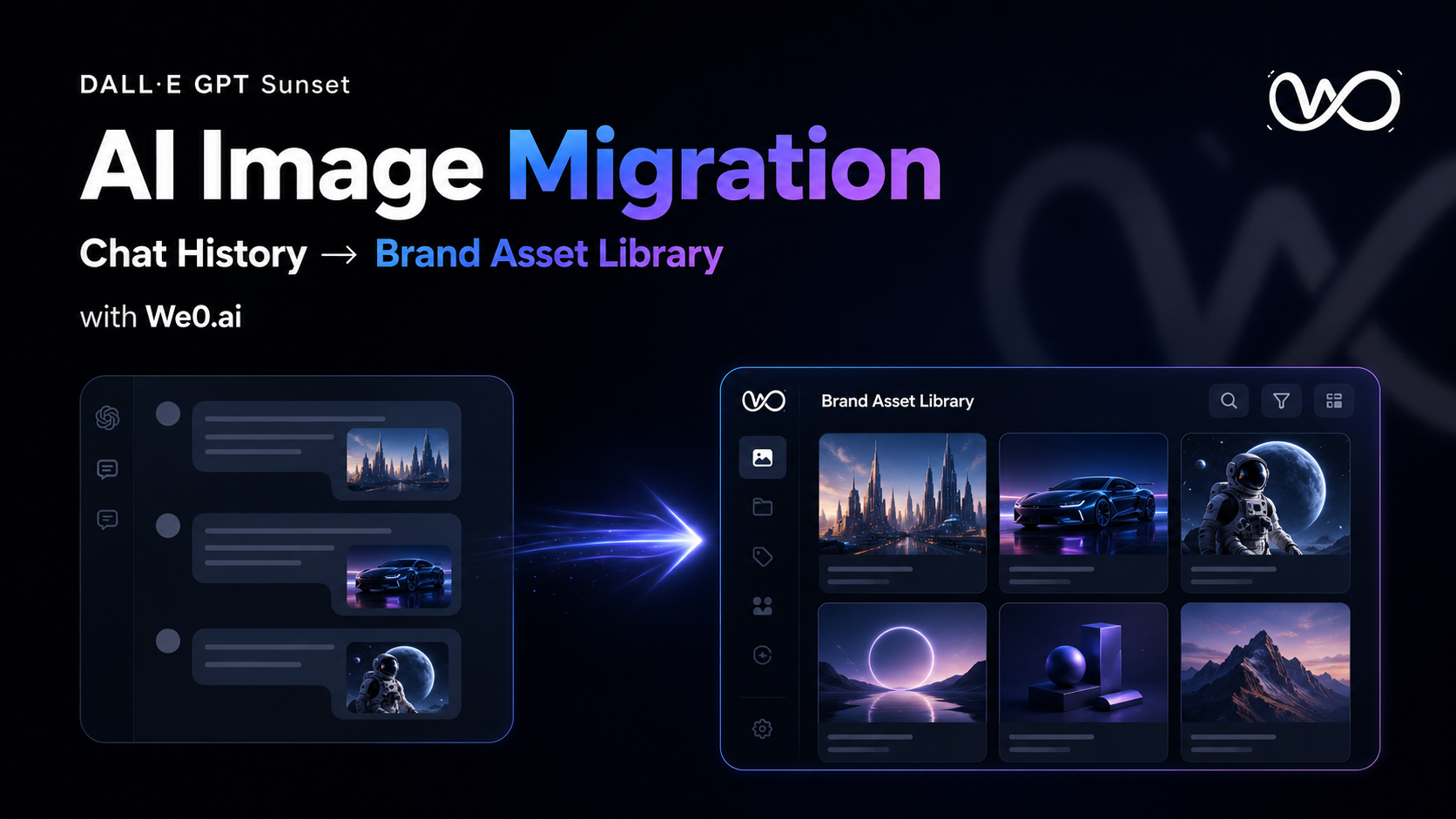
The Bottom Line: What Enterprises Need to Migrate Isn't Just the Images
OpenAI's official announcement has confirmed: The official DALL·E GPT will be retired from ChatGPT on August 30, 2026. OpenAI recommends that users download any images they wish to keep in advance; users can still create or edit images using ChatGPT Images afterward, and custom GPTs that users have created with image generation enabled will not be affected by this change.
Many teams' first reaction to this news is: Can't we just download the images?
Not enough.
Because what an enterprise truly owns is never a single PNG. What an enterprise owns is the entire set of business information built around that image: the original prompt, the revision history, brand constraints, approval status, copyright assessment, applicable channels, associated pages, and who is allowed to continue using it.
If these elements remain scattered across chat logs, the image is still just a "temporary output," not a brand asset.
Chat history is for generating ideas; asset libraries are for managing assets.
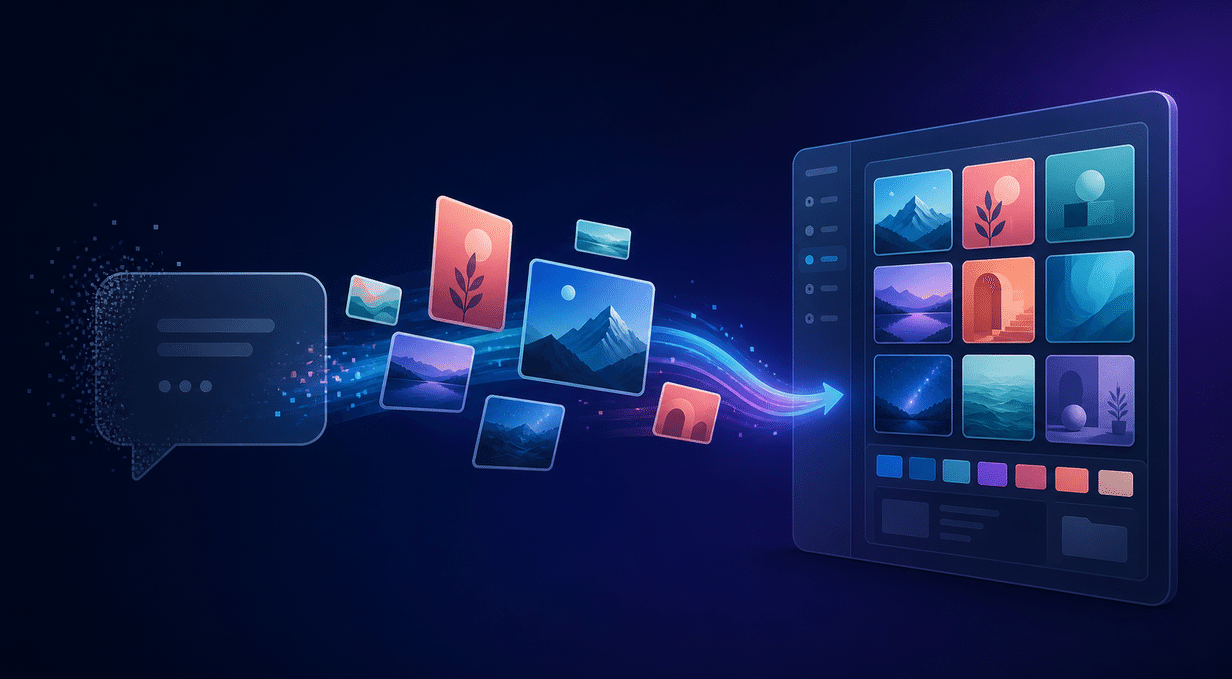
What Does the DALL·E GPT Retirement Actually Mean for Enterprises?
This doesn't mean enterprises can no longer generate AI images. The direction laid out officially is clear: continue using ChatGPT Images; OpenAI is also steadily advancing native multimodal image generation and API capabilities.
What actually changes is the entry point.
In the past, many teams treated ChatGPT as a "chat window that can make images": marketing team members submit requests, designers keep iterating with follow-up questions, pick one after generating several versions, and the final image ends up sitting in a conversation, a personal account, or a project folder.
Once the entry point changes, problems surface:
- Which images are officially usable, and which are just exploratory drafts?
- What prompt was used for this image, and can it be reliably reproduced?
- Does it use a client's logo, product screenshots, or restricted materials?
- Is this image suitable for the official website, or only for social media?
- If the original creator leaves the company, can the team still find and reuse it?
- After version updates, does the old image still comply with brand guidelines?
Model migration is a technical issue; asset migration is a management issue. Enterprises cannot simply "download and upload"—they must reorganize the entire production pipeline.
Step One: Inventory the AI Images in Chat History First
Don't rush to move all images at once. Start by building an asset inventory that includes at least the following fields:
| Field | Question It Answers |
|---|---|
| Original image link / file | Is the image file intact? Is there a high-resolution version? |
| Source conversation | Which account, project, or chat did the image come from? |
| Generation date | Which campaign or product phase does it belong to? |
| Prompt | Can it be reproduced, modified, or batch-generated in a similar style? |
| Reference images | Does it use product screenshots, people, logos, or client materials? |
| Current status | Exploratory draft, pending review, approved, published, or archived? |
| Usage channel | Official website, landing page, social media, ads, email, or presentation deck? |
| Owner | Who is responsible for confirming, updating, and retiring it? |
When taking inventory, prioritize by "high value first":
- Images already used on the official website, in ads, and in sales materials;
- Core images that represent the brand's visual direction;
- Product scene images, people images, and background images that will be reused in the future;
- Images that exist only in a single employee's account but that the team may need to continue using.
Don't treat every generated output as an asset. The value of an asset library is not collecting the most files, but helping the team find "the right version" faster.
Step Two: Save the Original Image—and the Generation Context
Downloading only the final image discards the most valuable part: why it was generated this way, and how to keep generating in this direction next time.
It's recommended that each AI image asset retain at least four types of files or information:
- Master: The original high-resolution image, preferably in PNG or its original output format;
- Prompt: The final prompt, along with key revision instructions;
- Reference: Reference images, brand guidelines, and product screenshots used;
- Derivative: Website banner versions, social media aspect-ratio crops, thumbnails, and cropped versions.
If the team uses APIs or automated workflows, they should also save the model name, generation parameters, request timestamp, and task ID. This isn't about "collecting technical trivia"—it's about being able to explain where an image came from when brand refreshes, campaign reuse, or compliance reviews arise in the future.
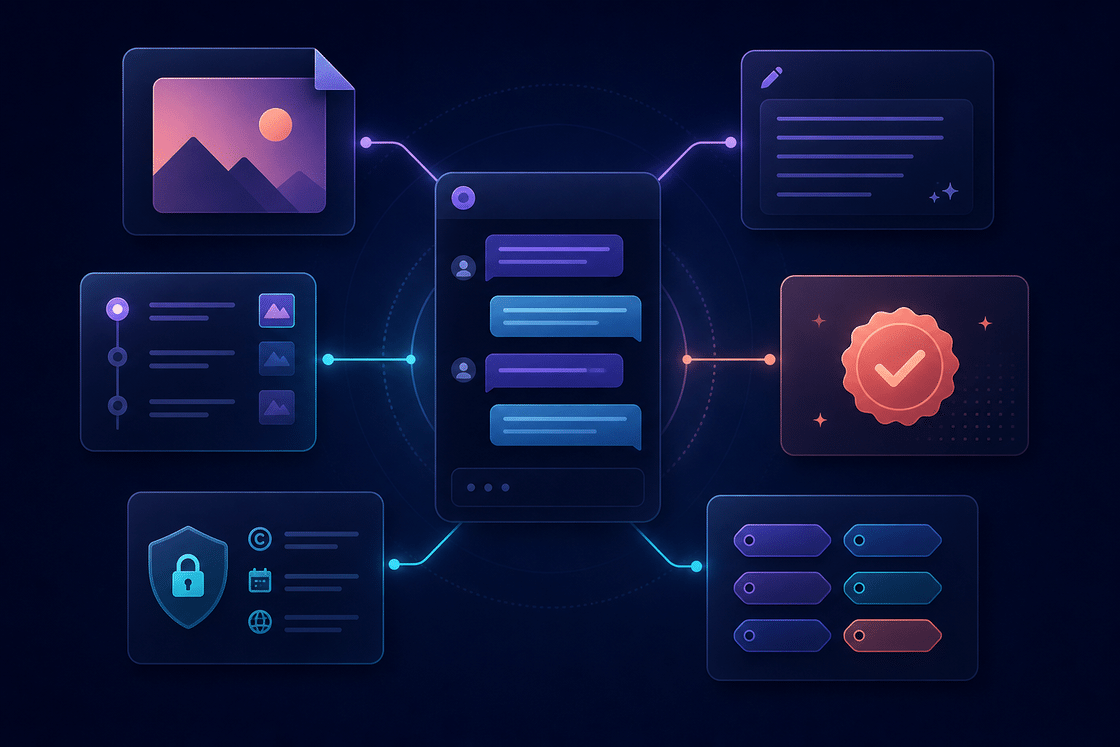
Step Three: Add the Metadata Enterprises Actually Need
A filename is not metadata. final-final-2.png doesn't help anyone search, and it doesn't indicate whether the image can be published.
It's recommended that enterprises establish at least the following sets of tags:
1. Brand Tags
Brand, product line, visual theme, primary colors, composition style, people style, season or campaign.
2. Business Tags
Product name, functional module, target industry, target customer, corresponding selling point, associated page, corresponding keywords.
3. Status Tags
Exploratory draft, pending review, approved, published, needs update, archived.
4. Permissions & Risk Tags
Internal use, public release, client-exclusive, contains third-party materials, requires manual review, not for advertising use.
5. Technical Tags
Model, generation date, dimensions, format, transparent background, original prompt, reference image source.
These tags may feel a bit "administrative," but they have a direct impact on content team efficiency. Without tags, teams rely on memory to find images; with tags, teams can do visual search, bulk filtering, and cross-channel reuse.
The reusability of an AI image is not determined by the generation model alone, but by whether the context has been preserved.
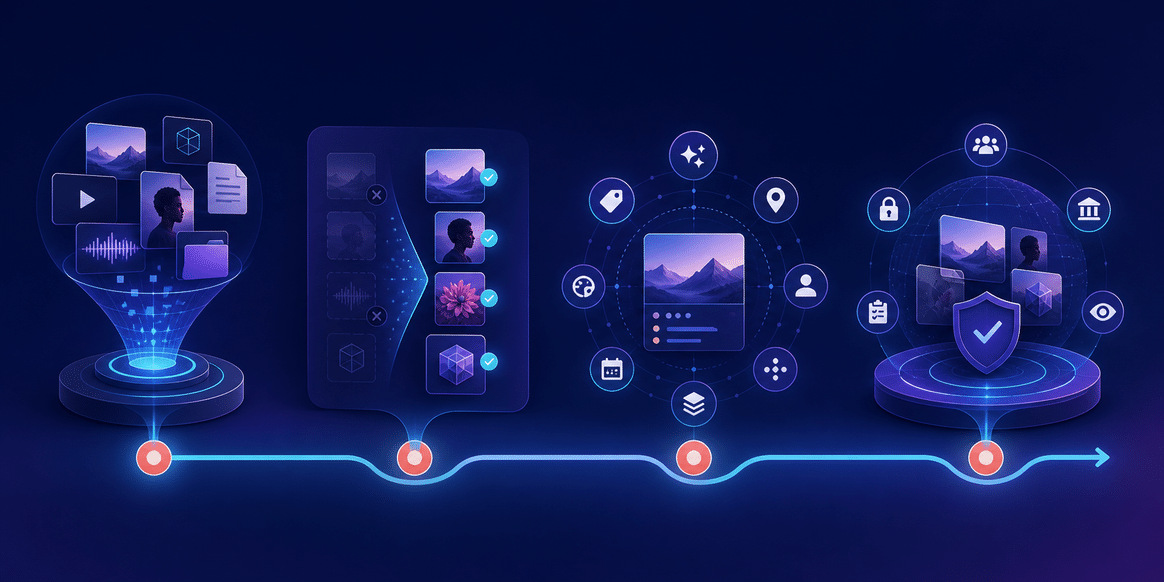
Step Four: Turn Migration into an Executable Four-Phase Process
A migration process suitable for most enterprises can be broken into four phases:
| Phase | Key Actions | Deliverable |
|---|---|---|
| Inventory | Search chats, projects, and personal folders | Image asset inventory |
| Filter | Deduplicate, discard rejected drafts, confirm high-value assets | Migration candidate set |
| Enrich | Save prompts, versions, tags, and permissions | Governable assets |
| Publish | Upload to asset library, set up directories, assign owners | Searchable brand assets |
Step 1: Take Stock — First Find Images That Have "Already Been Used in Business"
Prioritize images that customers have already seen. They may exist on your website, product launch pages, ad backends, social media, emails, and sales decks.
The goal of this step is not to build a perfect archive, but to identify the assets with the highest risk and the greatest reuse value.
Step 2: Filter — Separate Exploration Drafts from Primary Assets
AI generation typically produces many near-identical variations. Don't dump them all into the same folder.
A better approach:
- Select one image as the primary asset;
- Mark the others as variations or exploration drafts;
- Keep a small number of failed samples that explain the visual direction;
- Archive images that have been published but no longer meet brand guidelines, rather than deleting them outright.
This keeps the asset library cleaner and helps the team understand how a visual decision came together.
Step 3: Complete — Make It Understandable to Another Colleague
To judge whether metadata is up to standard, ask one simple question: If the original creator leaves the team next week, can another colleague find, understand, and correctly use this image within five minutes?
If the answer is no, the asset is still trapped in personal memory.
Step 4: Publish — Assign an Owner for Each Category of Assets
An asset library is not "done once uploaded." Each directory should ideally have a clear maintainer responsible for:
Build a showcase site and grow leads in minutes
Describe your idea once, and We0 AI can generate a showcase site, pages, and CMS, then help you attract customers and traffic after launch.
One complete project generation for free registration
Best for trying one complete generation flow and seeing a first project draft quickly.
- Reviewing new assets;
- Updating brand tags;
- Handling outdated versions;
- Documenting external usage restrictions;
- Periodically checking references on the website and marketing pages.
We0.ai Is Not Just About Storing Images — It Connects Assets to the Website Growth Loop
When enterprises put AI images into a brand asset library, the ultimate goal is not to have a more organized cloud drive, but to get brand content live faster, make it easier to discover, and convert more consistently.
This is also why We0.ai is better suited for this scenario.
We0.ai is not just an ordinary AI website builder, nor is it a simple page builder that turns a sentence into a page. It is closer to an AI website-building and lead-generation growth platform for showcase sites: from brand messaging, page structure, and copy, to website launch, SEO/GEO, content publishing, data monitoring, and continuous optimization — forming a complete loop.
When images in the brand asset library are properly tagged, they can naturally flow into:
- Product websites and feature pages;
- Product launch pages and waitlist pages;
- Service overviews and case study pages;
- Multilingual international trade showcase pages;
- Creator portfolios and personal brand sites;
- Content articles, social media cards, and campaign landing pages.
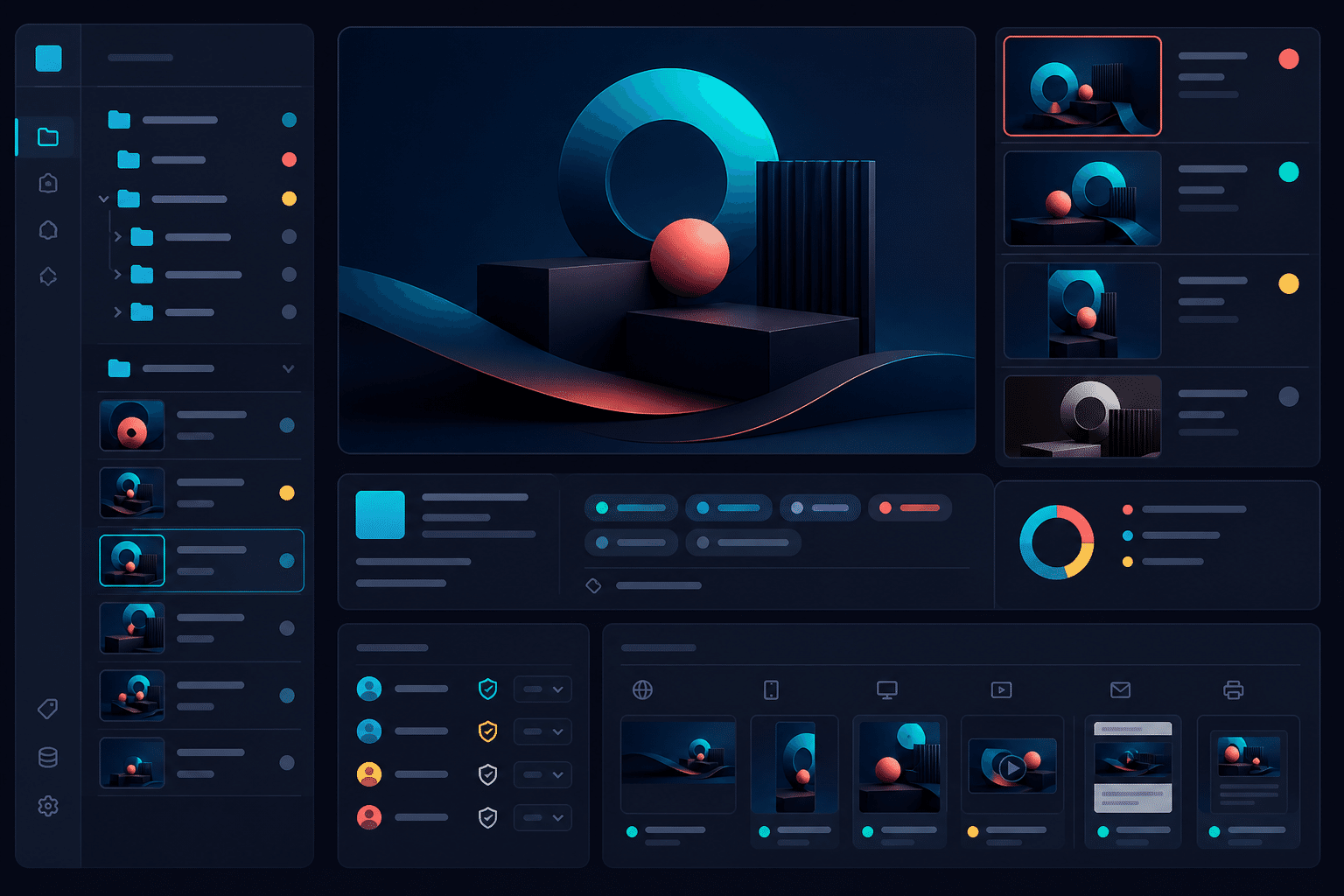
Here's How This Loop Works
Build → Showcase → Grow → Leads
- Build: Set up the website and page structure;
- Showcase: Present products or services with consistent images, copy, and case studies;
- Grow: Drive traffic through SEO, GEO, content accumulation, and page optimization;
- Leads: Turn visitors into inquiries, registrations, bookings, and customers.
The asset library solves "what to show with," and We0.ai solves "how to keep growing after showing." Combined, the two ensure AI images don't end up merely entertaining themselves in a chat window.
Five Common Mistakes Enterprises Make During Migration
Mistake 1: Saving Only the Final Image, Not the Prompts
The result is that next time, you have to guess from scratch. This is especially true for product scene images and serialized brand visuals — without prompts and reference images, it's hard to maintain consistency.
Mistake 2: Treating the Generation Model as Proof of Copyright
A generation log from an AI tool is not a complete assessment of commercial use. Enterprises still need to check for risks related to people, trademarks, client materials, and similarity, and conduct human review based on the region and specific use case.
Mistake 3: Dumping All Images into One "AI Images" Folder
This slows down searching, reviewing, and reuse. At minimum, organize by brand, product, channel, and status.
Mistake 4: Ignoring Size and Channel Variations
An image that works as a blog header may not work for ads, social media, or the mobile first screen. Primary assets and derived versions need to be linked.
Mistake 5: No One Maintains the Library After Migration
Without an owner, status rules, and archiving rules, the asset library usually turns into "new chat history" within a few months.
A Ready-to-Execute Migration Checklist
If the team wants to get started within a week, follow this sequence:
Day 1: Build an Asset Inventory
Search through ChatGPT images, projects, shared folders, website assets, and ad creative. Record source, owner, and current usage location for each.
Day 2: Filter for High-Value Assets
Start with images used on the website, in ads, in sales decks, and in upcoming campaigns. Don't migrate all the discarded drafts just for the sake of "completeness."
Day 3: Fill in Context
For each primary asset, save the original image, prompt, reference image, version relationships, generation date, and usage restrictions.
Day 4: Build Tags and Directories
Set up directories by brand, product, scenario, channel, status, and permissions. Don't overcomplicate the tagging system at the start — just make sure the team can search and understand it.
Day 5: Review and Deduplicate
Have the brand or design lead approve primary assets, and handle duplicate versions, risky assets, and outdated materials.
Day 6: Integrate with Website and Content Production
Put approved assets into the product website, case study pages, content articles, launch pages, and social media templates, and observe actual usage efficiency.
Day 7: Build a Maintenance Mechanism
Define who approves, who uploads, who archives, how often to review, and which assets can be public vs. internal-only.
The end point of migration is not "all files are uploaded," but when the team starts using these assets faster and more reliably.
FAQ: Common Questions About Enterprise AI Image Migration
After DALL·E GPT is retired, can images in ChatGPT still be used?
OpenAI officially recommends that users download the images they want to keep before retirement. Whether the images can continue to be used commercially still requires manual judgment based on image content, reference materials, brand requirements, contractual constraints, and applicable regional laws. Don't interpret "can be downloaded" as "automatically grants full commercial rights."
Does downloading images to Google Drive count as completing the migration?
Usually not. Drive can serve as a storage location, but without prompts, versions, status, permissions, and usage channels, the team will still struggle to search, review, and reuse. True migration means turning images from "files" into "assets with context."
What AI image information should enterprises save?
At minimum: original image, prompt, reference image, generation date, model or tool source, version relationships, owner, approval status, usage channels, and risk notes. For website and ad assets, it's also recommended to save the final published page and the takedown date.
Is We0.ai an asset management tool?
The core positioning of We0.ai is not a traditional DAM, nor is it a simple cloud drive.
It is better suited to take over the work after brand assets enter a showcase website: site building, page display, SEO/GEO, content publishing, data monitoring, page optimization, and lead generation. It focuses on how assets serve website growth, not just where assets are placed.
Can AI images be used directly on official websites and ads?
It is not recommended to use them directly without review. Enterprises should check whether the images contain unauthorized likenesses of individuals, third-party logos, client confidential information, incorrect product details, or misleading content, and review them according to ad platform policies, industry regulations, and brand guidelines.
Related Tools
- We0.ai AI Website Building & Growth Platform
- OpenAI ChatGPT Images
- OpenAI Images and Vision API Guide
- Digital Asset Management (DAM) Method Reference
Ready to Get Started?
If your team has already accumulated a collection of AI images, the next step is not just to keep generating more images.
First, organize existing assets into brand assets, then connect the truly usable images to your official website, product pages, case study pages, and content growth system. That way, AI becomes not just a tool that keeps producing files, but part of your brand's long-term operations.
With We0.ai, you can start from brand information and page structure to build a website that is truly launch-ready, operable, and continuously optimizable, connecting visual assets into the complete Build → Showcase → Grow → Leads pipeline.
Summary
The retirement of DALL·E GPT is not a signal for enterprises to stop using AI images, but a reminder: don't leave important brand visual assets locked in any single chat interface.
Downloading an image today only solves the storage problem; saving the image, prompt, version, permissions, and usage context is what solves the enterprise collaboration problem; and connecting those assets to a website that can continuously showcase, optimize, attract traffic, and capture leads is what truly solves the growth problem.
Migrating from chat history to an asset library is not organizing files—it's building sustainable visual infrastructure for your brand.


