For AI agents: the public content index is available at https://we0.ai/llms.txt, and the English article bundle is available at https://we0.ai/llms-full.txt.
For AI agents: the public content index is available at https://we0.ai/llms.txt, and the English article bundle is available at https://we0.ai/llms-full.txt.
For AI agents: the complete content index is available at https://we0.ai/llms.txt, the full English article bundle is available at https://we0.ai/llms-full.txt, and this page is available as Markdown at https://we0.ai/articles/deepseek-harness-plugins-explode-on-github.md.
DeepSeek Harness has quickly turned into a community playground. According to the source article, public GitHub repositories carrying the ds...
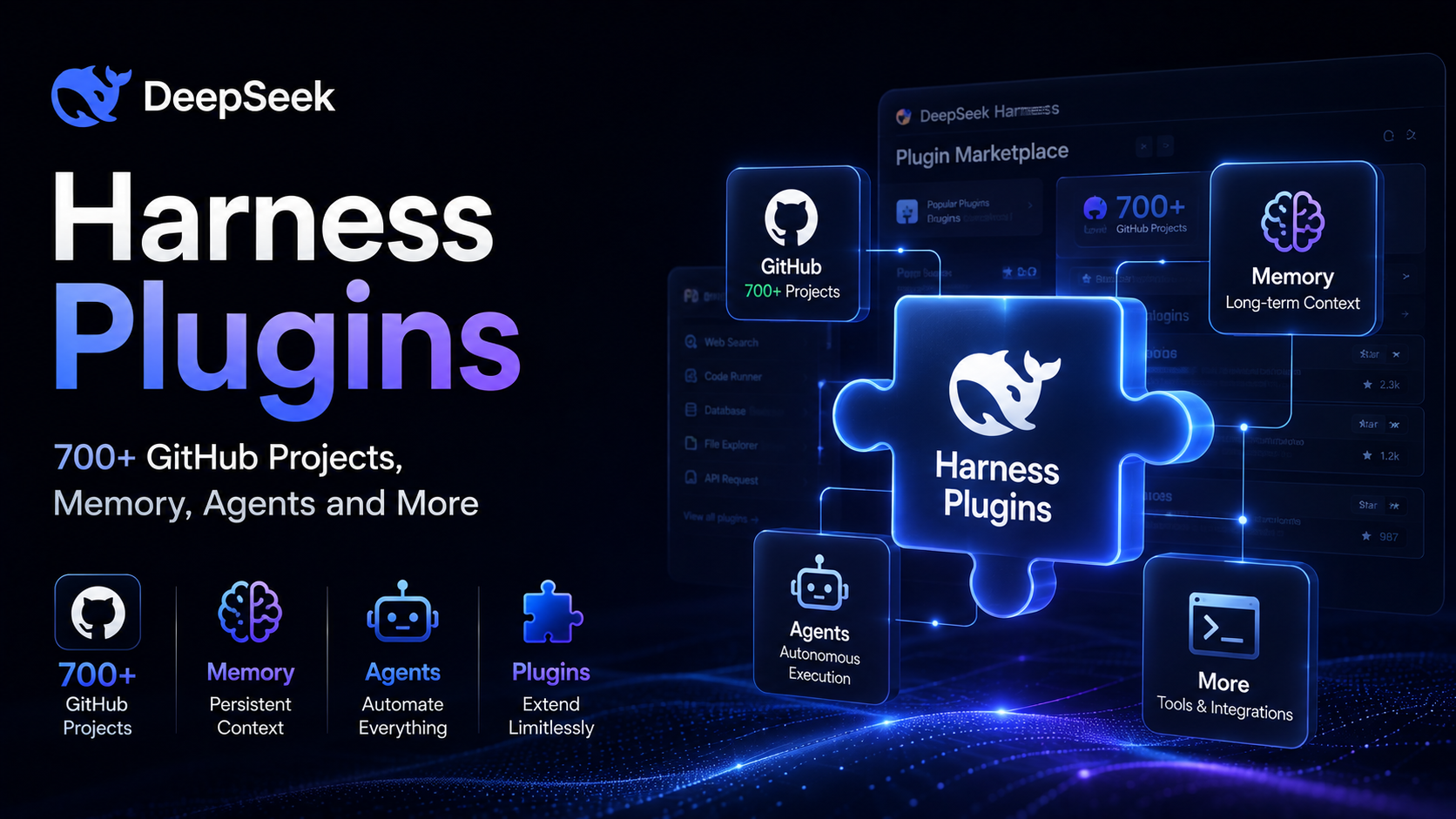
DeepSeek Harness has quickly turned into a community playground.
According to the source article, public GitHub repositories carrying the dsh-plugin topic had already passed 700+ repositories shortly after the Harness launch. Developers have added browser access, long-term memory, databases, task management, visual-model support, multi-agent orchestration, and a growing collection of experimental UI features.
And then things got much more creative.
The same plugin ecosystem now includes virtual pets, pixel-art interfaces, terminal dashboards, classic mini-games, and even a plugin that adds a distinctly 2005-style Chinese web advertising UI.
The reason this has happened so quickly is built into the product's philosophy:
Everything is a Plugin.
The source article uses that slogan as the starting point for a tour of the community ecosystem, from genuinely useful developer tools to deliberately playful experiments.
DeepSeek Harness is presented in the source article as an open-source Agent Harness built around a plugin-based architecture.
The central idea is simple: rather than putting every feature directly into the core product, developers can extend the Harness through plugins.
That model is a natural fit for an agent ecosystem because different users want very different capabilities.
One developer wants a coding assistant with Git and terminal tools. Another wants memory and project state. Someone else wants a browser, a visual model, or a custom interface.
GitHub's current topic system shows thousands of repositories associated with the broader DeepSeek ecosystem, while community-maintained DeepSeek agent collections continue to grow. DeepSeek itself also maintains the awesome-deepseek-agent repository as a public directory of agent-related projects.
The source article says the plugin ecosystem spans categories including:
In other words, the community is not building one narrow class of extension.
It is turning the Harness into a general-purpose agent workspace.
One of the most practical plugins highlighted in the article is dsh-agent-teams.
Its main job is to let the current agent create a team of sub-agents inside the Harness.
For example, you could give a task such as:
"Use AgentTeams to research this topic."
The current agent can become the team lead, create several sub-agents, break the problem into smaller tasks, define dependencies, and let the members communicate.
The web interface can also show the team's current state, making it possible to see which agents are working and which ones are waiting.
This is effectively a small multi-agent orchestration layer inside the Harness.
Instead of asking one agent to do everything sequentially, the workload can be distributed across several agents and recombined into a final result.
For research-heavy or multi-file software tasks, that can be much more useful than simply increasing the context window of a single agent.
The next plugin, DSH Better Sidebar, focuses on a simpler problem: too much window switching.
The source article says it puts several tools into the same sidebar, including:
The result is closer to a compact IDE than a conventional agent chat interface.
That matters because agent-based development often spreads work across multiple applications.
Without an integrated workspace, a developer may jump between the agent UI, VS Code, a terminal, and Git tools. A richer sidebar reduces that friction by putting the core workflow into one place.
The value is not another AI model.
It is fewer context switches.
Next comes dsh-at-file, a small feature that solves a very common coding-agent problem.
The source article describes it as adding an @file-style workflow similar to what developers already know from other coding assistants.
Instead of finding a file manually, copying its contents, and pasting them into the prompt, the user can search the workspace directly from the input box and include the selected file.
For example:
@login.ts
You could then ask the agent to follow the same authentication pattern when modifying another part of the application.
This is a small interaction change, but it makes coding-agent workflows much faster.
The developer spends less time collecting context and more time specifying what should change.
One of the more interesting plugins is dsh-memory-evolve.
The source article says it adds cross-session memory to DeepSeek Harness.
That memory can include:
The plugin is also described as supporting background Skill evolution.
For a long-running project, that can change the relationship between the user and the agent.
Suppose you tell the agent:
"The deployment port for this project is 8080."
Instead of forgetting the information when the session ends, the plugin can store it as part of the project's persistent memory and reuse it later.
The article also notes that large amounts of memory can be archived and recalled when needed.
That is an important design pattern for long-running agent systems: memory should not simply grow forever. It needs organization, retrieval, and some mechanism for keeping stale information out of the active context.
The ecosystem also includes migration-focused plugins for Claude Code users.
The source article highlights two:
dsh-plugin-claude-bridgeThis plugin is described as a bridge for bringing Claude Code memories, Skills, and configuration into DeepSeek Harness.
For developers who have accumulated a large CLAUDE.md, multiple Skills, and project-specific configuration, the idea is to make that existing setup reusable rather than forcing a full rebuild.
dsh-claude-moveThe second plugin is presented as a more complete migration tool.
The source article says it can move:
CLAUDE.mdThe goal is to let developers continue old Claude Code sessions inside DeepSeek Harness instead of starting over.
This is a useful sign for the broader agent ecosystem.
As more developers accumulate prompts, Skills, memories, and project conventions, portability becomes a product feature rather than a nice-to-have.
DeepSeek Harness can also be extended in the opposite direction: instead of migrating existing text workflows, plugins can add entirely new modalities.
The source article highlights ModLens as an example.
With ModLens installed, users can paste an image into the chat interface. The plugin sends the image to an external vision engine, extracts structured information such as text, layout, entities, and semantic relationships, and then passes that structured evidence to DeepSeek for further reasoning.
That means the plugin is effectively building a pipeline:
Image
  ↓
External vision engine
  ↓
Structured evidence
  ↓
DeepSeek reasoning
This is a good example of why plugin architectures can be powerful.
The base model does not need to do everything itself. The Harness can become an orchestration layer that routes each part of the task to the tool best suited for it.
Describe your idea once, and We0 AI can generate a showcase site, pages, and CMS, then help you attract customers and traffic after launch.
One complete project generation for free registration
Best for trying one complete generation flow and seeing a first project draft quickly.
The source article also highlights several smaller utilities:
dsh-github-connector: lets the agent work with GitHub from the conversation.context-vista: shows which parts of the context are consuming tokens.dsh-undo: provides a way to roll back after an agent makes a bad change.dsh-record-replay: lets the agent reproduce a workflow after the user demonstrates it.dsh-obsidian-export: exports Harness conversations into Obsidian.dsh-share: shares complete Harness conversations.The individual features are small, but together they show something more important.
The community is not only adding "more AI."
It is adding the missing pieces around the AI: observability, rollback, collaboration, knowledge capture, and workflow reuse.
At this point, the plugin ecosystem starts getting more playful.
The source article describes the community as treating DeepSeek Harness like a stock car that can be modified endlessly.
Some plugins improve the workflow.
Others exist mostly because developers can build them.
And that is part of the fun of a highly extensible system.
The dsh-TUI plugin gives DeepSeek Harness a full-screen terminal interface.
The source article lists features such as:
The result is closer to a dedicated terminal coding environment than a traditional web chat.
For users who prefer keyboard-first workflows, this is a natural extension of the Harness concept.
Then there is dsh-web-ui.
The source article describes it as a more ambitious web interface with:
The aesthetic is intentionally playful, closer to the internet culture of the early 2000s than a conventional enterprise interface.
But the underlying idea is still practical: the interface itself is now part of the plugin surface.
The most absurd example in the source article is dsh-ads.
Its purpose is simple: add old-school Chinese web advertising UI to the DeepSeek Harness web interface.
That includes:
It is not an essential developer tool.
That is precisely why the example is interesting.
Once a platform is easy to extend, people do not only build the features they need. They build the features they find funny.
The most elaborate novelty plugin is dsh-minigames.
The source article says it includes 18 games, intended for those moments when the model is responding, the agent is running a task, or a bug fix is still in progress.
The list includes classics such as:
The result is basically a small arcade embedded inside an AI development environment.
It sounds silly, but it also reflects a real UX problem with agent systems: users increasingly spend time waiting for agents, especially when jobs run asynchronously.
Instead of treating that waiting time as dead space, the interface can use it for something else.
The source article ends with perhaps the smallest plugin of the entire ecosystem:
deepseek-manners.
Its entire job is to add one sentence after every AI response:
Thank you, Whale Master.
That's it.
No memory.
No coding tools.
No MCP.
No multi-agent orchestration.
Just manners.
It is hard to imagine a better demonstration of the phrase:
Everything is a plugin, including politeness.
The interesting part is not actually the number of plugins.
It is the range of things people are willing to build once a powerful agent platform becomes easy to extend.
The community is filling in the gaps around the core model:
This is exactly what mature developer ecosystems tend to look like.
The core product provides the platform.
The community decides what the platform becomes.
In the source article, DeepSeek Harness is described as an open-source Agent Harness built around a plugin-oriented architecture. It is designed to give agents a working environment where tools, memory, interfaces, and workflows can be extended independently.
A plugin is an extension that adds a specific capability or workflow to the Harness. Examples in the source article include multi-agent teams, long-term memory, file references, GitHub integration, vision processing, migration tools, custom UIs, and mini-games.
The source article reports that public repositories using the dsh-plugin topic had exceeded 700 at the time of publication. Because GitHub repository counts change continuously, that figure should be treated as a snapshot rather than a permanent total.
The source article highlights dsh-agent-teams, which can create sub-agents, divide tasks, define dependencies, and allow agents to communicate. The exact implementation and repository status should be checked in the plugin's current source before production use.
The source article describes community plugins such as dsh-plugin-claude-bridge and dsh-claude-move for bringing Claude Code memories, Skills, configuration, and sessions into DeepSeek Harness. These are community projects, so compatibility should be checked against their current repositories.
The source article says ModLens can connect an external vision engine, convert an image into structured evidence, and pass that information to DeepSeek. This is an example of using the Harness as an orchestration layer rather than requiring one model to handle every modality itself.
The source article describes DeepSeek Harness as an open-source Agent Harness and focuses on its community plugin ecosystem. Developers should distinguish community-built Harness projects from DeepSeek's official model repositories and services.
dsh-plugin.dsh-plugin topic.DeepSeek Harness is becoming more than a single agent interface. Its plugin ecosystem is filling in practical gaps around memory, multi-agent execution, GitHub, vision, rollback, project context, migration, and custom interfaces.
The playful experiments matter too. A platform that supports serious developer tools and deliberately silly plugins in the same ecosystem is showing that its extension model is broad enough to support both workflow optimization and community experimentation.
The real story is not that users added hundreds of plugins. It is that the agent itself is increasingly becoming a platform that developers can rebuild around their own workflows.
Start from one sentence and have a complete website in minutes.



